What is a grid maker?+
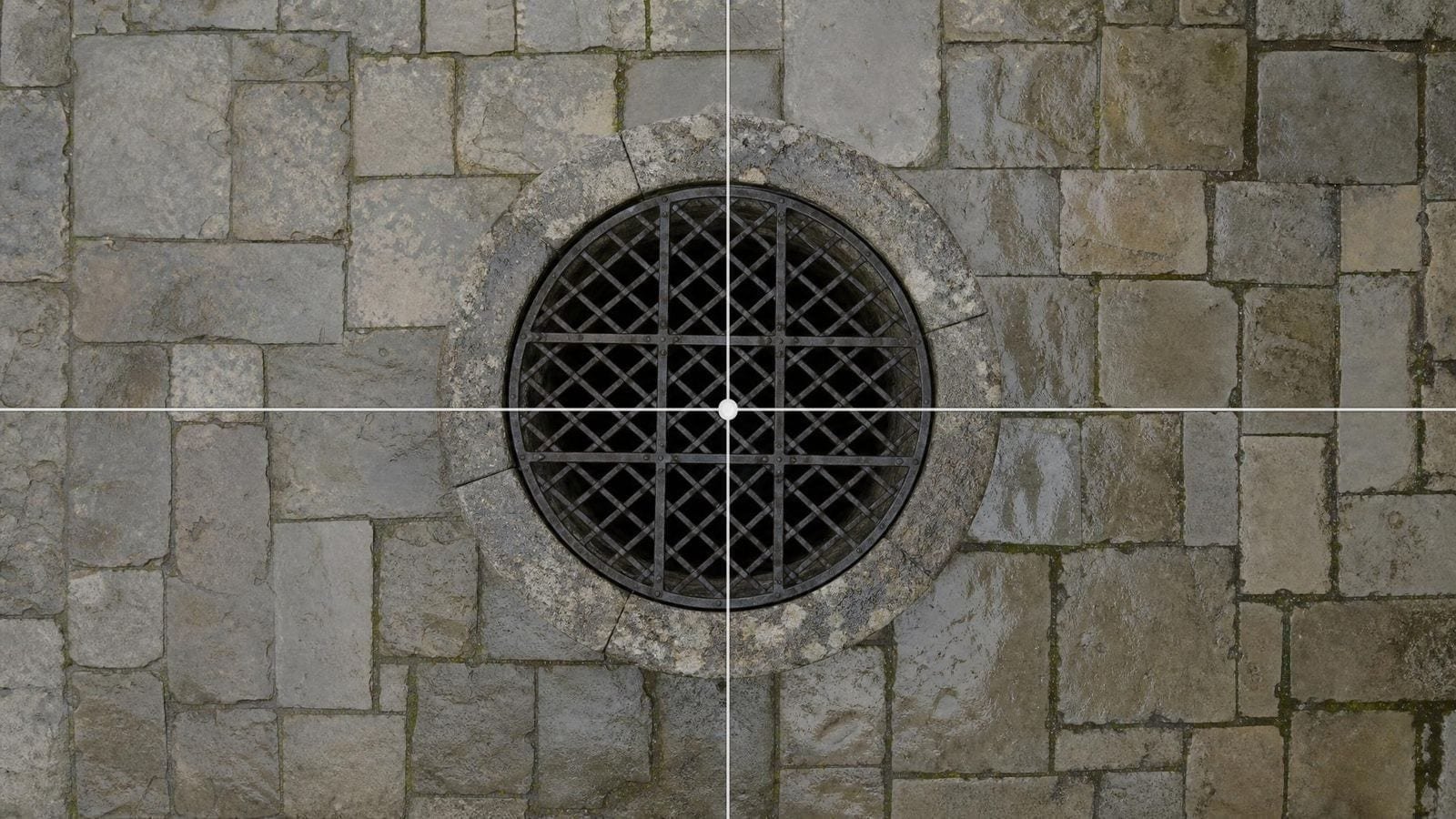
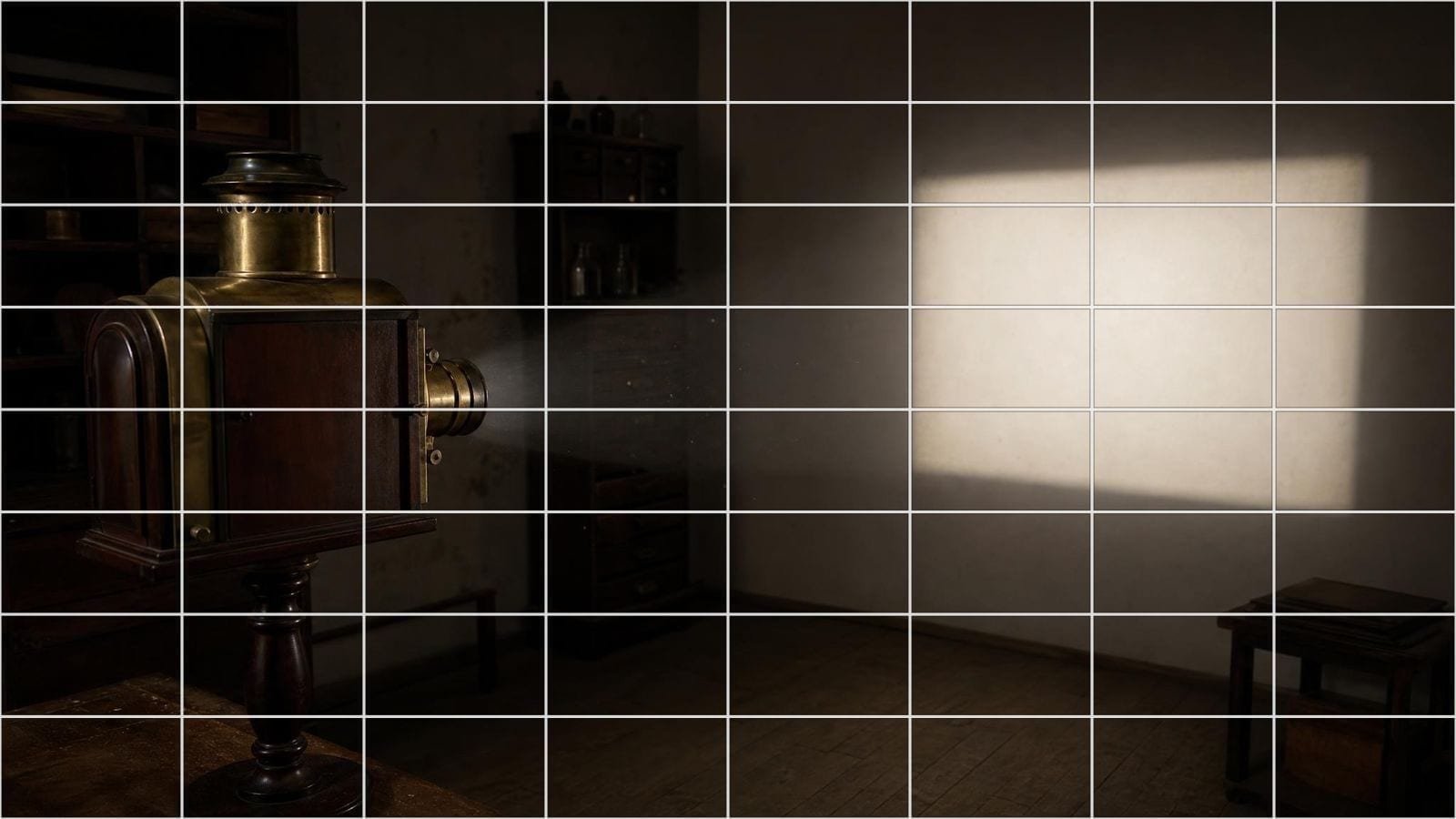
A grid maker lays a grid overlay over your photo so you can copy, crop, or compose from it accurately. Grid Maker Pro is a free browser grid maker with 82 overlays, from a plain drawing grid to the golden ratio — the whole set is in the Grid Library.
How do I put a grid over a picture online?+
Drop your image into the tool, choose an overlay, and the grid is drawn over the picture straight away. There is nothing to configure before you start.
Do I need to install software to make a grid?+
No. Grid Maker Pro runs entirely in your browser on any device, and can be installed as an app from your browser if you would rather keep it on your home screen.
Do I need an account to use the grid maker?+
No. There is no signup, no login, and no email — the tool opens and works the moment the page loads.
What image formats can I put a grid on?+
JPG, PNG, WebP, and GIF all work. Your image is read on your own device, so there is no upload size limit to work around.
Do I have to draw the grid onto my photo?+
No. The grid is drawn over a copy on screen and your original file is never touched. Export a gridded copy to print, or a transparent grid-only PNG to lay over a reference you already have.
How many grid overlays does Grid Maker Pro include?+
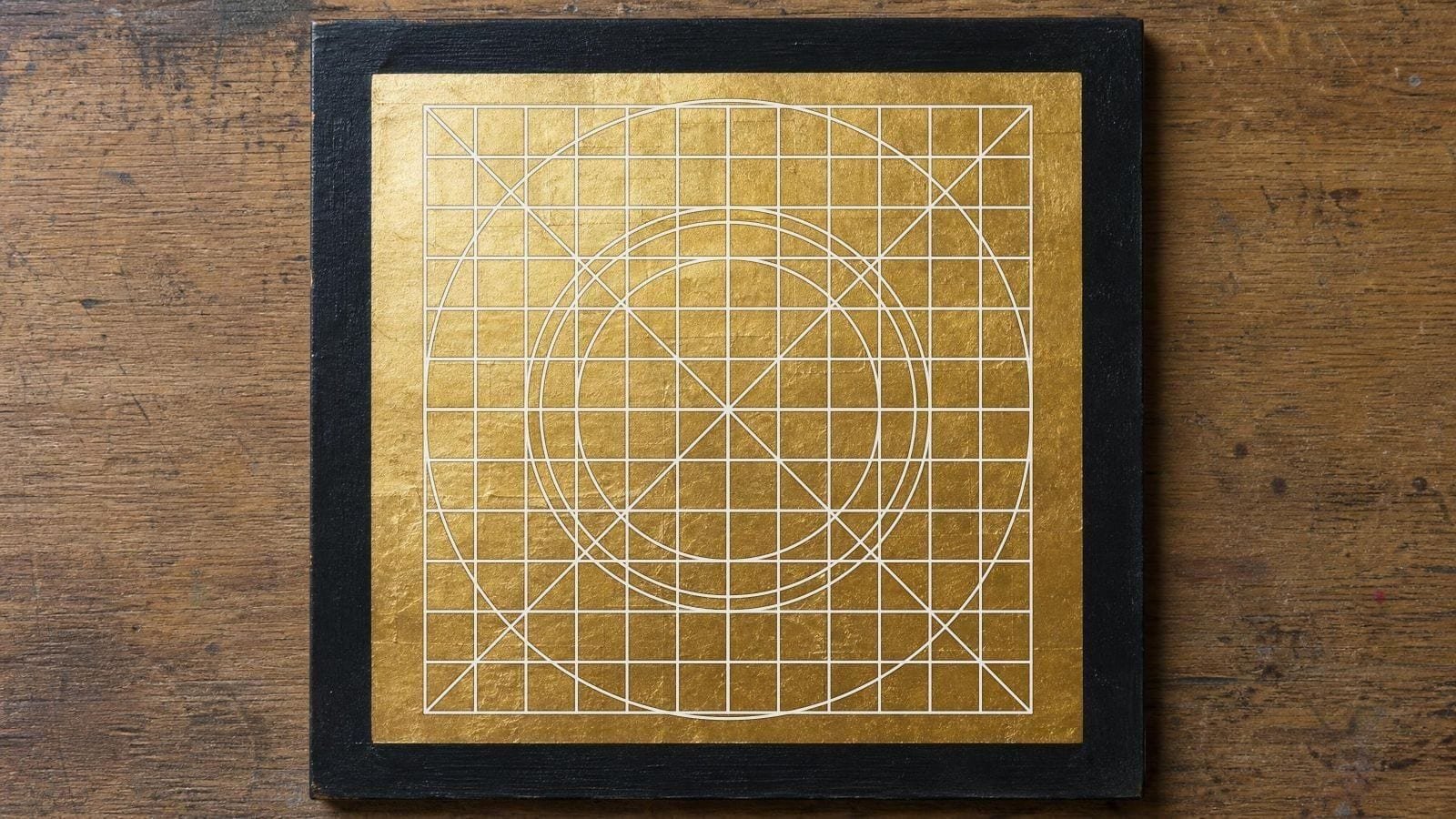
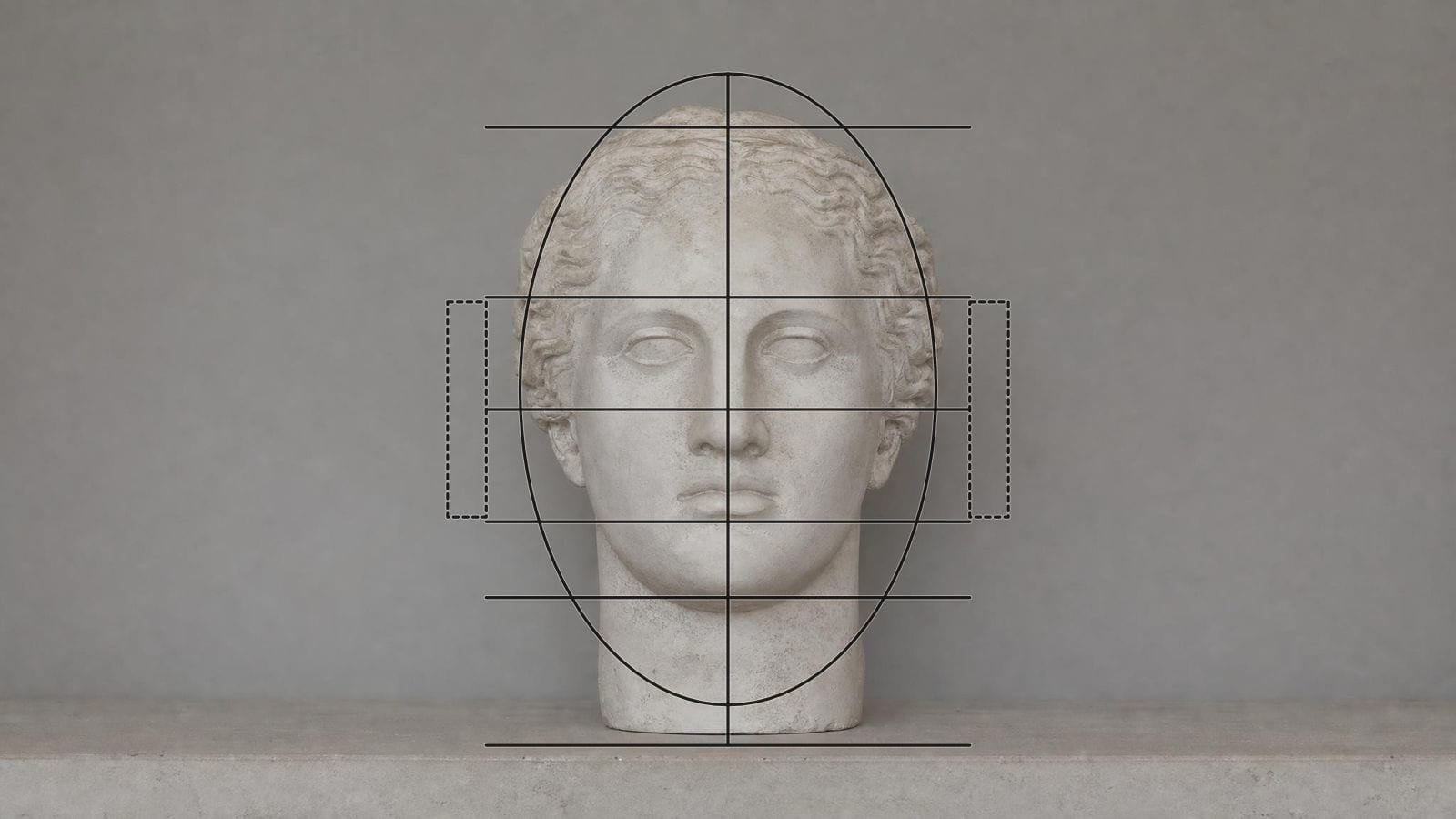
82 overlays in 11 categories — rule of thirds, golden ratio, Loomis head construction, perspective, dynamic symmetry, sacred geometry, typography and architecture systems among them. Each one is catalogued in the 82 composition overlays guide.
Can I use more than one grid overlay at once?+
Yes. Stack as many overlays as you need, and move, scale, and rotate each one independently of the others.
Can I change the grid colour, weight, and opacity?+
Yes — every overlay carries its own colour picker, opacity slider, and line width. An eyedropper samples a colour straight from your photo when the grid is hard to read against it.
Can I choose how many rows and columns the grid has?+
Yes. The square grid runs from 4 to 40 cells along the short side, and the rectangular and custom grids take independent row and column counts up to 50.
Can I label the squares A1, B2, and so on?+
Yes — cell labels are a toggle on the drawing grids, so you can name the square you are working in and find the same one again on your paper.
Can I make a grid in inches or centimetres?+
Yes. The fixed-measurement grid takes a real spacing in millimetres, centimetres, or inches, with a heavier line every few cells and measurements labelled along the edges.
Can I scale a small reference up to canvas size?+
Yes. The transfer grid takes your reference size and your canvas size and works out what each cell measures on both, so you can copy square for square at any scale — the arithmetic is explained in how to enlarge a drawing.
Can I adjust the photo underneath the grid?+
Yes. Black and white, brightness, and contrast are built in, which helps when you are reading values rather than colour.
Can I export the grid overlay for print?+
Yes — PNG, JPG, PDF, or SVG at 150, 300, or 600 DPI, sized to A5 through A2, Letter, Legal, or square paper, with the overlays locked exactly where you placed them.
Can I export the grid on its own, without the photo?+
Yes. A transparent grid-only PNG lets you drop the same grid over artwork in another app, or print it as a clean guide sheet.
Can I save a grid setup and come back to it?+
Yes. Save named workspaces in your browser, or copy a share link that reopens the identical grid, position, and settings on any device.
Does the grid maker work on phones and tablets?+
Yes. It runs in any modern browser on mobile, tablet, or desktop, with nothing to install.
How does the grid method for drawing work?+
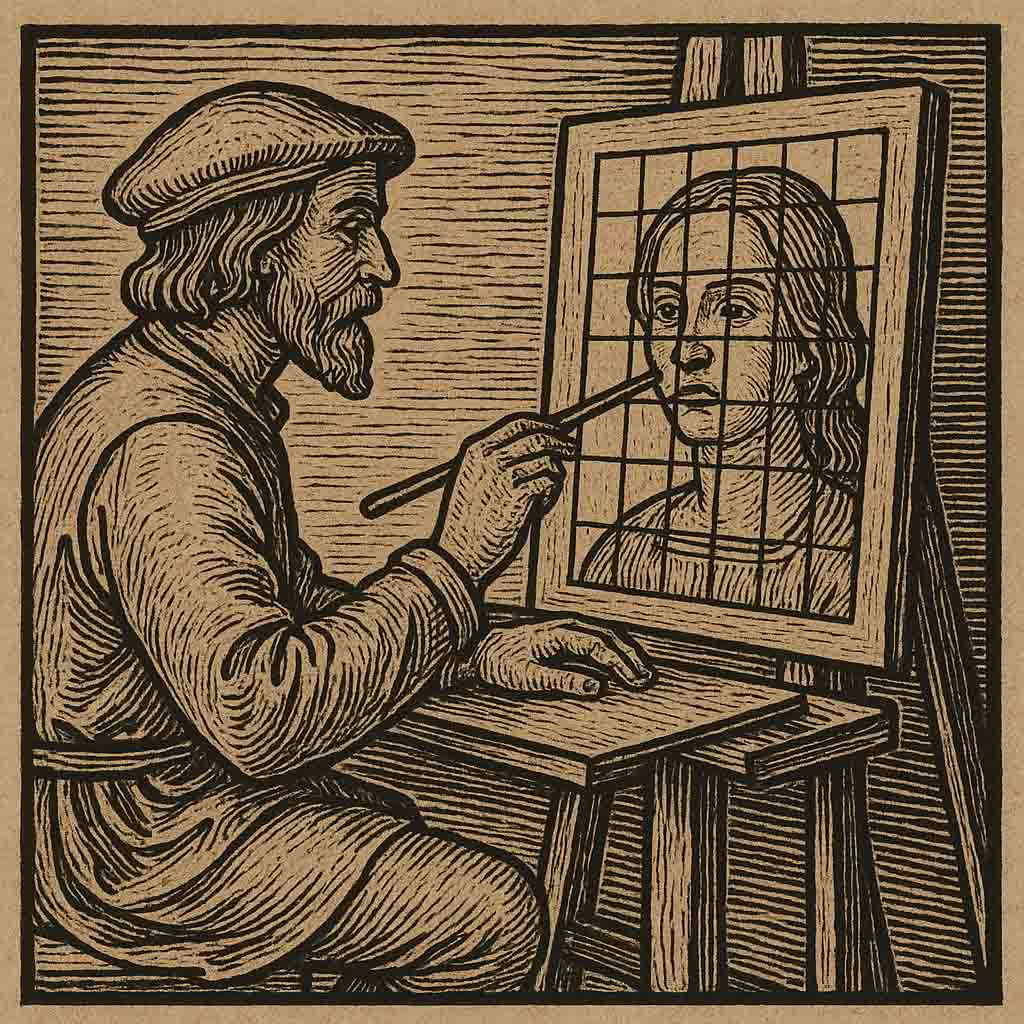
You divide the reference into equal squares, draw the same squares on your paper, then copy the contents of one square at a time. Each square is small enough to judge accurately, so proportion errors stay contained — start with a square drawing grid.
How do I use a grid to enlarge a drawing?+
Keep the same number of squares on both surfaces and make the paper squares larger: a 4-inch square copied into an 8-inch square doubles the drawing with no measuring. The full walkthrough is our guide to enlarging a drawing with the grid method.
How many squares should a drawing grid have?+
Fewer squares for loose blocking, more for detail. A 4×4 grid is enough to place a figure on the page; a portrait usually wants 8×8 or finer before the eyes and mouth land where they should.
What size should the grid squares be?+
Around half an inch on a 4×6 photo, an inch on anything larger. One-inch squares are the studio default because they double and halve cleanly when you scale the drawing up or down.
Does my paper need the same number of squares as the photo?+
Yes — same count, different size. Matching counts with larger squares on the paper is exactly what enlarges the drawing, and it is why the two grids must stay evenly spaced.
Where should I start drawing on the grid?+
Top-left, then across and down, so your hand does not drag through finished squares. Draw your paper grid lightly in graphite — it should disappear under the work rather than need erasing out of it.
Should I use the rule of thirds or the golden ratio?+
Start with the rule of thirds for a fast, decisive placement; switch to the golden ratio when the composition needs a softer, more gradual off-centre emphasis. Both are one click in the tool.
Is drawing with a grid cheating?+
No — the grid method has been standard studio practice since the Renaissance, and Dürer, Van Gogh, and Chuck Close all worked over grids. The longer answer is our guide on whether tracing is cheating.
Who is a grid maker useful for?+
Artists, photographers, designers, architects, quilters, cross-stitch and knitting crafters, tattooists, teachers, and tabletop game masters all reach for a grid overlay for the same reason: accurate placement.
Is Grid Maker Pro really free?+
Yes, free forever. There is no paid tier, no trial, and no metered usage — every overlay and every export option is open to everyone.
Is my photo uploaded anywhere?+
No. The tool runs entirely in your browser and there is no server to upload to, so your reference image never leaves your device.
Are there ads or watermarks?+
None. No ads, no watermark on exports, and no quiet downscaling of what you save — the file you export is the resolution you chose.
Does it work offline?+
Yes, after the first visit. The tool is stored on your device, so it opens without a connection — useful in a studio, a life-drawing room, or anywhere the signal is poor.
Can I use it for cross-stitch, quilting, or a mural?+
Yes — a counted grid is the same problem in every medium. Set the rows and columns to match your fabric count, quilt blocks, or wall sections, turn on cell labels, and work square by square.
Can I use it for client and commission work?+
Yes, subject to your own contract terms. Because nothing is uploaded, private references, commissions, and classroom images stay on your machine.
Who makes Grid Maker Pro?+
It is built by Sujith Puthran, a working artist of 15+ years, who wrote it because the grid tools he could find were either paywalled or wanted his reference photos.
How do I report a bug or request an overlay?+
Email support@gridmakerpro.com. Overlay requests get read — several of the 82 started as one.