
Free Mural Grid Calculator
Plan a mural grid scale-up instantly with our 100% free calculator. Enter the wall, the reference and the largest cell you can reach across, and get the grid, the scale factor and a warning if the proportions don't match, all in seconds. No signup, no downloads needed. Trusted by 60,000+ artists worldwide.
YOUR MURAL TRANSFER PLAN
10 × 7 grid · 13.33× scale
- On the wall
- 39.6 × 40cm per grid cell
- On your reference
- 2.97 × 3cm per grid cell
- Above your reach
- 2 rowsPlan access to these rows
Same cell. Bigger picture.
Copy cell D4 on your reference into cell D4 on the wall. The same 10 columns and 7 rows keep every detail in place.
Ruler marks & transfer instructions
Mark these positions in cm, including the outer edges. Wall marks start at the wall’s left or top edge; reference marks start at the cropped reference’s left or top edge. Join opposite marks with straight lines. Values are rounded to 2 decimals.
| Measure from | Mark positions (cm) |
|---|---|
| Wall · left | 2, 41.6, 81.2, 120.8, 160.4, 200, 239.6, 279.2, 318.8, 358.4, 398 |
| Wall · top | 0, 40, 80, 120, 160, 200, 240, 280 |
| Reference · left | 0, 2.97, 5.94, 8.91, 11.88, 14.85, 17.82, 20.79, 23.76, 26.73, 29.7 |
| Reference · top | 0, 3, 6, 9, 12, 15, 18, 21 |
Label columns A, B, C… and rows 1, 2, 3… from the top left on both surfaces. Transfer the main shapes first, then work through the details one cell at a time.
The cell you can reach is the input
A wall grid is limited by your arm, not by arithmetic: a cell you cannot span is a cell you cannot use, so cell size goes in and the grid that follows comes out. The reference cell is derived from the same count, which is what tells you whether it can be drawn on an A4 print.
3 controls, not a fixed result
Set width, height and wall cell size. The figures recompute as you type — nothing to submit, nothing to wait for.
Part of the calculators set
The set also holds aspect ratio calculator and canvas size calculator, all of them free and all of them working in the browser.
The wall, at the size it really is
The wall and the reference are drawn to scale with the same cell count ruled across both, a figure for height, and a line marking the rows that sit above comfortable reach, so the grid is checked by eye before anything is drawn on a wall.
- 100% free
- No signup
- No watermark
- Nothing is uploaded
A grid cell you cannot span with your arm is useless on a wall, because you cannot see the cell and the reference at the same time. So the cell size is what you set, and the grid follows from it.
The mural scaling calculator draws one of the 82 composition overlays in Grid Maker Pro, and the rest stack on the same image.
- Cell is an input
- Whole cell counts
- Distortion warned
- Nothing uploaded
What is a mural grid?
A mural scaling calculator works out the grid needed to enlarge a reference drawing onto a wall. This one takes the cell size you can physically reach across as its input rather than its output, derives a whole cell count from the wall dimensions, reports the matching cell on the reference, gives the scale factor, and states plainly when the wall and the reference are different shapes rather than distorting the image silently.

How to scale a drawing onto a wall with a grid
The sketch size, the wall size, and the cell measurement that connects them — worked out on the table before the chalk line goes anywhere near the wall.
Measure the wall, and the reference
A mural grid starts from two measurements, both in centimetres. The wall is whatever surface the mural occupies, not the whole room; the reference is the printed or drawn version you are working from, at whatever size it happens to be.
JPG · PNG · GIF · WEBP
Set the cell you can reach across
This is the control that matters. Forty centimetres is a comfortable default for someone working at arm's length on a wall. Larger cells mean fewer of them and a looser copy; smaller cells mean more accuracy and a great deal more marking out.
Columns · Rows · Wall unit
Read the reference cell, and check the warnings
The calculator gives the cell count, the wall cell adjusted to fit whole cells, the matching reference cell and the scale factor. If the reference cell comes out under five millimetres it is too small to draw in, and if the shapes do not match it says so.
PNG · JPG · PDF · SVG · up to 600 DPI
Three steps, about a minute. No signup, no upload.
What the Mural Scaling Calculator does
The cell is a physical constraint
A mural grid works the opposite way round from paper, where you choose a cell count and the cell size follows. On a wall it is the other way round: you can only work inside a cell you can see the whole of and reach across, so the cell size comes first and the count follows from it.
Whole cells, not fractional ones
A wall four metres wide at a forty-centimetre cell gives exactly ten cells. At forty-three it gives 9.3, and the last cell is a strip with no partner on the reference. The count is rounded and the cell adjusted to fit, so every cell on the wall is a real cell.
Same count, not same size
The two grids correspond because they have the same number of cells, not because the cells match. That difference in cell size IS the enlargement, and it is the single idea the whole method rests on.
The reference cell is the hidden limit
A big wall cell means few cells, which means a tiny cell on an A4 reference. Below about five millimetres you cannot judge where a line crosses the cell edge, and the accuracy the grid was supposed to give disappears.
Mismatched shapes, stated
Walls and references are rarely the same proportion. Rather than stretching the image and saying nothing, the calculator reports the wall height an undistorted copy would need and how much the image stretches if you proceed anyway.
Scale factor, plainly
How many times larger the mural is than the reference, as one number. It is the figure you need for everything else — brush sizes, how much paint, how long a line takes to draw, whether a detail in the sketch will even be visible.
Mural grid examples: four scaling situations
Mural grid vs 40 cm cell vs 60 cm cell
| Option | Cells on a 4 m wall | Reference cell on A4 | Accuracy | Marking out |
|---|---|---|---|---|
| 20 cm cell | 20 columns | 1.5 cm | High | Slow — many lines |
| 40 cm cell | 10 columns | 3.0 cm | Good | Moderate |
| 60 cm cell | About 7 columns | 4.2 cm | Loose | Quick |
| 100 cm cell | 4 columns | 7.4 cm | Very loose | Fast, but beyond reach |
Who a mural grid is for: people working at wall scale
How a mural grid works — Scaling onto a wall: the constraints that do not exist on paper
A wall imposes three constraints a sheet of paper does not, which puts this among the 82 composition overlays whose arithmetic your body decides: your reach, your eye level, and the absence of anywhere to stand far enough back to see what you are doing. The arithmetic has to respect all three.
Why the cell size comes first
Working inside a grid cell means holding two things in mind at once: what the reference cell contains, and where you are on the wall. If the cell is larger than your reach, you cannot do both — you draw part of it, move the ladder or step sideways, and lose the relationship between the two.
The comfortable working cell for most people at arm's length is somewhere between thirty and fifty centimetres. Smaller than that and you are marking out an enormous number of cells; larger and you are working blind inside each one.
That is why this calculator inverts the usual arrangement. On paper you decide how accurate you want to be, pick a cell count, and get whatever cell size falls out. On a wall you decide what you can physically work in, and the accuracy follows.
Whole cells, and the strip at the end
A wall of 400 cm at a 40 cm cell gives ten cells exactly. A wall of 415 cm gives 10.4, and that trailing 0.4 of a cell is a genuine problem: it has no counterpart on the reference grid, so whatever falls in it has to be estimated.
Rounding the count to a whole number and adjusting the cell slightly — 415 divided by ten gives 41.5 cm — keeps the correspondence exact. The half-centimetre difference from your intended cell is irrelevant; the missing partner cell would not have been.
The reference cell is the constraint nobody anticipates
Everyone measures the wall and forgets the reference. Almost nobody thinks about what the same cell count does to the reference until they have drawn the grid on it.
An A4 sheet is 29.7 cm wide. Divided into ten columns that gives cells of about 3 cm, which is workable. Divided into twenty-five it gives 1.2 cm, which is difficult. Divided into fifty it gives 6 mm, and at that size you cannot reliably see where a contour crosses a cell boundary, which is the entire information the grid is supposed to carry.
There are two ways out. Use a larger wall cell, which reduces the count and enlarges the reference cell. Or print the reference bigger — going from A4 to A3 doubles the reference cell for the same count, and it is usually the cheaper fix.
Aspect ratio, and the distortion nobody notices until it is painted
A reference is a photograph or a sketch at some convenient proportion. A wall is whatever the building gives you. They match by coincidence only.
The mural scaling overlay page covers the technique, beside the rest of the guides for artists. Filling a wall of a different proportion with the same cell count on both axes stretches the image. A ten per cent stretch is subtle on a landscape and obvious on a face — the human eye is far more sensitive to distortion in faces than in anything else, which is why a portrait mural on a mismatched wall reads as wrong without the viewer knowing why.
The honest options are to crop the reference to the wall's proportion, to leave a margin so the image sits at its own proportion inside the wall, or to accept the stretch deliberately. The calculator reports the height an undistorted copy would need so the decision is made knowingly rather than discovered afterwards.
Marking the grid on the wall
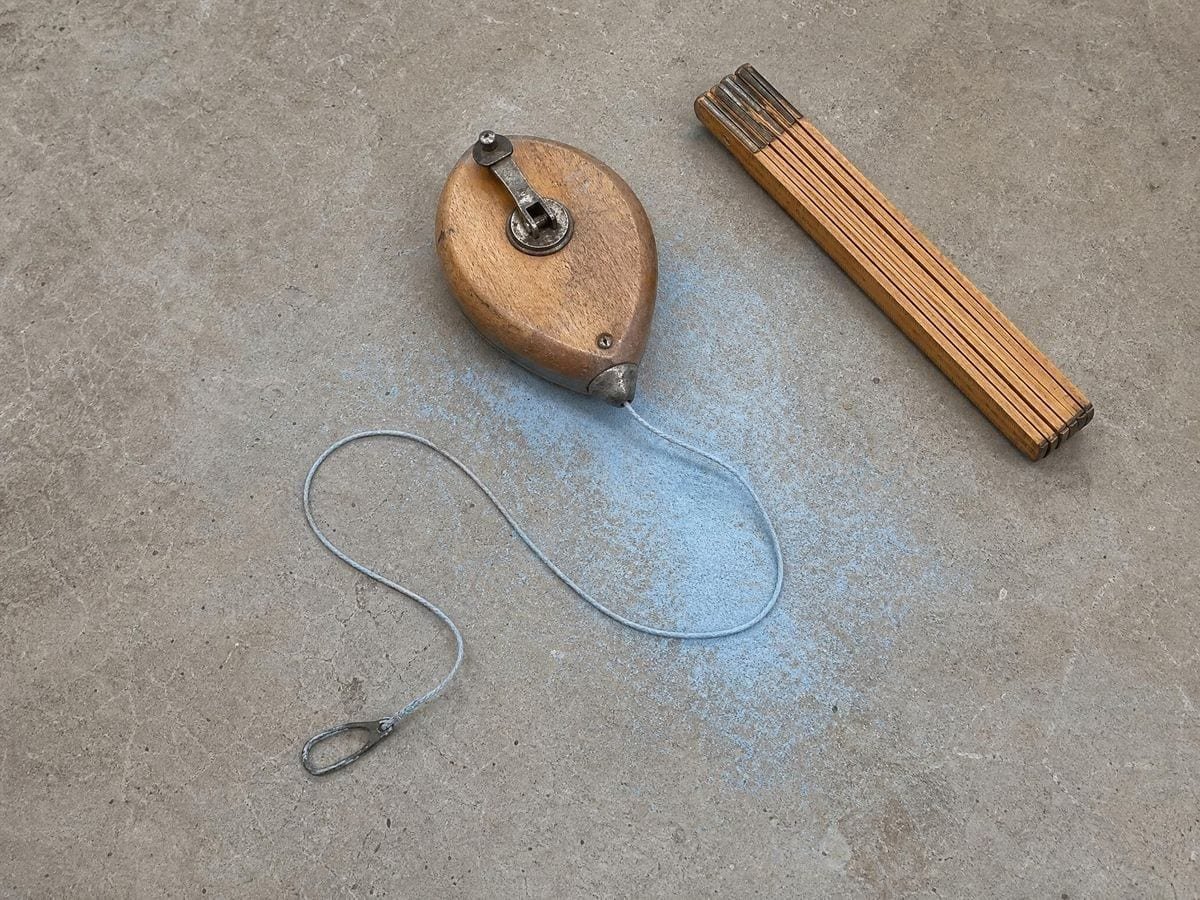
A chalk line is the standard tool: a string coated in chalk, pulled taut and snapped against the surface to leave a straight line. It is faster and straighter than any ruler over a long distance, and the chalk brushes off or paints over.
Level and plumb matter more than they seem. A grid that is a degree off level puts a systematic lean into the whole mural, and because every cell inherits it the error is invisible cell by cell and unmistakable from across the room. A spirit level or a laser level on the first horizontal, and a plumb line on the first vertical, is worth the time.
Mark the cell references as you go — letters across, numbers down — for the same reason a worksheet does. On a wall of forty cells you will lose your place, and counting from a corner every time is how errors get in.
What the scale factor tells you beyond the grid
A scale factor of thirteen means every detail in the reference becomes thirteen times larger on the wall. A pencil line one millimetre wide becomes a band 13 mm across, which is a decision about brushes rather than a detail.
It also tells you what will not survive. Anything in the reference smaller than about a millimetre — fine hatching, texture, a signature — becomes either a smear or a feature at wall scale, and either way it needs to be redrawn rather than copied. Knowing the factor before starting is what lets you simplify the reference deliberately.
When the grid is still the right answer
The mural scaling grid generator draws the grid this calculator sizes, and the transfer scaling grid generator is the version for anything under two metres. Projectors are easier where they work, and they work in a darkened room at a distance with a flat surface. Outdoors in daylight, on a wall you cannot get far enough back from, or on anything textured or curved, they do not.
The grid needs nothing, survives being interrupted, works in any light, and does not care whether the surface is brick, render or board. It is slower to set up and it is the method that still works when nothing else does, which is why muralists have not stopped using it.
Where a mural grid gets used
Wall murals, indoors and out, where the surface is too large for a projector to cover and daylight rules one out anyway.
Theatre and set painting, where backdrops are scaled from small designs and the same reach constraint applies on a paint frame.
Community and school projects, where the grid doubles as the way several people work on one image without the parts drifting apart.
Mural grid: frequently asked questions
The geometry
What is a mural scaling calculator?
It works out the grid needed to enlarge a small reference onto a wall: how many cells across and down, how big the cell is on each surface, and what the scale factor between them is.
Why is the cell size an input rather than an output?
Because on a wall it is a physical constraint. You can only work accurately inside a cell you can see all of and reach across, so the reachable cell comes first and the cell count follows from it. On paper the relationship runs the other way.
What cell size should I use?
Between thirty and fifty centimetres suits most people working at arm's length, with forty as a reasonable default. For a given amount of care, larger cells are faster to mark out and give a looser copy, where smaller ones are more accurate and much slower.
Why does it change the cell size I entered?
To make the cell count a whole number. A wall of 415 cm at a 40 cm cell would give 10.4 cells, and the trailing 0.4 has no partner on the reference. Rounding to ten cells and using 41.5 cm keeps every cell paired.
What if the reference cell comes out very small?
Below about five millimetres the eye stops resolving where a contour crosses a cell edge, which is the whole information the grid carries. Either use a larger wall cell, which reduces the count, or print the reference bigger — A4 to A3 doubles the reference cell at the same count.
My wall and my reference are different shapes. What do I do?
Three honest options: crop the reference to the wall's proportion, leave a margin so the image sits at its own proportion inside the wall, or accept the stretch deliberately. The calculator reports the wall height an undistorted copy would need so the choice is informed.
Should I use a projector instead?
If you have a dark room, a flat surface and enough distance, a projector is easier. Outdoors, on texture, on a curve, or where you cannot get far enough back, it is not an option and the grid is.
Using it
How much distortion is noticeable?
Around ten per cent is the practical threshold. It is subtle on a landscape and obvious on a face, because people are far more sensitive to distortion in faces than in anything else — which is why a portrait mural on a mismatched wall reads as wrong even when the viewer cannot say why.
How do I actually draw the grid on the wall?
A chalk line, which is a chalked string snapped against the surface. Check the first horizontal with a level and the first vertical with a plumb line — a grid a degree off level puts a lean into every cell, invisible close up and unmistakable from across the room.
What does the scale factor tell me?
How many times larger the mural is than the reference. It also tells you what will not survive: anything in the reference finer than about a millimetre becomes a smear at wall scale and needs redrawing rather than copying.
Why does it change the cell size I typed?
Because a whole number of cells has to fit the wall. Your 40cm becomes 38.5 or 41.7 so the count comes out even — a wall with a part-cell at one end is a wall where every measurement from that end is off, which is the error that compounds.
Export and print
Can I print the cell schedule?
Print the page with the wall and cell labels on and you have the numbers on the wall with you. Reading a cell size off paper beats recalculating it on a phone with paint on your hands, and it survives the battery running out.
Does the grid itself export at the wall's proportion?
Yes — the overlay draws at the wall dimensions you entered, so exporting gives you a grid in that proportion rather than in your screen's. Print it at the reference's size and you have both halves of the transfer at matching counts.
Choosing a grid
Should I use this or the proportion calculator?
This, for a wall. The proportion calculator is general — two surfaces, any units — where this takes the cell size you can physically reach across as the input and works backwards to a whole cell count that fits the wall. That constraint is what makes it a mural tool.
Is a projector a better use of the budget?
For interior work in a room you are able to darken, yes. For exterior walls, daylight work, or anywhere the throw distance does not exist, no projector will help and the arithmetic here costs nothing. Most muralists end up owning both.
Practical matters
Is it free, and do I need an account?
It is free and there is no account. Nothing is metered.
Is anything uploaded?
No. It is arithmetic on numbers you type, performed in the page. There is no image and no server.
Can I use it on a phone at the wall?
Yes, and that is where it earns its place — re-deriving a cell size halfway up a scaffold is exactly when you do not want to be doing arithmetic. The page is cached after a first visit, so a wall with no signal is not a problem.
Open the tool Mural scaling calculator
The cell you can reach across
Measure the wall, measure the reference, set the cell. The grid, the scale and the warnings follow.
Back to the generator →