
Pick your reference
Choose a photo from your camera roll, or pick one of the 82 composition overlays to draw over.
The free web tool gives you 82 composition grids in the browser. The app does the one thing a browser can't: it locks your reference photo over your real paper, canvas, or wall through the camera, so you can draw the proportions by hand. Built by a working artist of 15 years.
Grid Maker Pro AR is built and entering Google's closed-testing track. Play requires a 14-day run with at least 12 active testers before an app can go public, so the store listing is not live yet. Testers get it early and help decide what ships first.
Prefer to wait? The free web tool runs all 82 overlays in the browser today, and this page becomes the store link the day the app goes public.
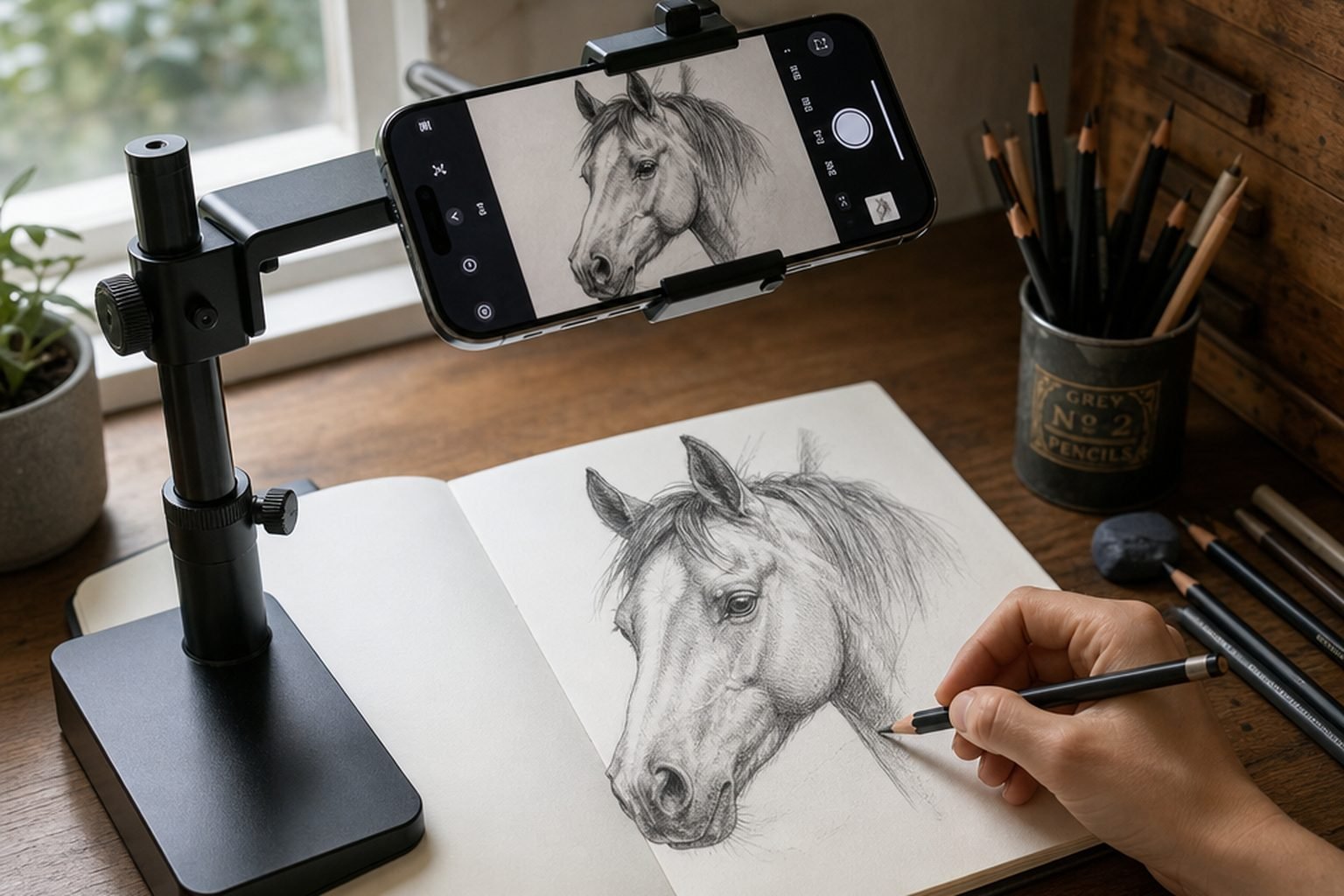
No calibration ritual. Open the app, point it at your surface, and start drawing.
Choose a photo from your camera roll, or pick one of the 82 composition overlays to draw over.
Aim the phone at paper, canvas, or a wall. The reference floats over the real surface in the camera view.
Tap to anchor the image. It stays pinned to your surface as you move, so the proportions hold true.
Trace the outline straight onto your paper. Fade the opacity to check your marks, and on a paid plan record the session in real time or as a time-lapse to share.
The category is crowded with apps that lock the obvious things behind a paywall. We made different choices on purpose.
Three AR traces of a photo from your camera roll every month, at no cost. Most apps paywall importing your own image — the single most common complaint in the category.
Golden ratio, Loomis head, dynamic symmetry, perspective, sacred geometry. No other tracing app ships a composition library this deep — the full feature tour walks through every tool in the app.
Fifteen years at the easel, not a software studio guessing at what artists need. The grids exist because the maker drew with them first.
Your reference photos are processed on the device for the overlay. No account is required to start drawing.
The reference anchors to your surface and holds when you shift the phone or lean in — the part that makes tracing actually usable.
On a paid plan, record the whole drawing as it comes together — in real time or as a time-lapse, saved on the device and ready to share to Reels, Shorts, or TikTok. Your reference and grids stay on screen and out of the video.
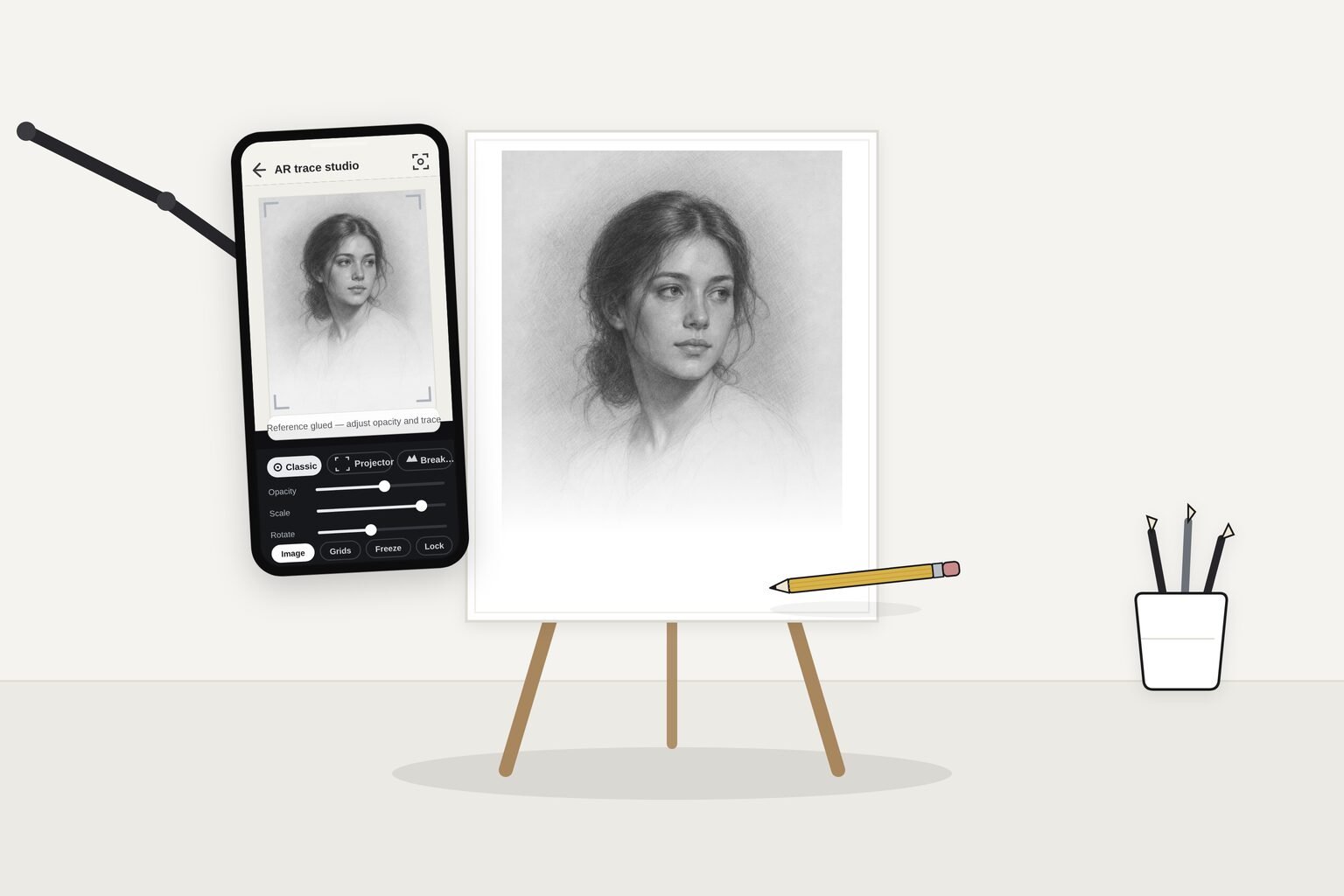
The web tool is free forever. The app adds AR tracing — and you can feel it on your own photo before you pay for anything.
no account needed
about $2.50 a month
cancel any time
no subscription, ever
Prices in US dollars. Monthly and annual plans are auto-renewing subscriptions billed through Google Play and can be cancelled any time — full detail on the subscription terms page.
The honest version. Every one of these apps puts a reference over your surface — the difference is what's free, and what's underneath.
| Capability | Grid Maker Pro | Da Vinci Eye | SketchAR |
|---|---|---|---|
| Trace your own photo for free | Yes — 3 a month | Pro only | Limited |
| Professional composition grids | 82 overlays | Basic templates | Lessons, not grids |
| One-time purchase option | $79 lifetime | Subscription | Lifetime ~$150 |
| Made by a working artist | Yes — 15 years | Software company | Software company |
| Reference processed on-device | Yes | Community photo library | Cloud account |
Competitor details reflect their published store listings as of June 2026 and can change — see the full Da Vinci Eye, SketchAR, and Morpholio Trace comparisons for sourced specifics.
AR tracing earns its keep wherever a small reference has to become a large, accurate drawing.
Yes. The Grid Maker Pro web tool stays free forever — all 82 overlays, no signup, no upload. The AR app is a separate product that adds something a browser physically cannot do: tracing a reference onto your real paper or canvas with the camera. We're adding a new capability, not paywalling the free one.
Yes. The free tier includes three AR traces of your own photo every month, plus all 82 grids. Plenty of tracing apps lock importing your own photo behind the paywall on the very first open — we'd rather you feel the result on a real reference before deciding to subscribe.
Free covers three AR traces of your own photo each month. Unlimited tracing is $29.99 per year or $6.99 per month, and there's a one-time Lifetime at $79 for anyone who'd rather not subscribe. Every paid plan also adds real-time and time-lapse recording, the advanced AR modes, and PDF export and printing. See the pricing above.
No. It runs on a normal Android phone or tablet with a camera. No headset, no projector, no light box — the reference is held in place using the device camera and motion sensors. Automatic surface anchoring needs a phone that supports Google Play Services for AR; on other phones the app offers manual tracing instead.
The monthly and annual plans are auto-renewing subscriptions managed through Google Play. They renew until you cancel, and you can cancel any time from the Play Store subscriptions screen. Lifetime is a single one-time purchase that never renews. Full detail is on the subscription terms page.
They're processed on your device to build the overlay, and no account is required to start. The app privacy policy sets out exactly what is and isn't collected.
All three put a reference over your surface. The differences: Grid Maker Pro lets you trace your own photo free every month, ships all 82 professional composition overlays general tracing apps don't include, and is built by a working artist. The Da Vinci Eye and SketchAR comparisons go through it in detail.
The app launches on Android through Google Play first; an iOS build is planned. In the meantime the free web tool runs in Safari on iPhone and iPad for the 82 overlays — only the AR tracing is app-only.
Yes. Because the reference is anchored to your real surface, you can scale a portrait up to a canvas or a design up to a wall and keep the proportions accurate. That's exactly what muralists, sign painters, and tattoo artists use AR tracing for.
Sujith Puthran, a working artist of more than 15 years. The grids exist because a real artist needed them at the easel — not because a software company guessed at what artists want.

Everything below is free to read; the AR tracing is the separate paid app.
Comparisons: vs Da Vinci Eye · vs Camera Lucida · vs SketchAR · vs the ad-supported AR apps · SketchAR vs Da Vinci Eye · Da Vinci Eye alternatives · Is Da Vinci Eye free? · Best tracing app for drawing
Transfer guides: onto wood · to a wall · photo onto canvas · onto fabric · onto glass · onto a cake
For your craft: muralists · pyrography · cake decorators · glass painters · faux & decorative painters · scenic painters · commission artists · tattoo artists
Learn: AR drawing explained · Is tracing cheating? · Camera lucida explained · Tattoo stencil transfer · Projector drawing technique · Transfer a drawing to canvas · Enlarge a drawing · Lightbox vs projector vs AR