
Grid Maker Pro vs Camera Lucida — digital camera lucida comparison
Both apps let you trace a reference by hand instead of by eye, but they take very different routes there. Camera Lucida is the trusted incumbent: an iOS app that emulates the 19th-century camera lucida optical drawing aid, sold once with no subscription, with a small but loyal following. We will say that plainly — its one-time price and no-nag honesty are exactly why people stick with it. The Grid Maker Pro app keeps that same honesty with a one-time $79 lifetime option, and adds what Camera Lucida cannot: markerless AR registration, three free traces of your own photo every month, all 82 professional composition overlays, and Android. This is an honest side-by-side, and we link to Camera Lucida's listing so you can verify every claim.
By Sujith Puthran · Published 30 June 2026 · This page is by Grid Maker Pro and reflects our perspective; we link to Camera Lucida throughout so you can verify claims independently.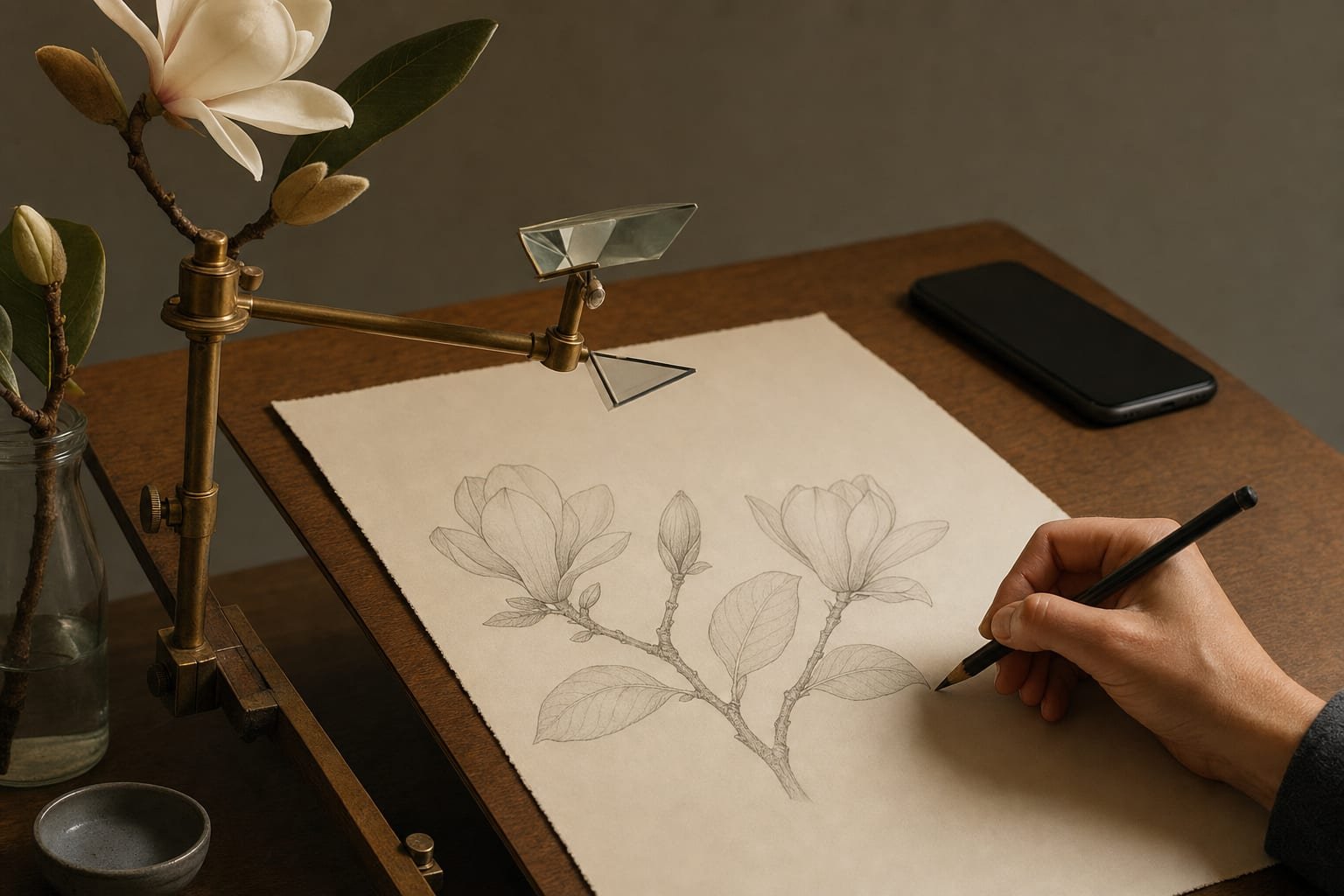
The two apps at a glance
Camera Lucida — listed as "Camera Lucida — AR Drawing" on the App Store — is an iOS app that digitally emulates the classic camera lucida, an optical instrument artists have used since the early 1800s to superimpose a scene onto their drawing surface. It is a one-time purchase with no subscription, listed at roughly $14.99, and it has a high store rating from a small but devoted base. Its strengths are exactly that proven trust and the purist pay-once model. Its known trade-offs are an interface that feels dated next to newer apps, and a physical setup that can be fiddly to position and hold steady while you draw.
The Grid Maker Pro app is at gridmakerpro.com/app, available on Android via Google Play (with iOS planned). It is built by Sujith Puthran, a working artist of 15 years. The free tier gives you three AR traces of your own photo every month, plus all 82 professional composition overlays — golden ratio, Loomis head, dynamic symmetry, perspective, and sacred geometry. Unlimited tracing is $29.99 per year, $6.99 per month, or a $79 one-time Lifetime unlock with no subscription. The reference photo is processed on your device, and there is no account required to start.
Worth saying plainly: the free Grid Maker Pro web tool at gridmakerpro.com stays free forever and browser-only. The AR app is a separate, optional product that adds the one thing a browser cannot do — projecting your reference onto real paper or canvas.
Feature-by-feature comparison
| Feature | Camera Lucida | Grid Maker Pro app |
|---|---|---|
| Projects a reference onto paper or canvas | Yes — emulates the classic camera lucida | Yes — AR tracing |
| Markerless AR registration | Optical overlay, not modern plane-tracking AR | Yes — markerless AR registration |
| Trace your own photo on the free tier | One-time purchase, then unlimited; no separate free tier | Yes — 3 traces of your own photo every month, free |
| Composition overlays (grids) | Not the focus — tracing-first | 82 overlays — golden ratio, Loomis head, dynamic symmetry, perspective, sacred geometry |
| Physical setup | Can be fiddly to position and hold steady | Phone camera locks the reference onto the surface |
| Interface age | Dated UX (a long-standing app) | Modern interface |
| Reference processing location | On device | On device — no account to start |
| Platforms | iOS only | Android (iOS planned) |
| One-time purchase option | Yes — one-time purchase, no subscription | Yes — $79 Lifetime, no subscription |
| Subscription required | No — pay once | No — free tier, or pay once for Lifetime |
| Pricing model | One-time (~$14.99; verify on listing) | Free tier + $29.99/yr, $6.99/mo, or $79 Lifetime |
| Account required | App Store account for purchase | No account to start |
| Best for | iOS, purist one-time price, trusted track record | Free own-photo tier, deep overlays, modern AR, Android |
Pricing and feature facts above are from the Camera Lucida App Store listing as of June 2026. Store prices and platform support drift — confirm the current price on the official Camera Lucida App Store listing before you decide.
Where Camera Lucida wins
- A proven, trusted track record. Camera Lucida has been on the App Store for years and earned a high rating from a small, loyal base. That kind of long-running trust is hard to buy, and it is the honest reason many artists choose it.
- A purist one-time price, no nag screens. You pay once and own it, with no subscription and no recurring upsell. In a category full of aggressive paywalls, that restraint is a real virtue.
- Faithful to the classic method. It emulates the actual 19th-century camera lucida, so if you already know and like that optical-overlay way of working, it stays true to it.
- iOS maturity. It is a settled, stable iOS app — if you are on iPhone or iPad and want something that simply works the way it always has, it is the established choice.
- Simplicity. It does one thing — overlay a reference so you can trace it — without a feature spread to learn.
Where the Grid Maker Pro app wins
- Markerless AR registration. Instead of the older optical-overlay rig, the Grid Maker Pro app uses modern AR to lock your reference onto the paper through the phone camera, which is steadier to set up and hold while you draw.
- A free own-photo tier. You get three AR traces of your own photo every month at no cost — so you can feel the result on your own reference before paying anything. Camera Lucida is pay-up-front with no free tier to try it on your work first.
- 82 professional composition overlays. No camera-lucida app ships a grid library this deep. Golden ratio, Loomis head, dynamic symmetry root rectangles, perspective grids, and sacred geometry — for artists who want to check composition, not only trace contours.
- Available on Android. Camera Lucida is iOS only. The Grid Maker Pro app is Android-first on Google Play, with iOS planned — one of the few ways to get a camera-lucida-style experience on Android today.
- The same no-subscription honesty, kept. We did not abandon Camera Lucida's best idea. The $79 Lifetime unlock buys unlimited tracing forever, with no subscription — built by a working artist; see the artist behind Grid Maker Pro and the methodology behind the overlays.
Which app to pick
- Pick Camera Lucida if you are on iOS; if you want a proven app with a long history and a loyal base; if you like the classic camera-lucida approach and do not mind a fiddlier setup or an older interface; and if a single one-time purchase is what you want.
- Pick the Grid Maker Pro app if you want markerless AR registration instead of an optical rig; if you want three free traces of your own photo each month before you pay; if you want the deepest library of professional composition overlays in a tracing app; if you are on Android; or if you want the same pay-once honesty with a $79 lifetime price.
- Use either alongside the free web tool. Whichever app you choose for tracing onto paper, the free Grid Maker Pro web tool stays free and browser-only for composition work on screen.
What Camera Lucida gets right that most of the market doesn't
Honest credit: Camera Lucida is one of the few tracing apps people genuinely trust, and it earned that the hard way. It charges once and then leaves you alone — no subscription, no nag screens, no dark patterns — at a time when most of the category buries its core feature behind an aggressive paywall. That restraint, plus years of stability on iOS and a loyal base, is exactly why it keeps a high rating from a small but committed group of artists. Its weak points are real but narrow: the interface shows its age, the physical setup can be fiddly to position and hold steady, and it stays on iOS only.
The Grid Maker Pro app is a different proposition built on the same honesty: markerless AR registration instead of the older optical rig, three free traces of your own photo every month, the deepest overlay library in any tracing app, Android support, and a one-time $79 lifetime price for people who, like Camera Lucida's fans, would rather pay once than subscribe. If you are on iOS and value a proven, purist tool, Camera Lucida is the established choice. If modern AR, a free own-photo tier, composition depth, and Android matter more, the Grid Maker Pro app is built for that.
Frequently asked questions
Is the camera lucida app free?
Is the Grid Maker Pro app a good Camera Lucida alternative?
It is, especially if you want a modern camera lucida that runs on Android or that does not need a fiddly physical setup. Camera Lucida is a trusted iOS app that emulates the 19th-century optical drawing aid for a one-time price, with no subscription. The Grid Maker Pro app keeps that no-subscription honesty with a $79 one-time lifetime option, and adds markerless AR registration, three free traces of your own photo every month, all 82 composition overlays, and Android availability. Confirm Camera Lucida's current price on its official App Store listing before you decide.
Is Camera Lucida a subscription or a one-time purchase?
Camera Lucida is a one-time purchase, with no subscription, which is a large part of why people trust it. Its listed price is around $14.99, though store prices drift by region and over time, so verify the current price on the official App Store listing. It is iOS only. The Grid Maker Pro app matches the no-subscription idea with a $79 one-time lifetime unlock, and also offers a free tier and monthly or annual options if you prefer.
Does Camera Lucida work on Android?
No. Camera Lucida is an iOS-only app, so it is not available for Android phones or tablets. The Grid Maker Pro app is Android-first on Google Play, with iOS planned, so it is one of the few ways to get a camera-lucida-style tracing experience on Android today. Always check the current platform support on the official Camera Lucida App Store listing, since that can change.
Does the Grid Maker Pro app cost money?
The app is free to install and free to use for three AR traces of your own photo each month plus all 82 composition overlays. Unlimited tracing is $29.99 a year, $6.99 a month, or a $79 one-time lifetime unlock with no subscription. The free Grid Maker Pro web tool at gridmakerpro.com stays free forever and browser-only; the AR app is a separate, optional product that adds tracing onto real paper and canvas, which a browser cannot do.
What does Camera Lucida do better than the Grid Maker Pro app?
Camera Lucida is a mature, well-loved iOS app with a long track record, a loyal user base, and a purist one-time-purchase model with no subscription and no nag screens. It faithfully emulates the classic camera lucida optical drawing aid that artists have used for two centuries. If you are on iOS, value that proven trust, and want the simplest pay-once-and-own experience, Camera Lucida is the established choice.
Which tracing app should I pick?
Pick Camera Lucida if you are on iOS, want a proven one-time-purchase app with a long history, and like the classic camera-lucida approach even with its fiddlier physical setup and older interface. Pick the Grid Maker Pro app if you want markerless AR registration, three free traces of your own photo each month, 82 professional composition overlays, Android support, and a one-time lifetime price that keeps the same no-subscription honesty Camera Lucida is known for.
References
- Camera Lucida — AR Drawing. App Store. Primary source for Camera Lucida's platform, one-time pricing, and rating — verify current terms on the official App Store listing.
- Hammond, John H. The Camera Obscura: A Chronicle. Adam Hilger (1981). ISBN 978-0-85274-451-2. History of the optical drawing aids — the camera obscura and camera lucida lineage the app emulates.
- Alberti, Leon Battista. On Painting (Della Pittura, 1435). Penguin Classics. ISBN 978-0-14-043331-3. The foundational text on the squared "veil" — the proportional-transfer ancestor of both tracing and the composition overlays in the Grid Maker Pro app.
