
AR tracing app questions, answered.
Everything people ask before installing the Grid Maker Pro AR tracing app — what AR tracing is, the free tier, pricing and auto-renewal, what happens to your photos, and how the app sits next to the free web tool. If your question isn't here, the app overview covers the rest.
Getting started
What the app is, what AR tracing means, and where it runs.
What is AR tracing?
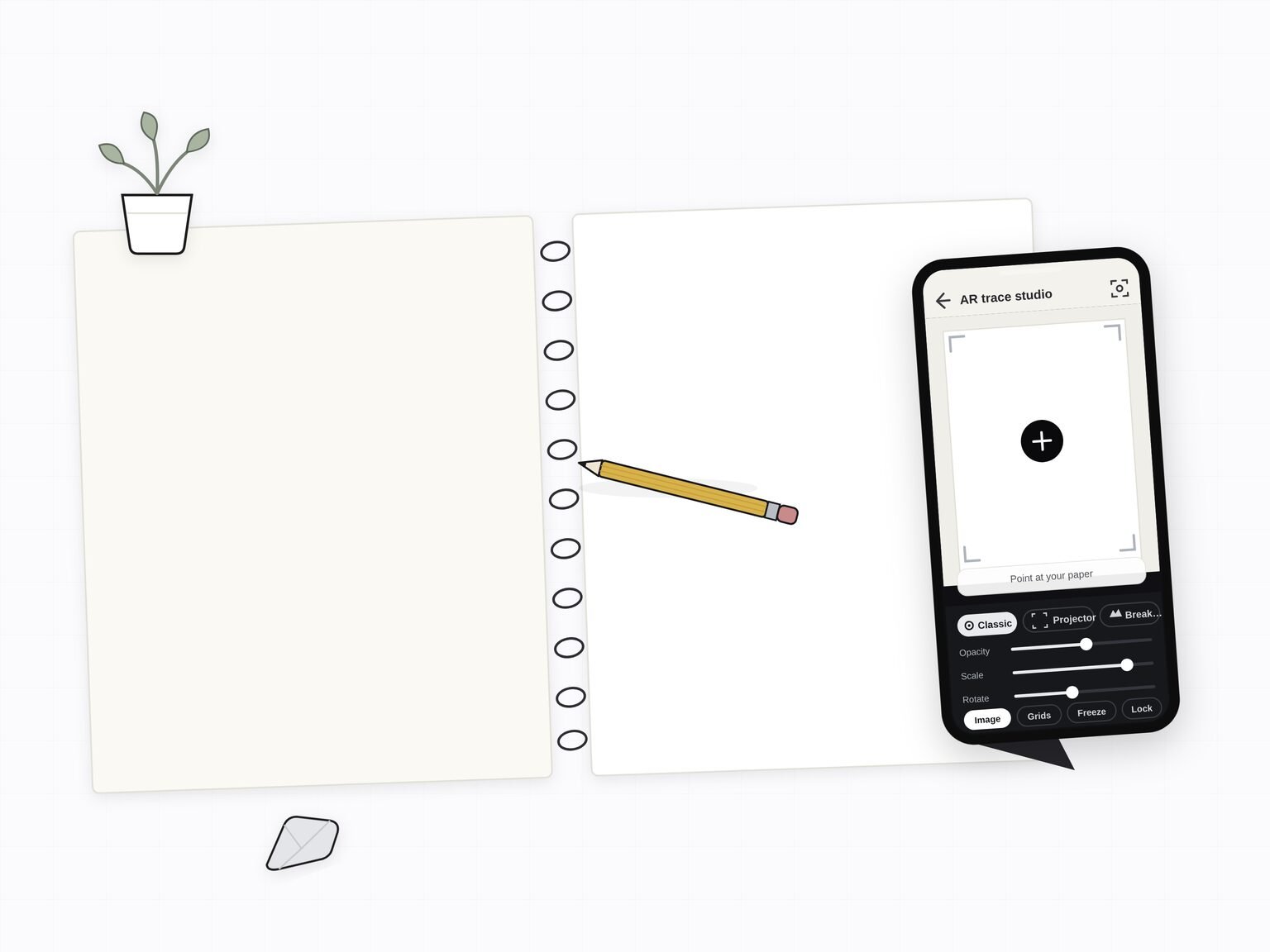
AR tracing means holding a reference image over your real drawing surface through the phone camera. You point the phone at your paper, canvas, or wall, the reference appears as a translucent layer floating over the surface in the camera view, and you draw the proportions straight onto the surface by hand. It's the modern version of a projector or a light box, except it fits in your pocket and needs no extra hardware.
What does the Grid Maker Pro app do?
It locks any reference photo over your real paper, canvas, or wall through the camera so you can trace the proportions by hand, and it carries all 82 composition and drawing overlays from the free web tool. It's built by a working artist of 15 years, for drawing at the easel rather than editing on a screen. The app overview walks through the four-step flow.
What devices does the app run on?
It runs on a normal Android phone or tablet with a camera, Android 7.0 or newer. You don't need a headset, a projector, or a light box — the reference is held in place using the device camera and motion sensors. Automatic surface anchoring needs a phone that supports Google Play Services for AR; on other phones the app offers manual tracing instead. The app launches on Android through Google Play first, and an iOS build is planned.
Is there an iPhone or iPad version?
Not yet. The app launches on Android through Google Play first, and an iOS build is planned. In the meantime the free Grid Maker Pro web tool runs in Safari on iPhone and iPad for all 82 overlays — only the AR tracing is app-only.
Free tier & pricing
What's free, what the paid plans cost, and how billing works.
Can I trace my own photo for free?
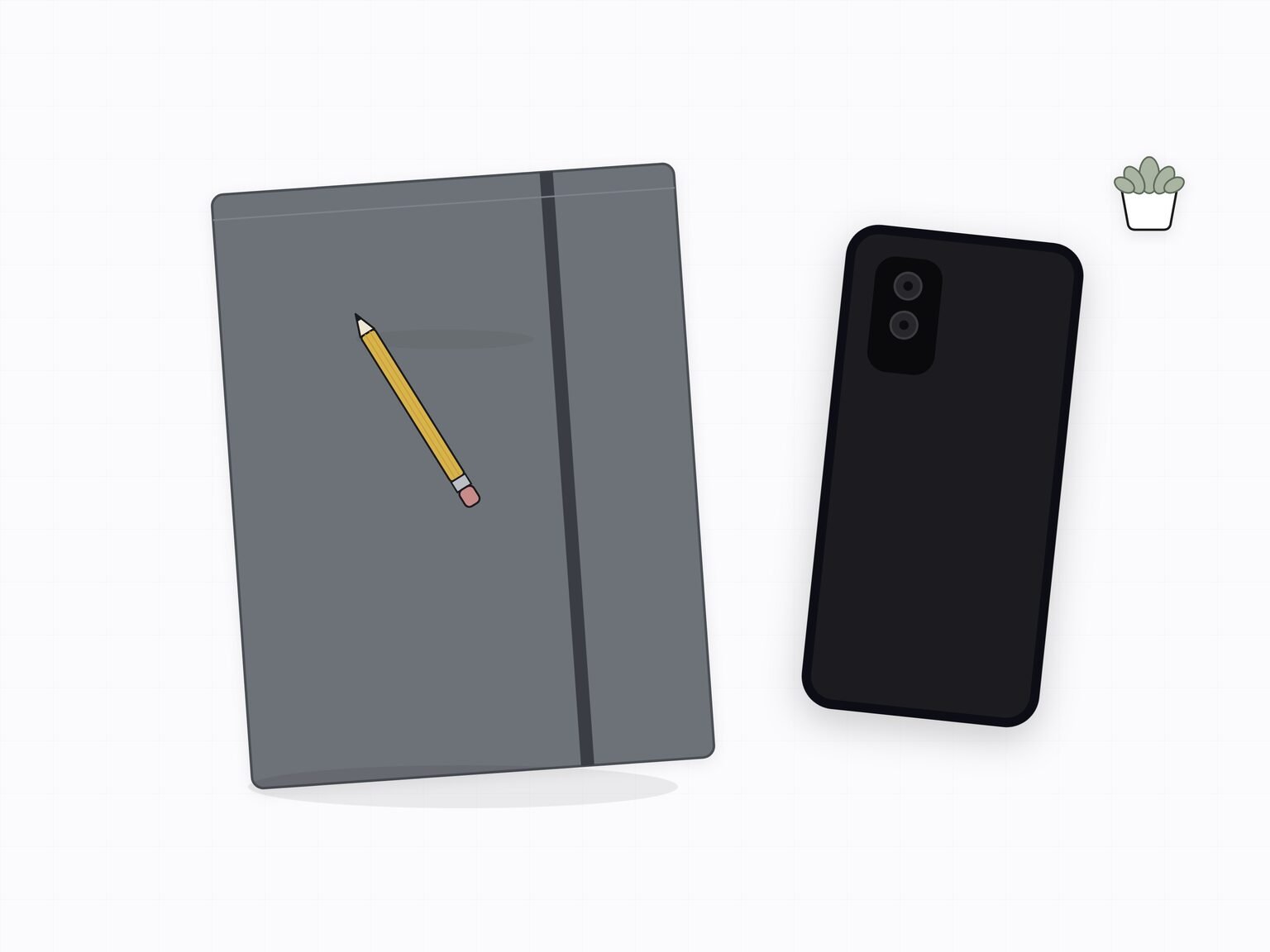
Yes. The free tier includes three AR traces of your own photo every month, plus all 82 composition grids. Many tracing apps lock importing your own photo behind the paywall on the first open — Grid Maker Pro does the opposite, so you can feel the result on a real reference before deciding to subscribe.
How much does the app cost?
Free includes three AR traces of your own photo each month plus all 82 grids. Unlimited tracing is $29.99 per year, or $6.99 per month, and every paid plan also adds real-time and time-lapse recording, the advanced AR modes, and PDF export and printing. There's also a one-time Lifetime purchase at $79 for people who'd rather not subscribe at all. Prices are in US dollars, and Google Play may adjust the amount shown for your local currency and taxes.
What do the paid plans unlock?
All paid plans unlock the same features: unlimited AR tracing; the advanced AR modes (Projector, Breakdown, Strobe and Large drawing); real-time and time-lapse recording; and PDF export and printing, plus 600 DPI export. The difference between the plans is only how you pay — yearly, monthly, or a single one-time Lifetime purchase.
Does the subscription renew automatically?
The monthly and annual plans are auto-renewing subscriptions managed through Google Play. They renew until you cancel, and you can cancel any time from the Play Store subscriptions screen. The Lifetime plan is a single one-time purchase that never renews. Full detail is on the subscription terms page.
How do I cancel my subscription?
You cancel from Google Play, not inside the app: open the Play Store, go to Payments and subscriptions, then Subscriptions, select Grid Maker Pro, and cancel. Cancelling stops the next renewal, and you keep access until the end of the period you've already paid for. The subscription terms page has the step-by-step.
Can I get a refund?
Refunds for purchases and subscriptions are handled by Google Play under its standard refund policy, because Google Play processes the payment. You can request a refund through your Google Play account or the Play Store help pages, and the Lifetime purchase is subject to the same policy. We don't set a separate refund policy of our own — see the subscription terms for how this works.
Privacy
Where your photos, camera feed, and drawings go — and what an account is needed for.
What happens to my reference photos and camera feed?
Your reference photos, camera frames, and drawings are processed on your device and never leave it. There's no server for your pictures to go to — loading a reference, overlaying a grid, AR tracing, and export all happen on the phone. See the app privacy policy for exactly what is and isn't collected.
Do I need an account to use the app?
No. You can install the app and start tracing your own photo on the free tier without creating an account or giving an email address. Purchases use Google Play and RevenueCat. Automatic surface tracing uses Google Play Services for AR, which processes identifiers, AR usage and diagnostic information. Your reference photos are processed locally; see the app privacy policy for details.
Does the AR tracing run in the cloud?
No. AR tracing runs entirely on-device using the phone camera and motion sensors. The camera feed is processed in real time on the phone and isn't uploaded or stored off-device by us. This is the same structural privacy promise as the free web tool: there's no backend for your images to reach.
Using it
Mounting the phone, the surfaces you can trace onto, and drawing with the overlays.
How do I mount my phone to trace?
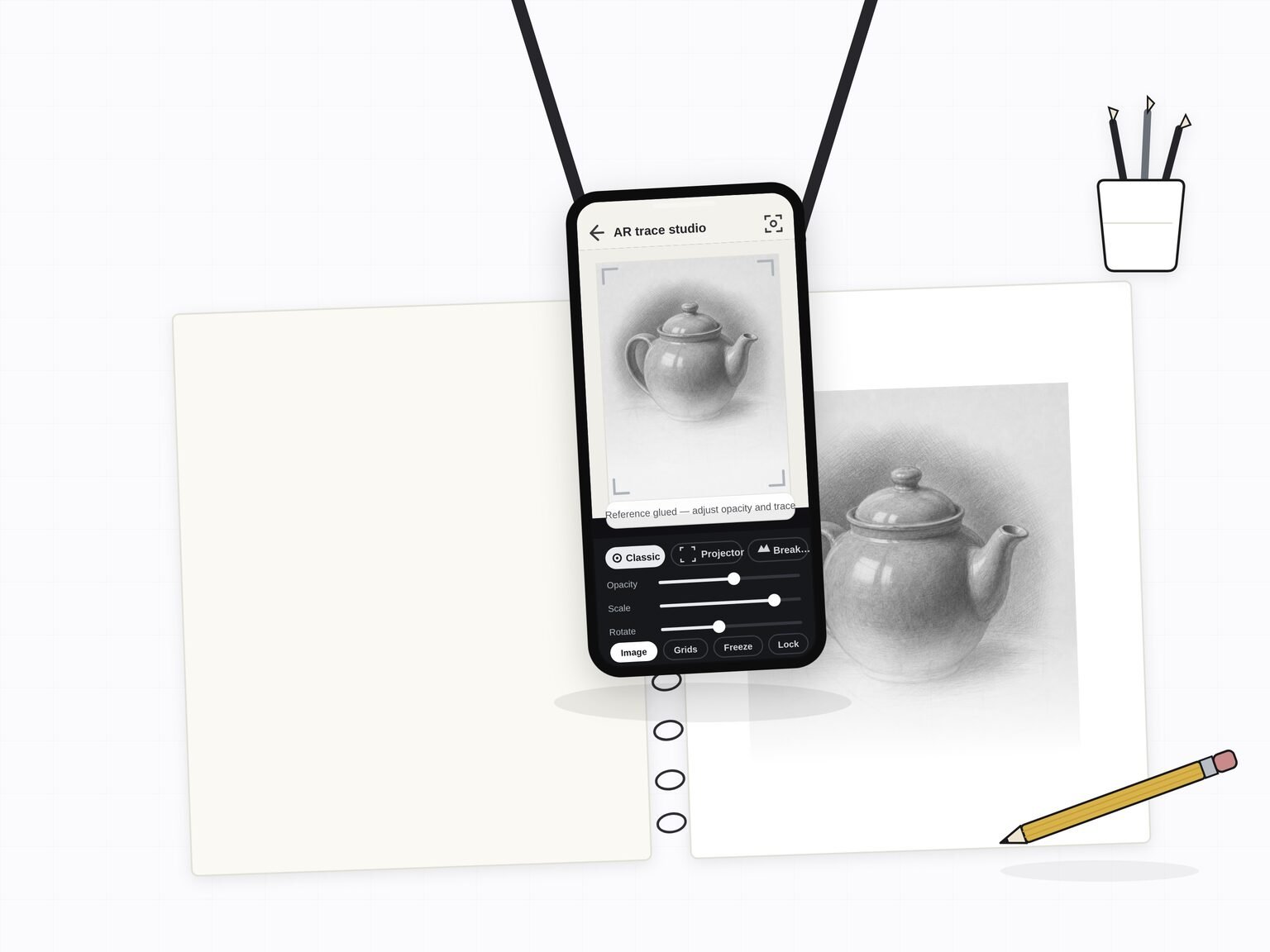
Most artists prop the phone on a small tripod, a gooseneck clamp, or an overhead phone stand so both hands stay free to draw. Position it so the camera sees your whole drawing surface, lock the reference in place, then draw underneath it. Because the reference is anchored to the surface it stays put if you nudge the phone, so a rigid mount is helpful but not essential.
Can I trace onto paper, canvas, or a wall?
Yes to all three. The reference anchors to whatever real surface the camera is pointed at, so you can trace onto sketchbook paper, a stretched canvas, or a wall. Because the reference scales, muralists, sign painters, and tattoo artists use it to get a small reference onto a large surface without a projector.
How do I use the 82 overlays in the app?
Instead of importing a photo, you can pick any of the 82 composition overlays as the reference to draw over: rule of thirds, golden ratio, the Loomis head, dynamic symmetry, perspective grids, and sacred geometry. The overlays behave like a reference image, so you can adjust opacity, scale, and rotation and lock them to your surface the same way. The grid library shows every overlay.
Can I record my drawing session?
Yes. Paid plans include recording. Real time is the default, and you can also record a time-lapse that compresses a long session into a short clip — ready to post to Reels, Shorts, or TikTok. A camera recording holds the paper and your drawing only: your reference and grids stay on screen and never appear in the video. Turn the microphone on for a take if you want to narrate; recordings are silent otherwise. The video is saved on the device.
The web tool vs the app
The honest contrast — a free open front door in the browser, and a paid app for AR on real paper.
Is the free web tool still free?
Yes. The Grid Maker Pro web tool stays free forever — all 82 overlays, no signup, no upload — and it runs entirely in the browser. The AR app is a separate product that adds something a browser physically cannot do: tracing a reference onto your real paper or canvas with the camera. It's a new capability, not a paywall on the free tool.
What's the difference between the free web tool and the app?
The free web tool gives you all 82 grids in the browser, on any device, forever, with nothing leaving your machine. The paid app adds AR tracing: it locks a reference onto your real drawing surface through the camera so you can draw the proportions by hand. The honest contrast is a free open front door in the browser, and a paid app for AR on real paper.
How is this different from Da Vinci Eye or SketchAR?
All three put a reference over your surface. The differences: Grid Maker Pro lets you trace your own photo free every month, ships all 82 professional composition overlays that general tracing apps don't include, and is built by a working artist. The Da Vinci Eye and SketchAR comparisons go through it in detail.
Who made the app?
Sujith Puthran, a working artist of more than 15 years. The grids exist because a real artist needed accurate proportions at the easel — not because a software company guessed at what artists want. More on the about page.
Nothing matched . or read the app overview.
