
Grid Maker Pro vs Sketchar — AR tracing app comparison
Both apps put a reference over your real drawing surface through the phone camera, so you can trace it by hand onto paper, canvas, or a wall. Sketchar is the wider product — guided lessons across phones and VR headsets, with a large course library. The Grid Maker Pro AR app is the narrower, sharper tool: it brings all 82 professional composition overlays to AR, lets you trace your own photo free every month, and offers a clean one-time lifetime price. This is an honest side-by-side — where each wins, and which to pick.
By Sujith Puthran · Last updated 28 June 2026 · This page is by Grid Maker Pro and reflects our perspective; we link to Sketchar throughout so you can verify claims independently.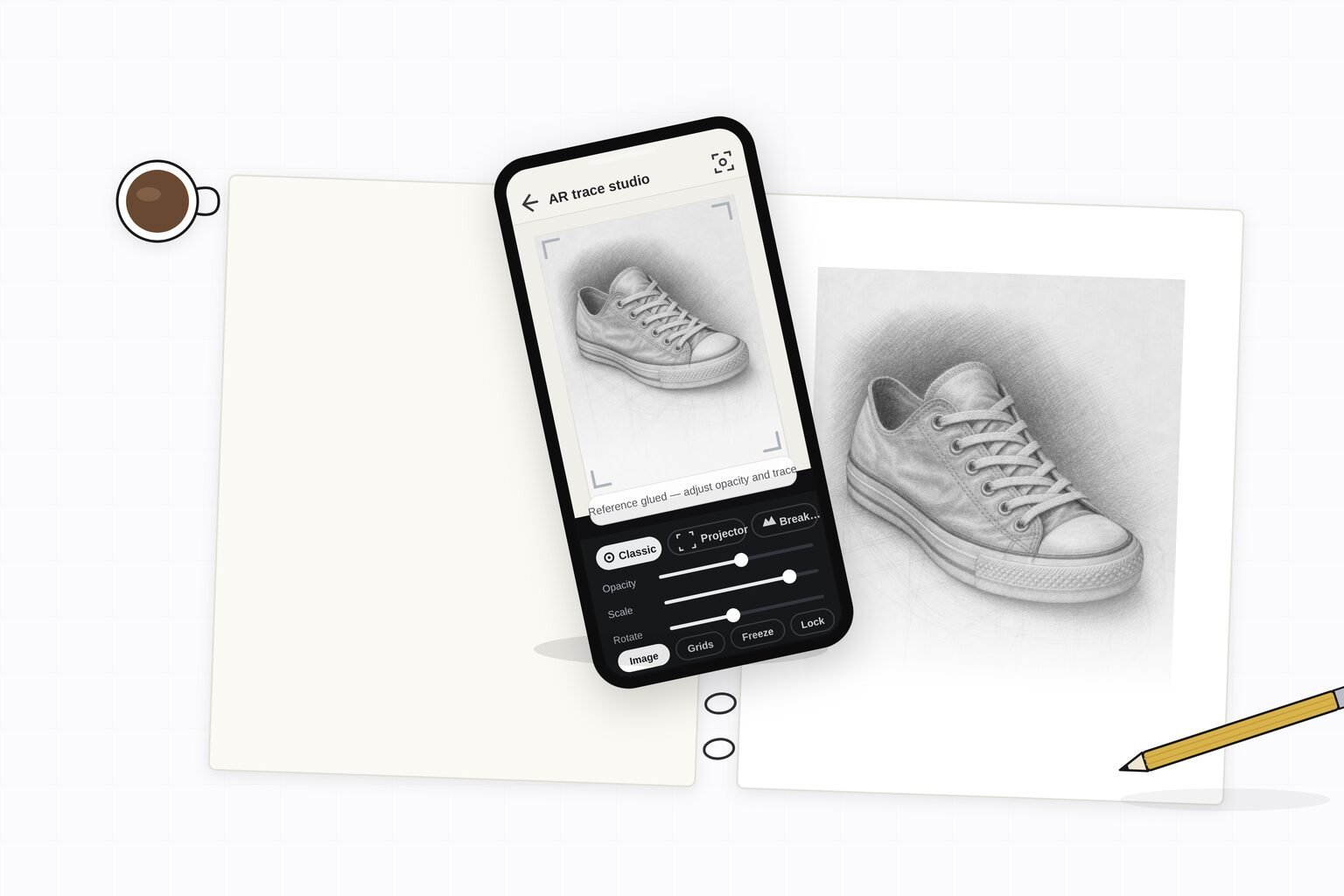
First, the thing people get wrong: the free Grid Maker Pro web tool stays free forever, browser-only, with all 82 overlays. The AR app on this page is a separate paid product that adds something a browser physically cannot do — anchoring a reference over your real paper. We are adding a capability, not paywalling the free tool.
The two apps at a glance
Sketchar is a drawing app by SKETCHAR UAB, a Lithuanian company, hosted at sketchar.io. It runs on iOS, Android, Meta Quest and PICO VR headsets, and pairs AR tracing with a large library of guided, gamified drawing lessons. The company describes a community of "12 million artists" — a self-reported, cumulative figure rather than a verified active-user count; publicly verifiable data points to several million Google Play installs. Its free tier offers a basic canvas and AR tracing, while most lessons, advanced tools, cloud sync and multiplayer sit behind a subscription.
The Grid Maker Pro AR app is at gridmakerpro.com/app. It is on Android through Google Play (com.gridmakerpro.app), with an iOS build planned. It is built by Sujith Puthran, a working artist of 15 years. The free tier includes three AR traces of your own photo every month plus all 82 professional composition overlays. Paid plans are $29.99 a year, $6.99 a month, or a one-time $79 lifetime. Reference images are processed on-device, and there is no account required to start.
Feature-by-feature comparison
| Feature | Sketchar | Grid Maker Pro AR |
|---|---|---|
| AR tracing onto real paper or canvas | Yes | Yes |
| Trace your own photo on the free tier | Basic canvas + AR tracing free; much is gated | Yes — 3 of your own photos every month |
| Professional composition overlays | Lesson-focused, not a composition-overlay library | All 82 — rule of thirds, golden ratio, Loomis, perspective, sacred geometry, more |
| Guided drawing lessons | Yes — large gamified lesson and course library | No — overlays and AR tracing, not step-by-step lessons |
| Platforms | iOS, Android, Meta Quest, PICO VR | Android now; iOS planned |
| VR headset support | Yes — Meta Quest and PICO | No — phone/tablet camera at the easel |
| Image processing location | See Sketchar's privacy policy | On-device |
| Account required to start | Typically yes | No |
| Free tier | Basic canvas + AR tracing; lessons/tools gated | 3 AR traces/month + all 82 overlays |
| Subscription price | Varies by surface — see note below | $6.99/mo or $29.99/yr |
| One-time lifetime option | iOS lists a lifetime around $149.99 | $79 one-time, no subscription |
| Free companion web tool | — | Yes — the free Grid Maker Pro web tool, all 82 overlays in the browser |
| Made by | SKETCHAR UAB (Lithuania) | Sujith Puthran, working artist of 15 years |
| Best for | Beginners wanting guided lessons; VR-headset drawing; broad platform reach | Tracing your own reference onto paper with real composition overlays at a one-time price |
A note on Sketchar pricing: it differs across surfaces. The marketing site lists roughly $5/month or $49/year; iOS in-app tiers run higher, up to about $79.99/year plus a ~$149.99 lifetime; Google Play shows around $9.99/month or $34.99/year. Treat these as indicative and confirm the current figure on the live listing.
Where Sketchar wins
- Guided, beginner-friendly lessons. Sketchar's core is a large library of step-by-step, gamified drawing courses. If you are starting from zero and want to be taught — not just given a reference — that lesson library is a real strength the Grid Maker Pro app does not try to replicate.
- Broad platform reach, including VR. iOS, Android, Meta Quest and PICO. If you want to draw inside a headset, or you are on iOS today, Sketchar is available where the Grid Maker Pro app is not yet.
- AR mural and paper tracing at scale. Sketchar has supported AR tracing for years, including scaling references up to walls for murals.
- Established community. Whatever the exact active-user number, Sketchar has a large, long-running user base and the content ecosystem that comes with it.
Where Grid Maker Pro wins
- Composition overlays, not just tracing. The app ships all 82 professional overlays — rule of thirds, golden ratio, Loomis Head, perspective grids, dynamic symmetry, sacred geometry — so you can build a composition, not only copy a photo. Sketchar is lesson-led, not a composition-overlay library.
- Trace your own photo free, every month. The free tier includes three AR traces of your own reference plus all 82 overlays. You can feel a real result on real paper before deciding to pay.
- A clean one-time price. $79 buys the app for life — well under the lifetime figure listed on Sketchar's iOS surface (around $149.99), and with no subscription to manage.
- Made by a working artist. The overlays exist because an artist of 15 years needed them at the easel, not because a software roadmap guessed at it. The product has not chased trends — and worth noting, Sketchar has changed direction more than once, pivoting into NFT "create-to-earn" in 2021 before retreating to an AI positioning.
- On-device, no account to start. Reference images are processed on the device, and you do not need to create an account to begin tracing.
- A free companion web tool. All 82 overlays also run free in any browser at gridmakerpro.com — on iPhone and iPad too, while the AR app is Android-first.
One honest caveat on AR tracking
Both apps anchor the reference with the phone camera and motion sensors, and that is the hard part of any AR tracing app. Sketchar's most common complaint is exactly this — the image jittering or drifting on the page, or "tracking lost" in poor conditions. The Grid Maker Pro app is not magically immune either: low light, a featureless surface, or quick movement will challenge any camera-AR overlay. Steadier results come from good light, a textured surface, and bracing the phone. If you want a paper-tracing method with zero tracking risk, the classic grid method still works without a camera at all — see grid method vs projector vs tracing.
Which app to pick
- Pick Sketchar if you are a beginner who wants guided, gamified lessons; if you want to draw in a VR headset; or if you are on iOS today and want AR tracing now.
- Pick the Grid Maker Pro app if you mainly want to trace your own reference onto real paper or canvas, want proper composition overlays alongside it, prefer a one-time price over a subscription, and are on Android.
- Use the free web tool either way. Whatever app you choose for AR, the free Grid Maker Pro web tool gives you all 82 overlays in the browser at no cost — a fine place to learn the overlays before tracing them onto paper.
Frequently asked questions
Is Grid Maker Pro a good Sketchar alternative?
It depends on what you want. If you want guided, gamified drawing lessons across many platforms including VR headsets, Sketchar is the broader product. If you mainly want to lock a reference over real paper or canvas and draw it by hand — with proper composition overlays and a clean one-time price — the Grid Maker Pro AR app is the more focused tool. It also lets you trace your own photo free three times a month and ships all 82 professional composition overlays.
How much does Sketchar cost?
Sketchar's pricing differs across its surfaces. Its marketing site lists roughly $5 per month or $49 per year; its iOS in-app tiers run higher, up to about $79.99 per year plus a roughly $149.99 lifetime; and Google Play shows around $9.99 per month or $34.99 per year. A free tier gives a basic canvas and AR tracing, while most lessons, advanced tools, cloud sync and multiplayer are subscription-gated. Always check the live listing for the current figure.
What is the difference between the Grid Maker Pro web tool and the AR app?
The Grid Maker Pro web tool is free forever, runs in any browser, keeps your image on your device, and renders all 82 overlays on screen. The AR app is a separate paid product for Android that does something a browser physically cannot — anchor a reference over your real paper, canvas, or wall through the phone camera so you can draw it by hand. The app is new capability, not a paywall on the free tool.
Does Sketchar run on VR headsets?
Yes. Sketchar lists support for iOS, Android, Meta Quest and PICO VR headsets, which is a genuine reach advantage if you want a headset drawing experience. The Grid Maker Pro AR app launches on Android first, with iOS planned; it does not target VR headsets, because its focus is anchoring a reference over real paper at the easel.
Can I trace my own photo for free in either app?
In the Grid Maker Pro AR app, yes — the free tier includes three AR traces of your own photo every month plus all 82 composition overlays. Sketchar offers a free tier with a basic canvas and AR tracing, but much of its lesson library and advanced tooling is subscription-gated. Check Sketchar's live listing for the current free-tier limits.
Why do people complain about AR tracing jitter?
Camera-based AR holds a reference in place using the device camera and motion sensors. On any AR tracing app, low light, a featureless surface, or quick phone movement can make the anchored image drift or jump — the most common Sketchar complaint is the image moving on the page. Steadier results come from good light, a textured surface, and bracing the phone. No camera-AR app is fully immune to this.
References
- Sketchar — AR drawing app. sketchar.io. SKETCHAR UAB. Platform, pricing, and feature reference — verify the current terms and free-tier limits at sketchar.io and on the live Google Play and App Store listings.
- Loomis, Andrew. Drawing the Head and Hands. Viking Press (1956). The construction method behind several of the app's portrait overlays.
- Müller-Brockmann, Josef. Grid Systems in Graphic Design. Niggli (1981). ISBN 978-3-7212-0145-1. The canonical reference on the grid systems among the 82 overlays.

Update log
- — First published. Side-by-side of the Grid Maker Pro AR tracing app and Sketchar, with pricing and platform facts drawn from Sketchar's own surfaces.