
I've tried a lot of grid tools and most of them fight you. Grid Maker Pro just gets out of the way. I drop a reference in, stack a Loomis head over a rule-of-thirds grid, nudge each one independently, and start drawing. The fact that my client photos never leave my laptop is the part I actually tell other painters about — that's not something most browser tools can promise.
Reviews & mentions.
This page used to host invented testimonials from people who don't exist. It now hosts what we can actually verify: the catalogue we ship, the policy decisions behind it, and an open call for real reviews to feature here. If you want to add yours, the form is at the bottom of this page.
Where the Real Mentions Live
We don't pay for press placement. When publications cover the tool, the entries land here as direct links to the original article — never as decorative logos for credibility theatre. Journalists writing about the tool can take assets and boilerplate from the press kit. As of May 2026, the page is intentionally short.
Your post here?
I use the golden ratio and dynamic symmetry overlays to check framing before I commit to a crop. Being able to export at 600 DPI with the grid baked in means I can mark up a print proof and hand it to a client without any back-and-forth. No signup, no watermark, nothing to install.
My students are on a mix of school Chromebooks and their own phones, so anything that needs an account or an install is a non-starter. This runs in the browser for all of them. I pull up the perspective grids on the projector, and the free lesson plans gave me a term's worth of structure I didn't have to build from scratch.
The perspective and dynamic-symmetry overlays are exactly what I want for laying out panels — being able to stack and transform each one separately is the killer feature. I'd love a way to save my own custom overlay presets between sessions, but the autosave already keeps my last workspace, so it's a small gripe.
I keep the 12-column and baseline grids open in a tab while I work through layouts. It's the fastest way to sanity-check a composition without firing up the full design suite. The fact that it's free and there's no upsell baked into every menu is genuinely refreshing.
I sketch every stencil over a reference in the tool — a perspective grid to map the design onto the curve of an arm or a calf, then export a clean line version to trace. It has quietly replaced three apps I used to juggle, and the client's photo never leaves my tablet.
For studio I work over a two-point perspective grid and check proportions against the Modulor overlay — it's the closest thing to a free drafting board in the browser. No licence to renew at the start of every term, which on a student budget actually matters.
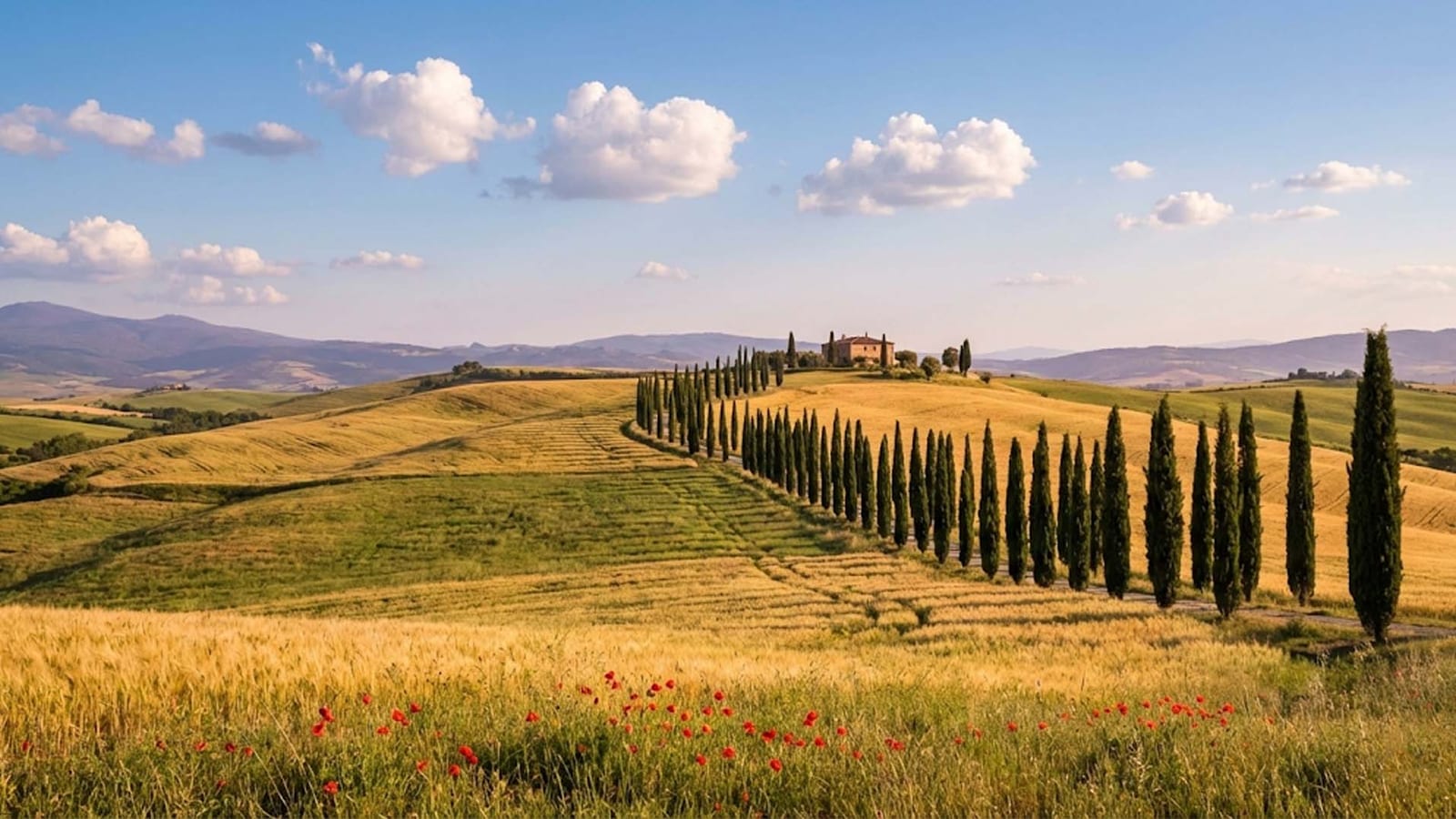
Before and after, with the grid method
Illustrative examples of how an overlay tightens proportion, balance, and anatomy

→
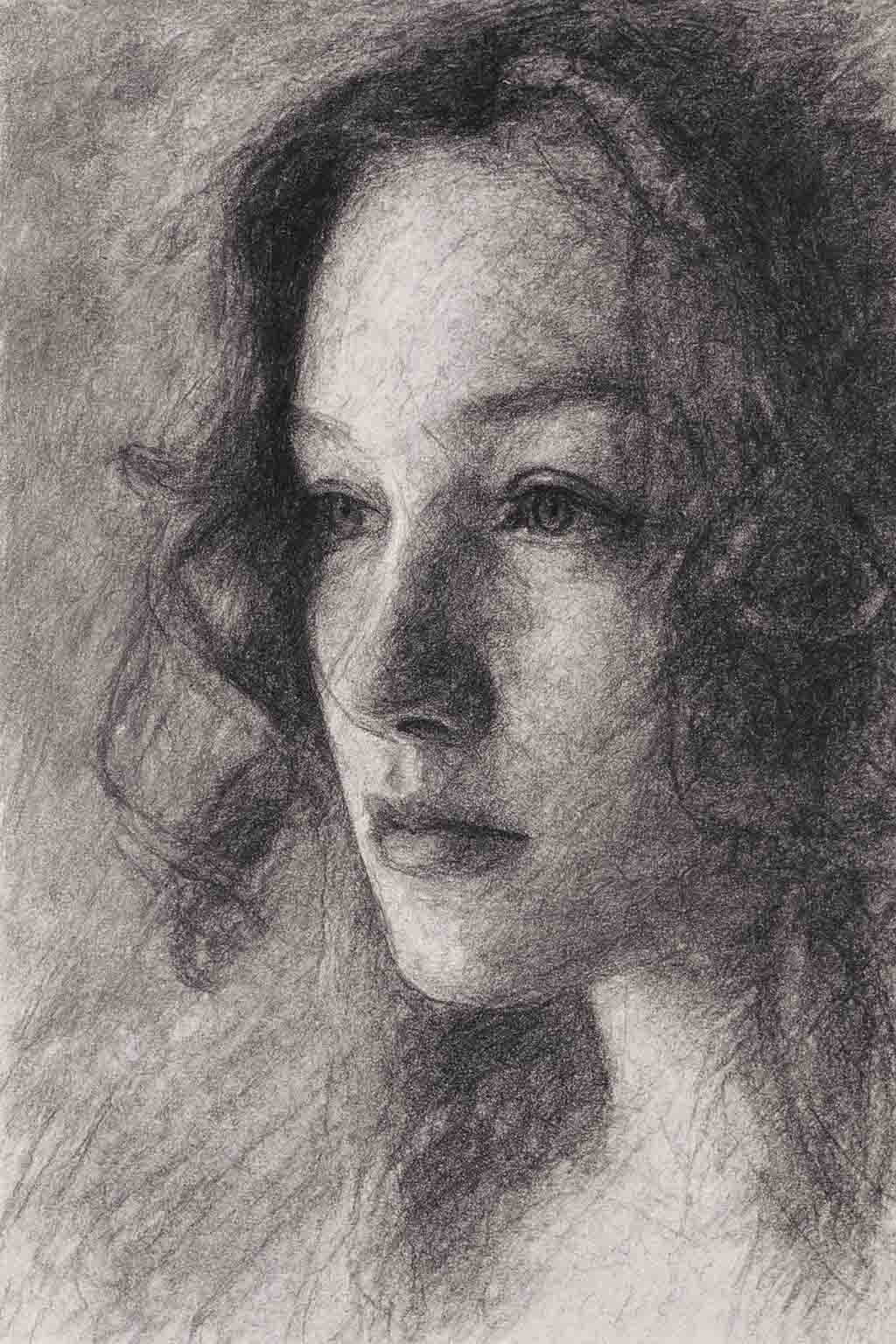
Portrait Study
Improved proportion accuracy using 8x8 grid method
→
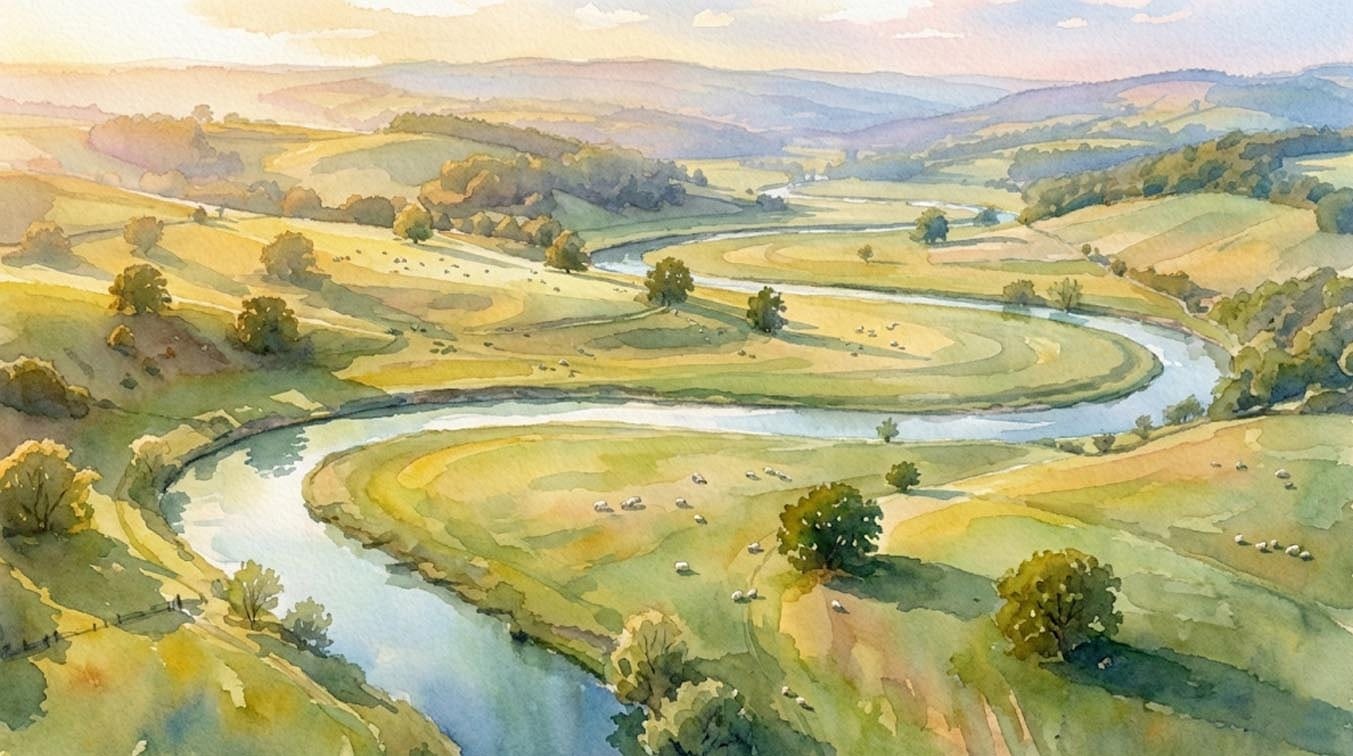
Landscape Composition
Enhanced balance using golden ratio grid

→
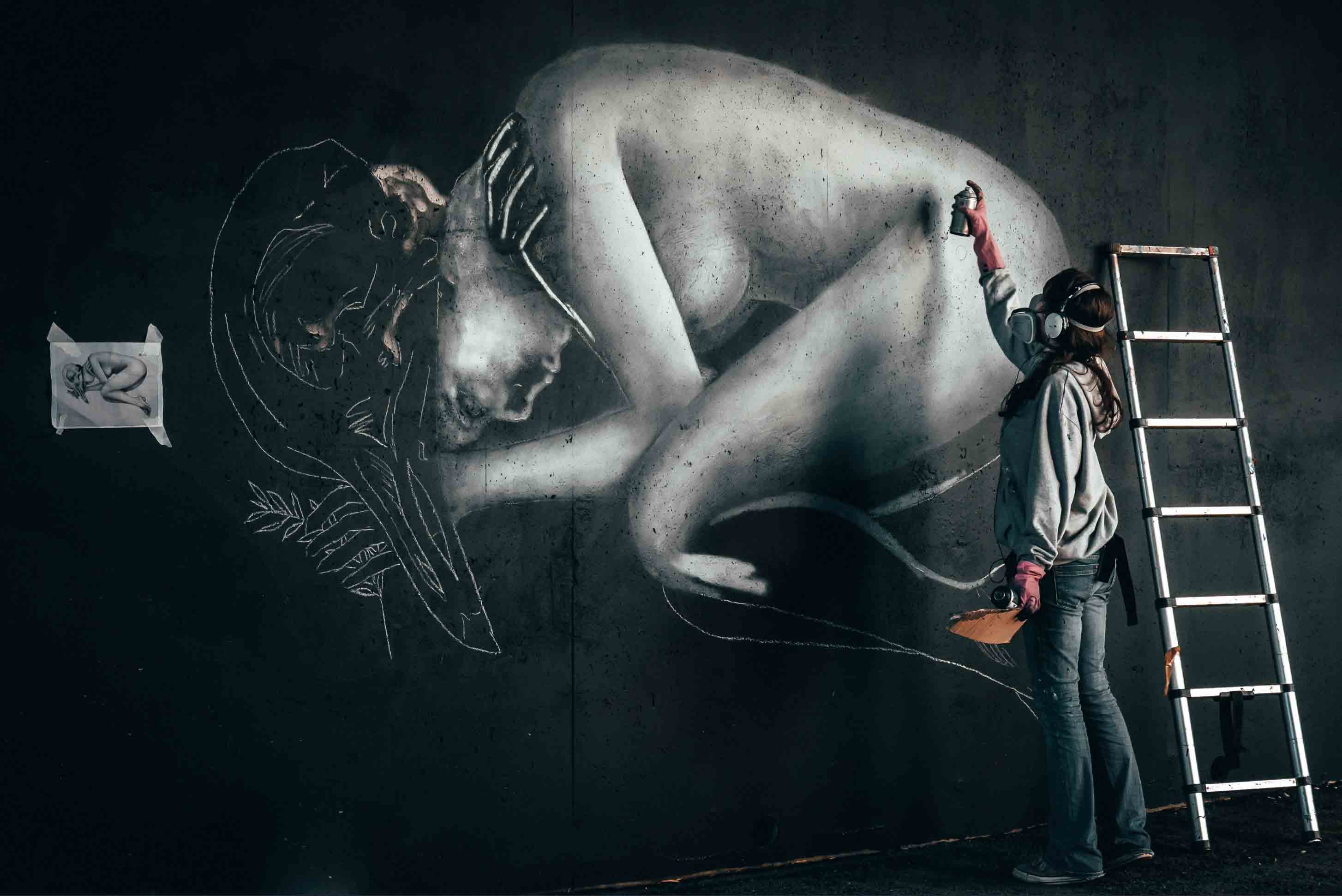
Figure Drawing
Cleaner anatomy and proportion with a 10×10 grid
Reference images to practice with
A sample of the kinds of references the overlays work well over — real community work lives on the gallery and in the artist community

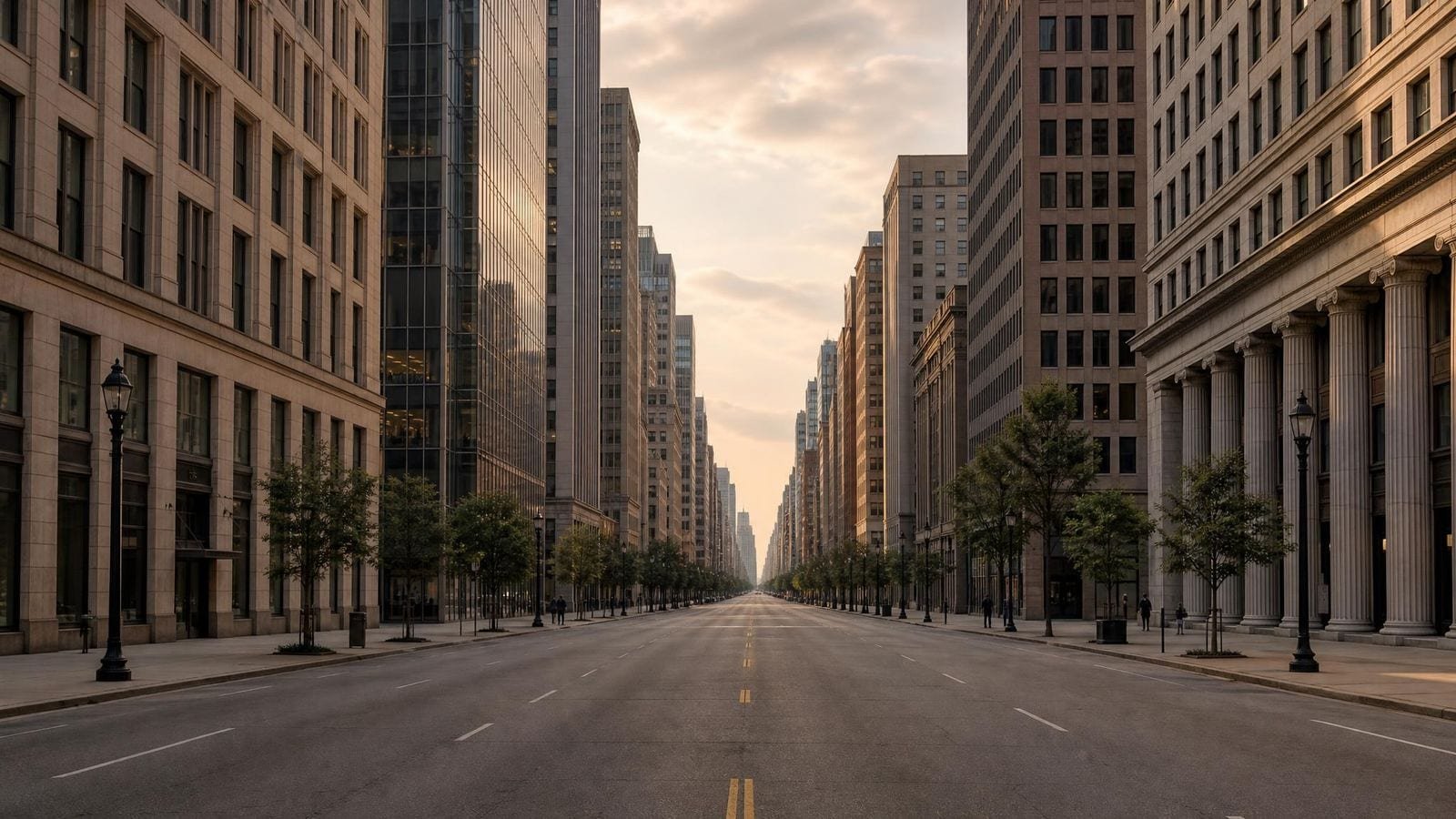


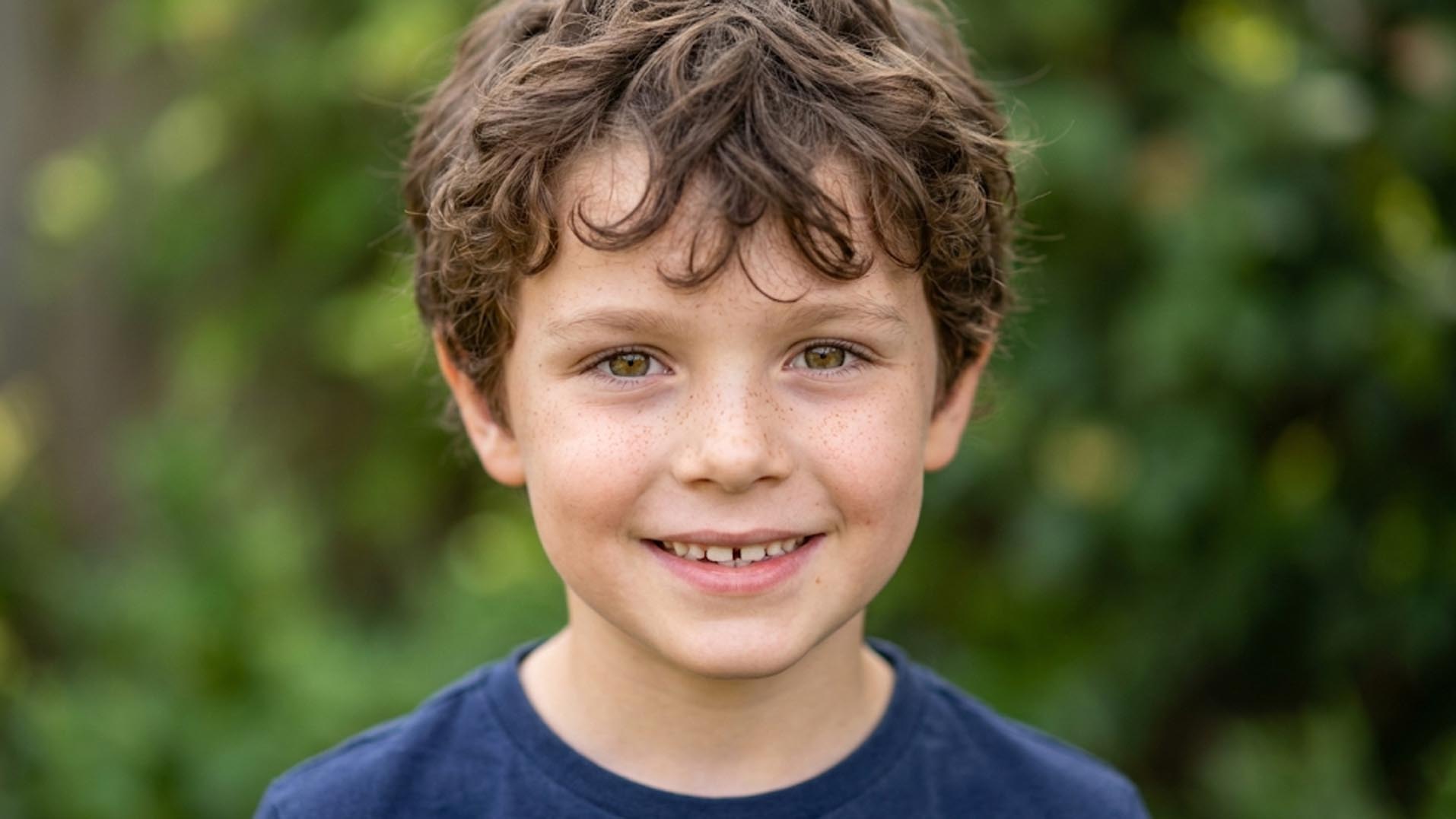
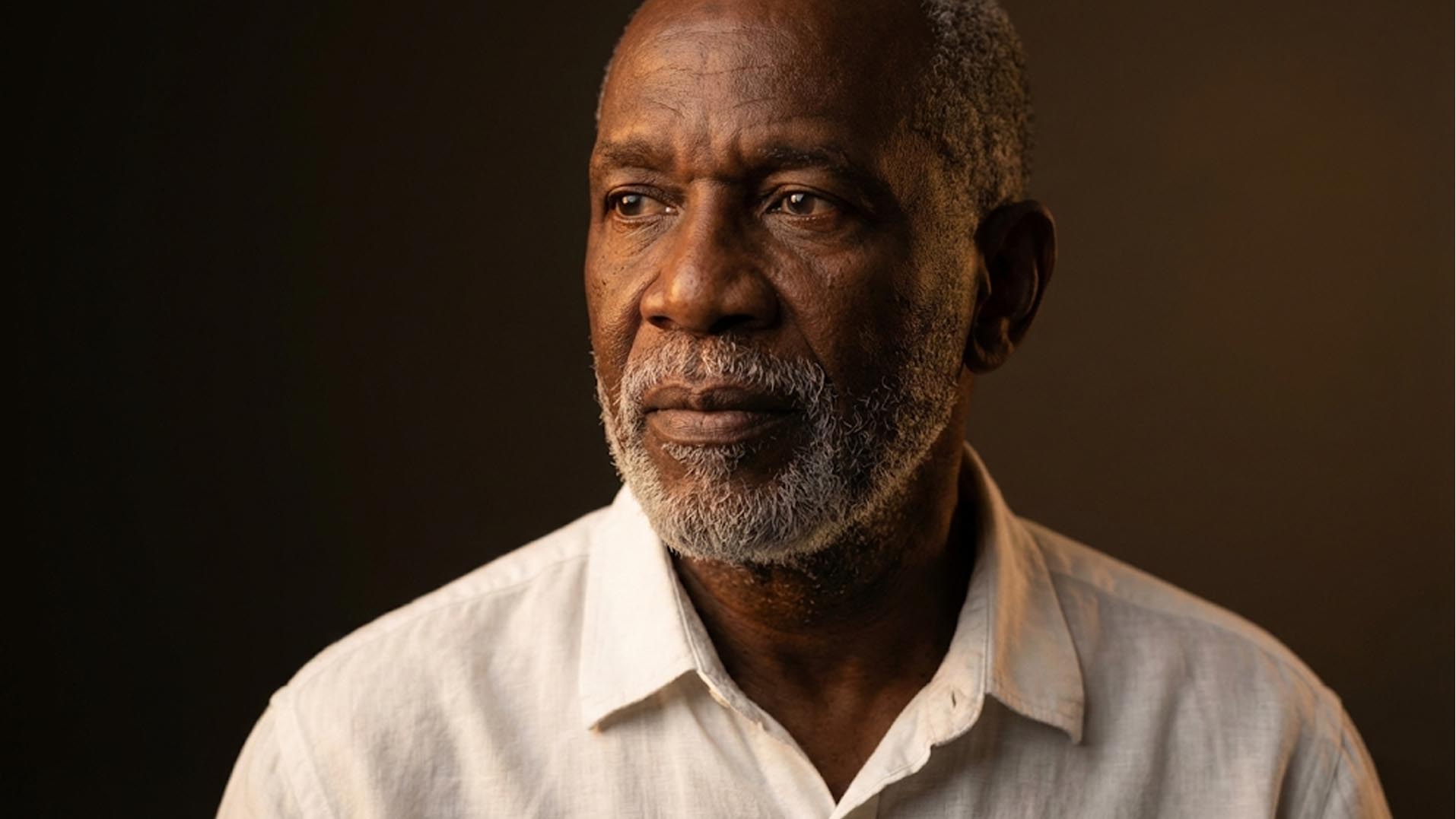

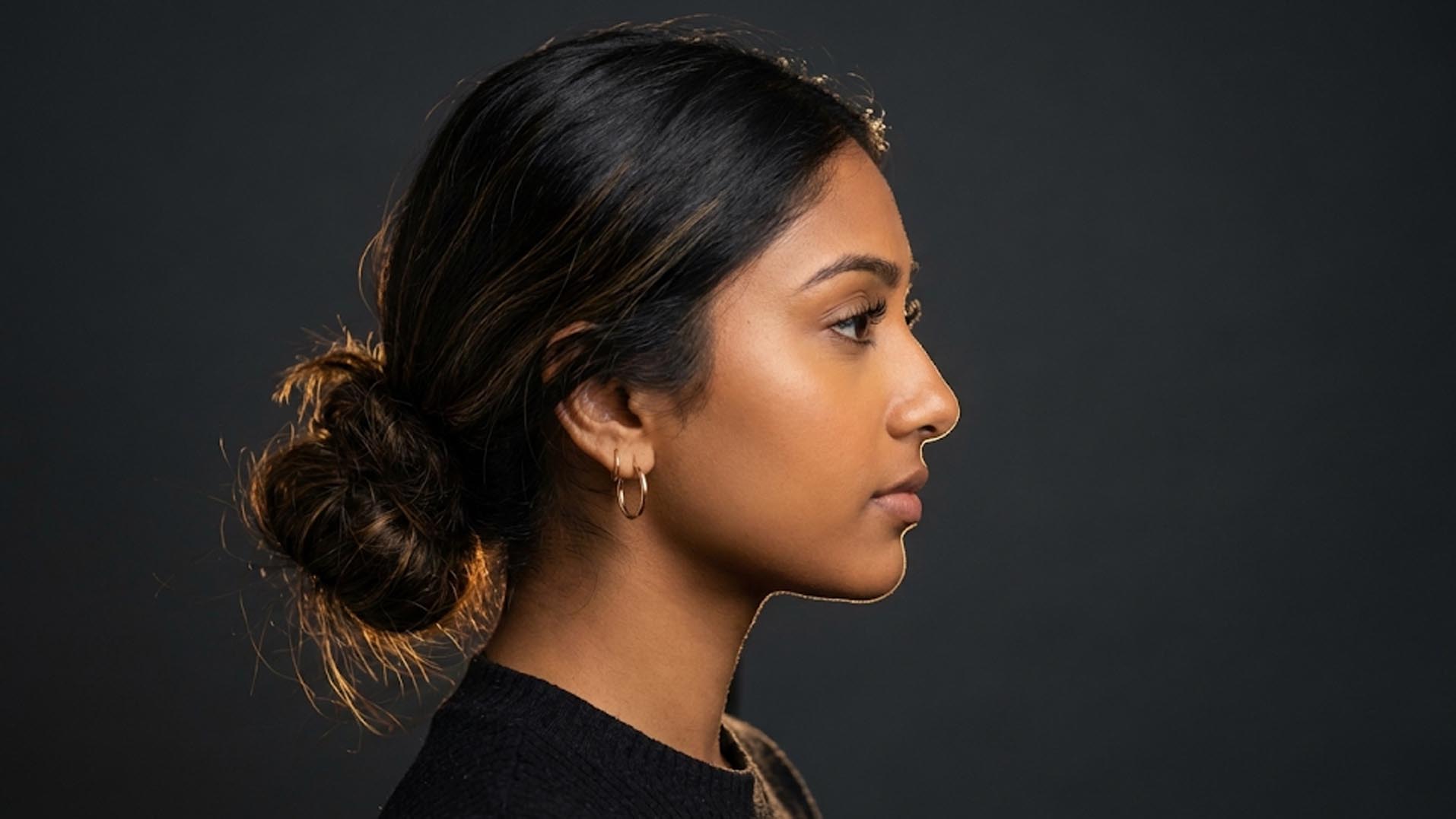
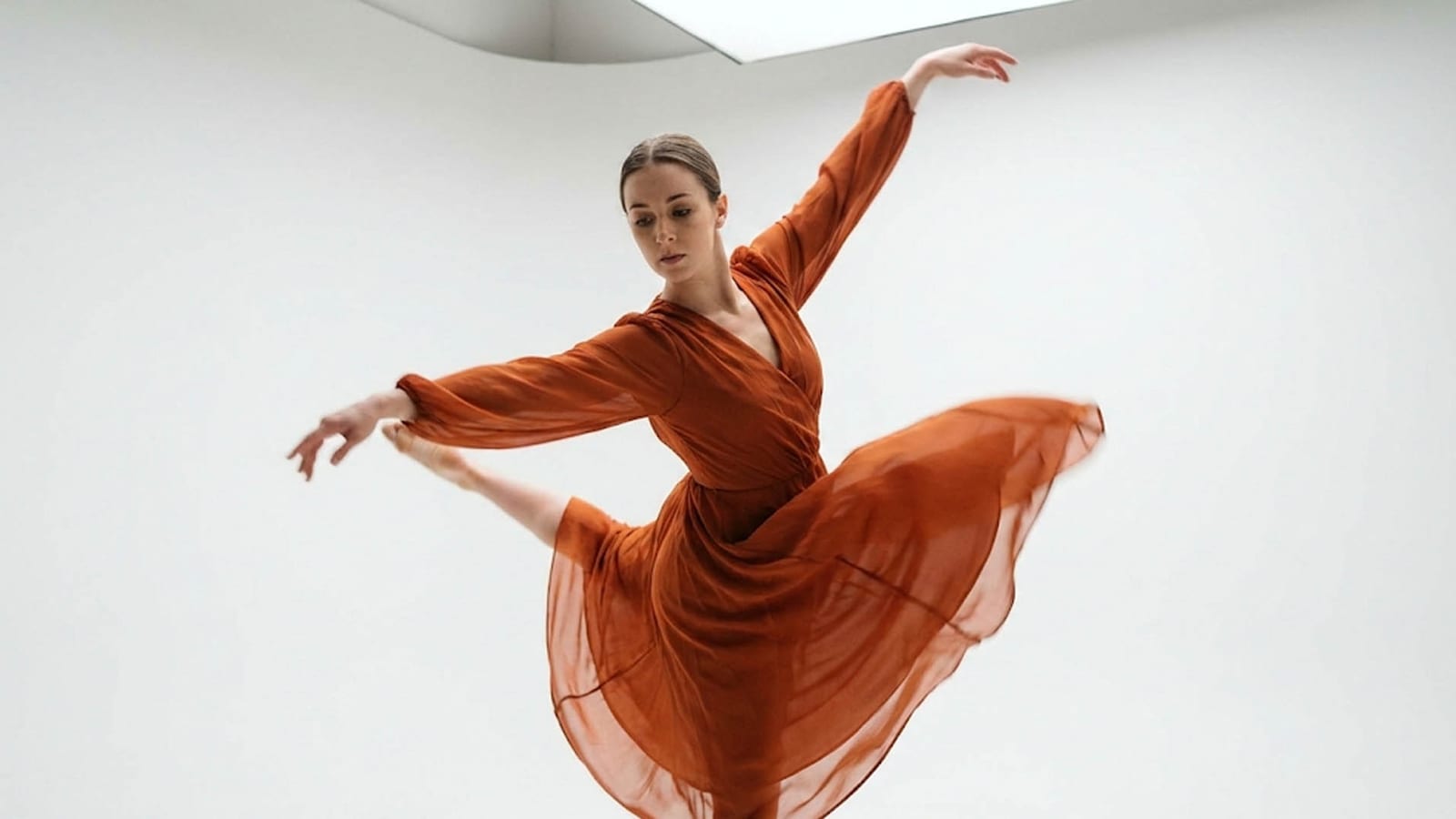
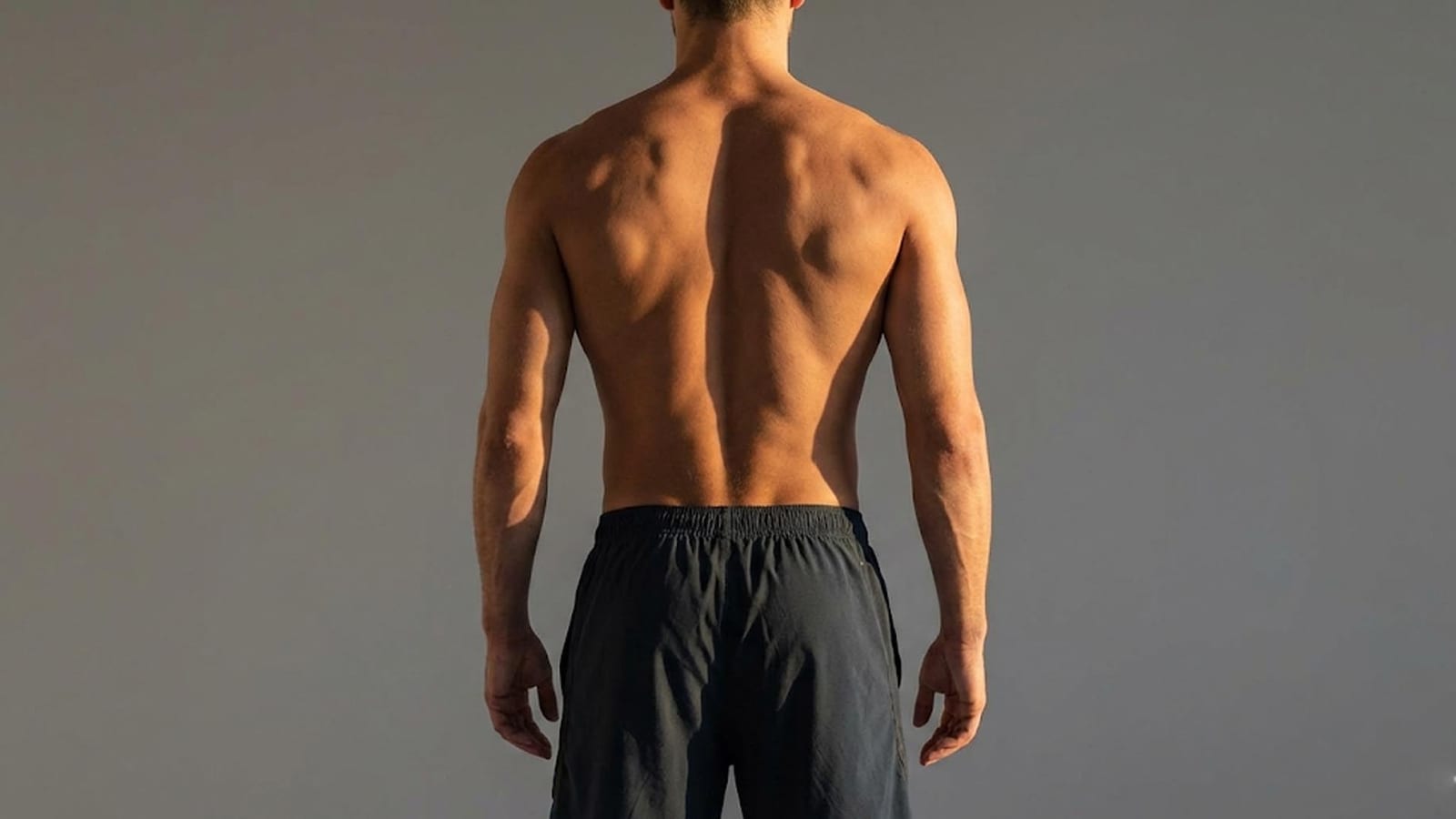

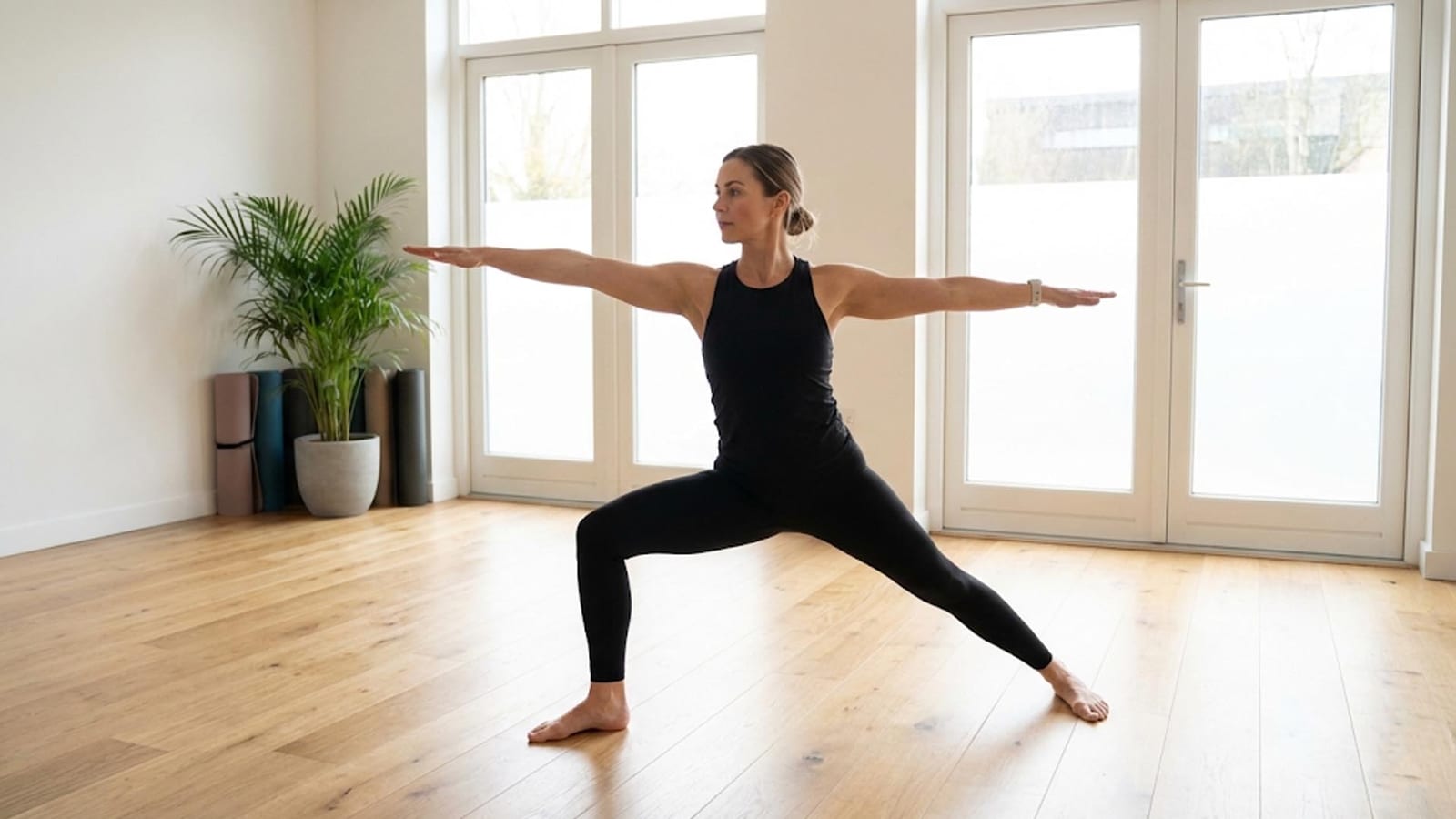




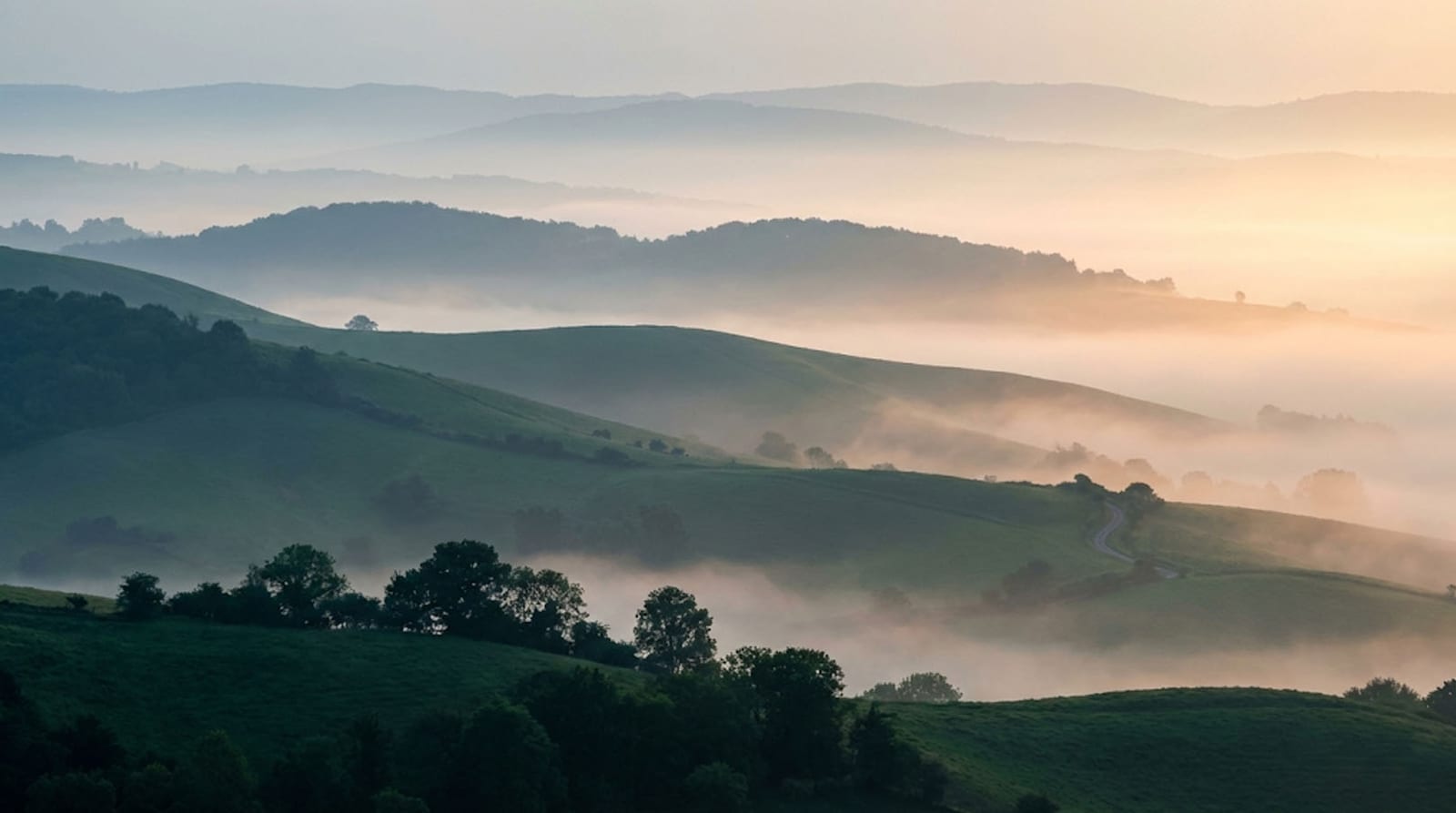

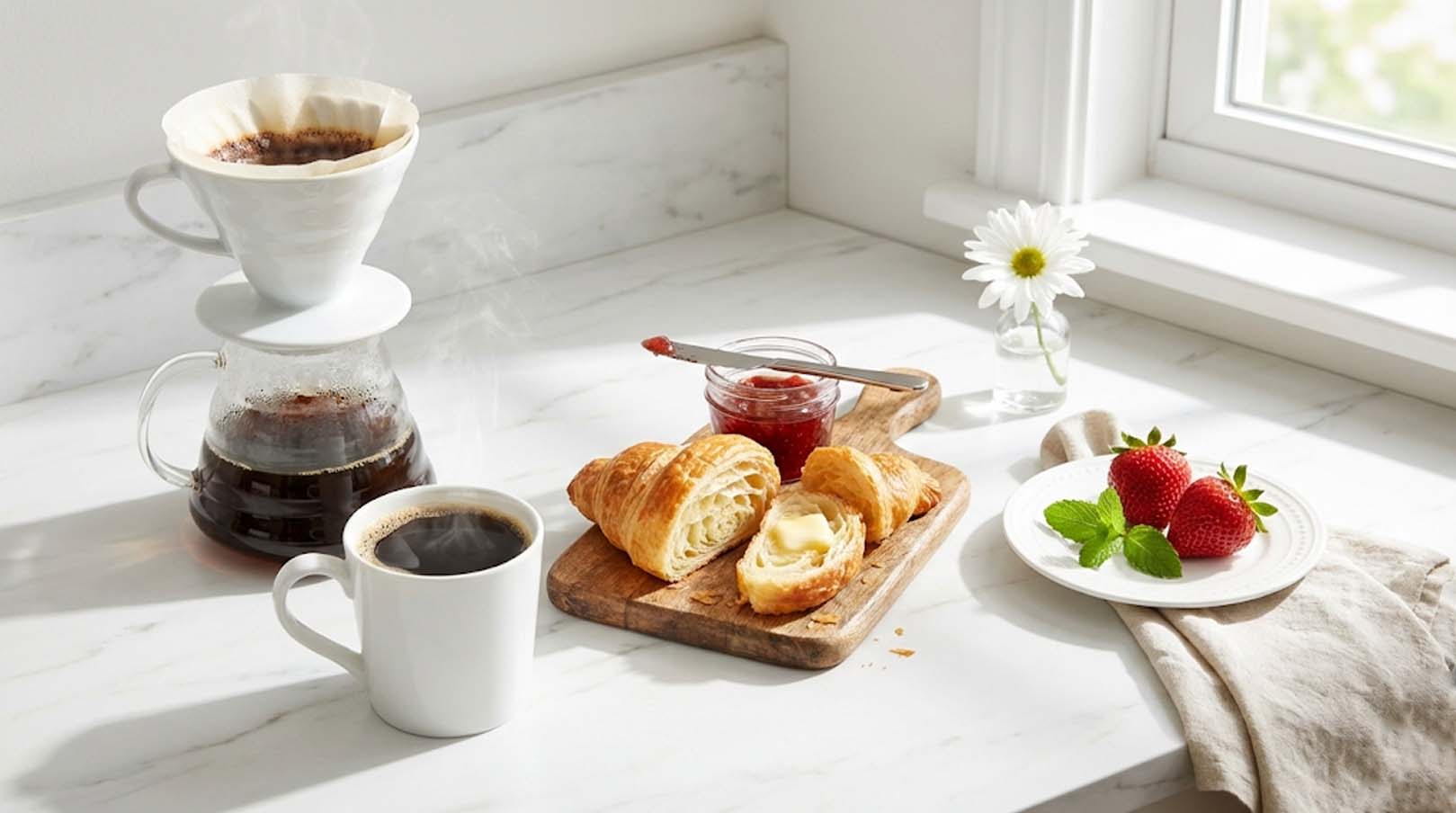

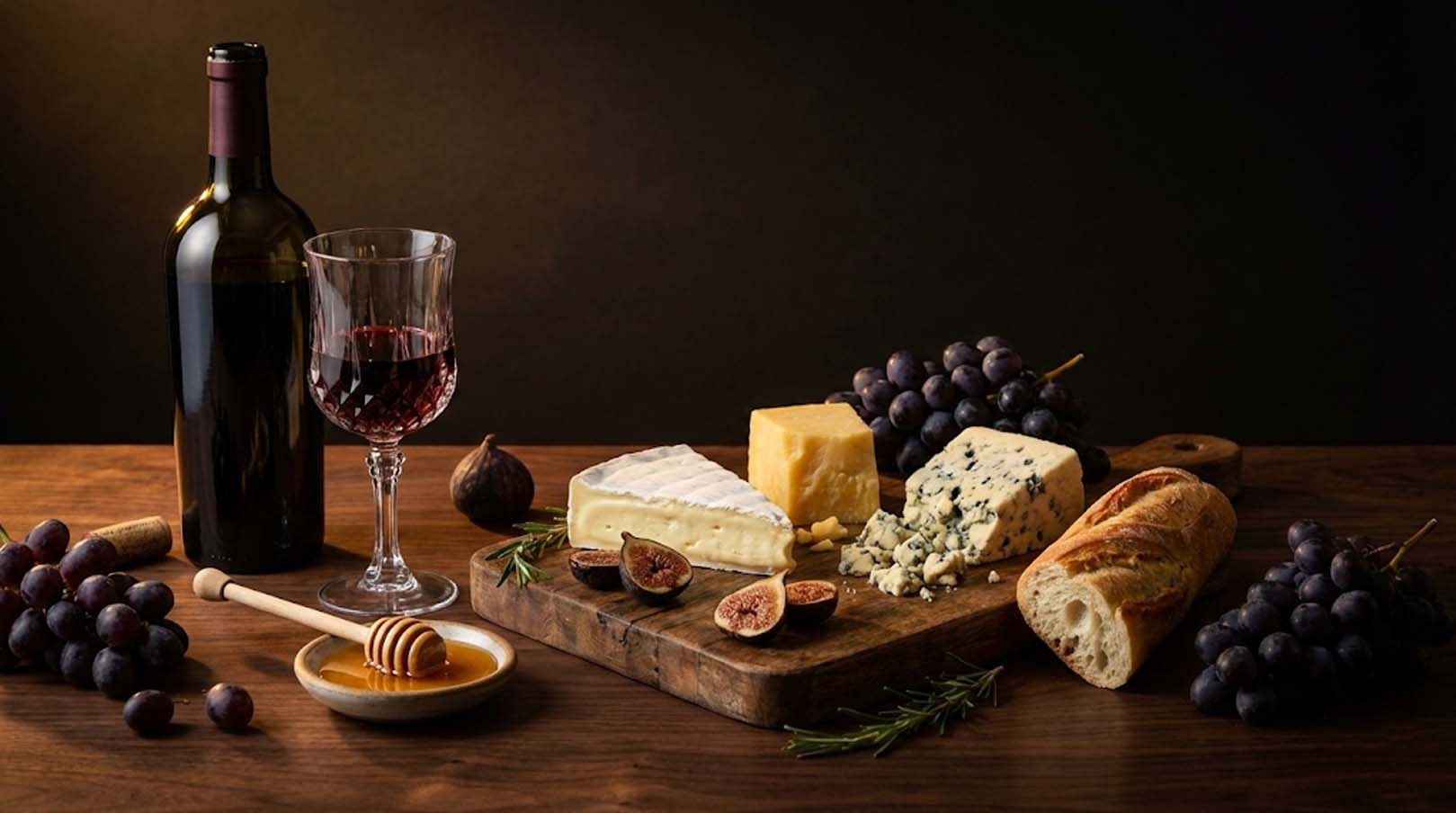


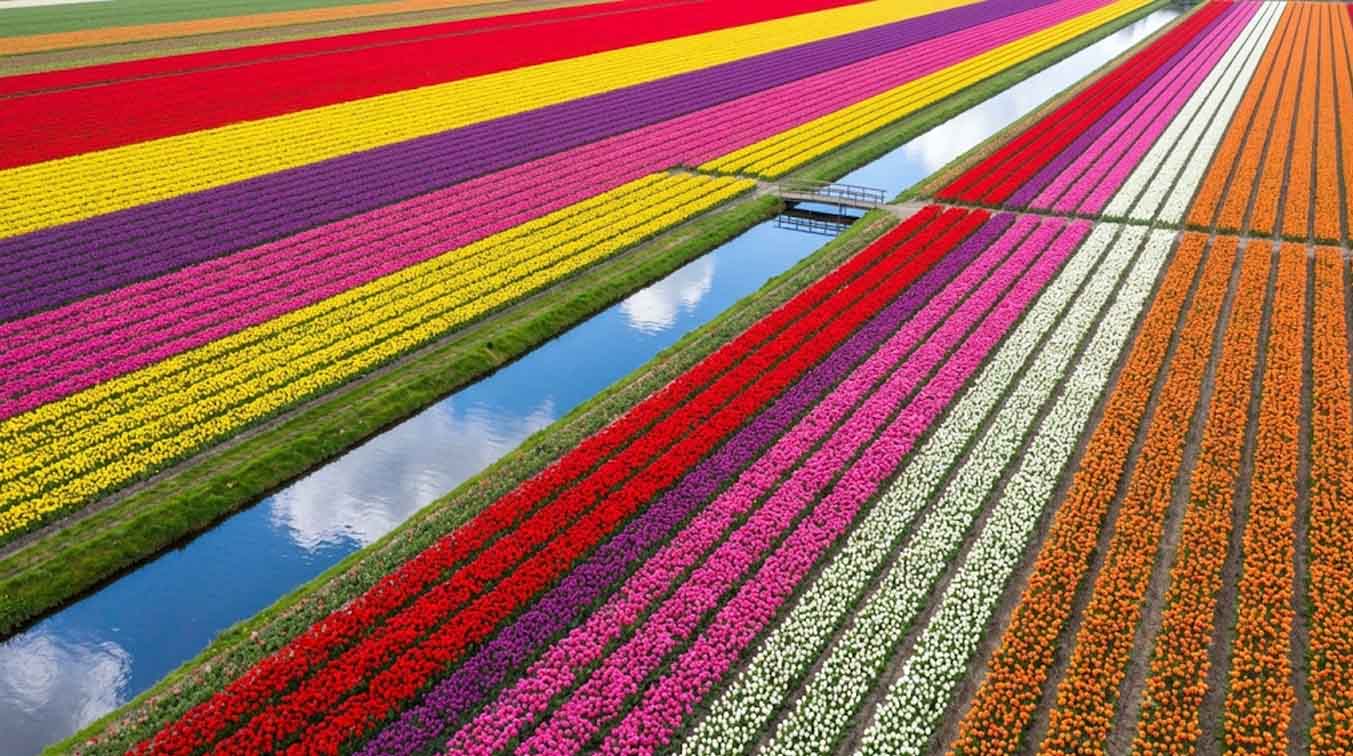

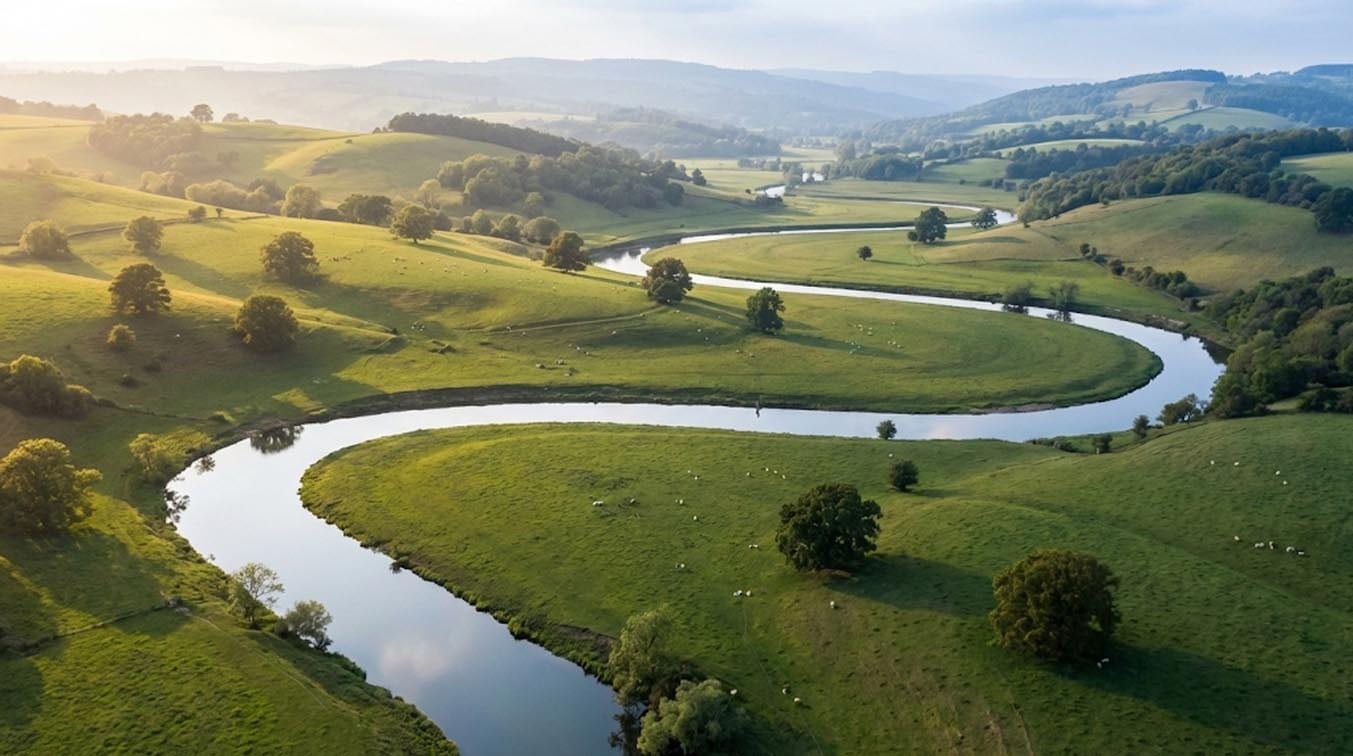
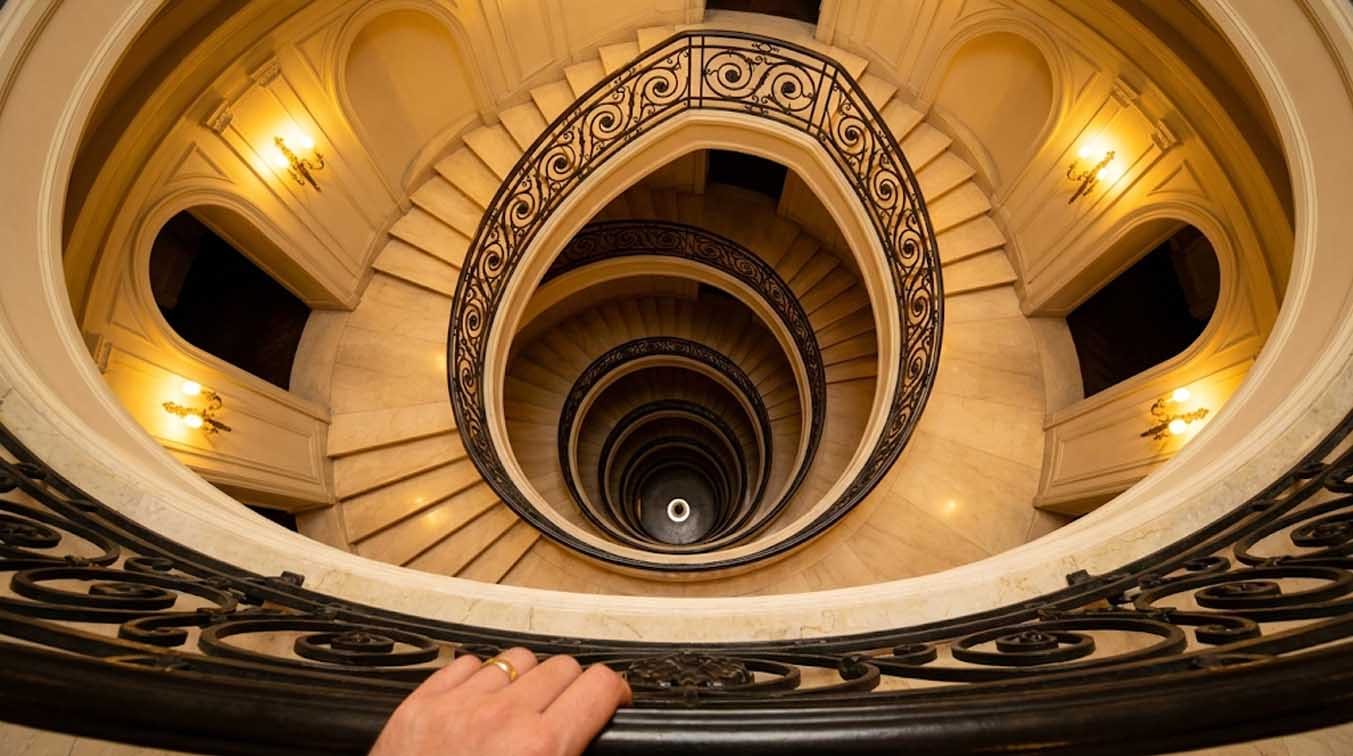
Made something with the overlays? We feature real work with full credit and a portfolio link.
Share your workTry Grid Maker Pro
Start creating better artwork today — free, and in your browser
Try Grid Maker Pro free → No signup required • 100% free • No watermarks