
How to transfer a design onto glass
Glass is its own transfer problem. It is transparent, so you can back a pattern behind it and trace straight through — but it is also non-porous and slick, so ink beads and smudges, and a phone camera can struggle to lock a reference to a clear pane. This guide covers every honest way to get a design onto glass for glass painting, stained glass, and window art: pattern taped behind the glass, water-based marker tracing, transfer paper, AR tracing, and freehand — with the trade-offs, the glass-specific tips, and when each one wins.
One of the guides behind the 82 composition overlays every visual artist should know and use.
By Sujith Puthran · Published 1 July 2026
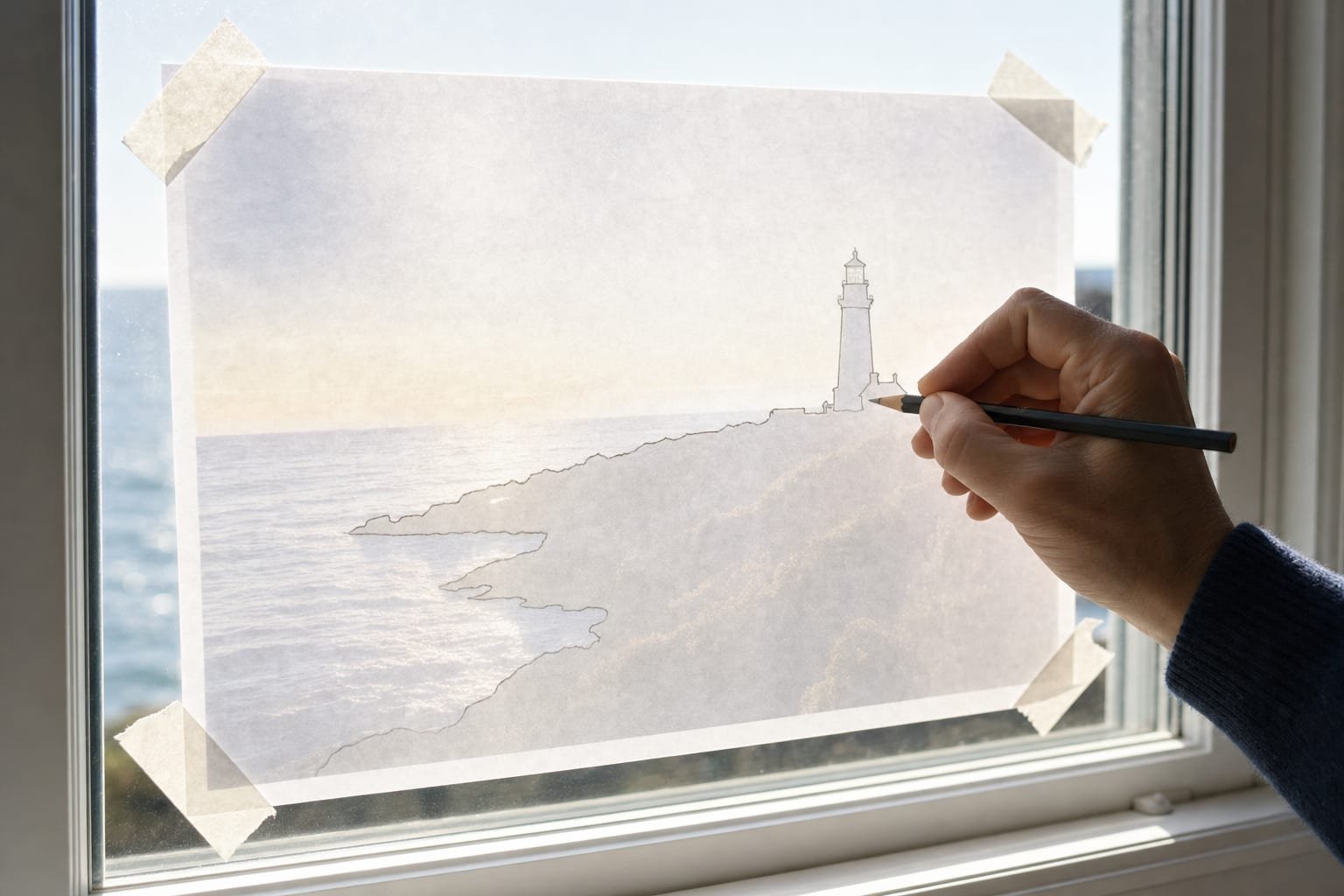
Most transfer guides assume an opaque surface you draw on top of — paper, canvas, a board. Glass breaks that assumption twice. First, it is transparent, which is a gift: you can slip the pattern behind the pane and trace the lines showing through the front, with nothing to scale and no distortion. That single property makes flat glass one of the easiest surfaces to transfer onto, and it means the fancy methods are often unnecessary.
Second, glass is non-porous and slick, which is where the trouble starts. Water-based ink beads up on a greasy or dusty surface instead of laying a clean line, and because nothing soaks in, marks stay wet longer and smudge under your hand. Curved, vertical, and opaque glass — a wine glass, a window in a frame, a mirror — remove the tape-it-behind trick and force you back to the general transfer methods. And a phone camera, used for AR tracing, can have trouble pinning a reference to a clear pane because it can see straight through it. Each method below is really an answer to one of those two facts.
The ways to transfer a design onto glass
| Method | How it works | Best for | The catch |
|---|---|---|---|
| Pattern taped behind the glass | Tape the paper design to the back of the pane; trace the lines showing through the front with a marker. | Flat, clear glass and stained-glass pieces — the simplest case. | Only works on flat, transparent glass you can reach the back of. |
| Water-based marker tracing | The marking step of most methods: draw guide lines you can wipe off after painting. | Any glass, as the actual line-laying tool paired with another method. | Beads on a dirty surface; needs a wipe-off marker, not a permanent one. |
| Transfer / carbon paper | Lay coated paper between the design and the glass; trace to offset the lines onto the surface. | Opaque or frosted glass where you cannot see a pattern behind it. | Graphite grips poorly on slick glass; lines rub off easily and stay only same-size. |
| AR tracing | Lock the design over the glass through a phone camera; trace the lines you see through the screen. | Curved, vertical, or large glass, and any size — no pattern needed behind it. | Clear glass may need a card behind it for the camera to track; needs a steady phone. |
| Freehand | Draw straight onto the glass by eye, using measurement rather than a copied outline. | Simple, forgiving, or gestural designs where exactness does not matter. | No safety net; hard to keep proportion on a reflective, awkward surface. |
Whichever method you choose, check the composition and crop before you commit ink to glass. Drop your design into the free browser tool, switch on a grid, and settle the arrangement first.
How to transfer a design onto glass with AR
When you cannot tape a pattern behind the glass — a curved vase, a framed window, a mirror, or a pane too large for a printout — AR tracing is the method that adapts. It locks your reference over the real glass through a phone camera and lets you trace it by hand at any size, with no projector and no dark room. The one adjustment glass needs is giving the camera something to hold onto.
-
Clean and degrease the glass
Wipe the pane with isopropyl alcohol or a grease-cutting glass cleaner and let it dry fully. Any oil, dust, or fingerprint film will make water-based ink bead and skip, so a genuinely clean surface is the single most important step on glass.
-
Back the glass with a neutral card if the camera needs contrast
Because glass is transparent, the AR tracker can see through it and struggle to pin the reference in place. Slip a plain matte card, sheet of paper, or a few strips of tape behind the pane to give it a surface to lock onto. Mirrors and frosted glass are opaque or diffuse enough to track on their own.
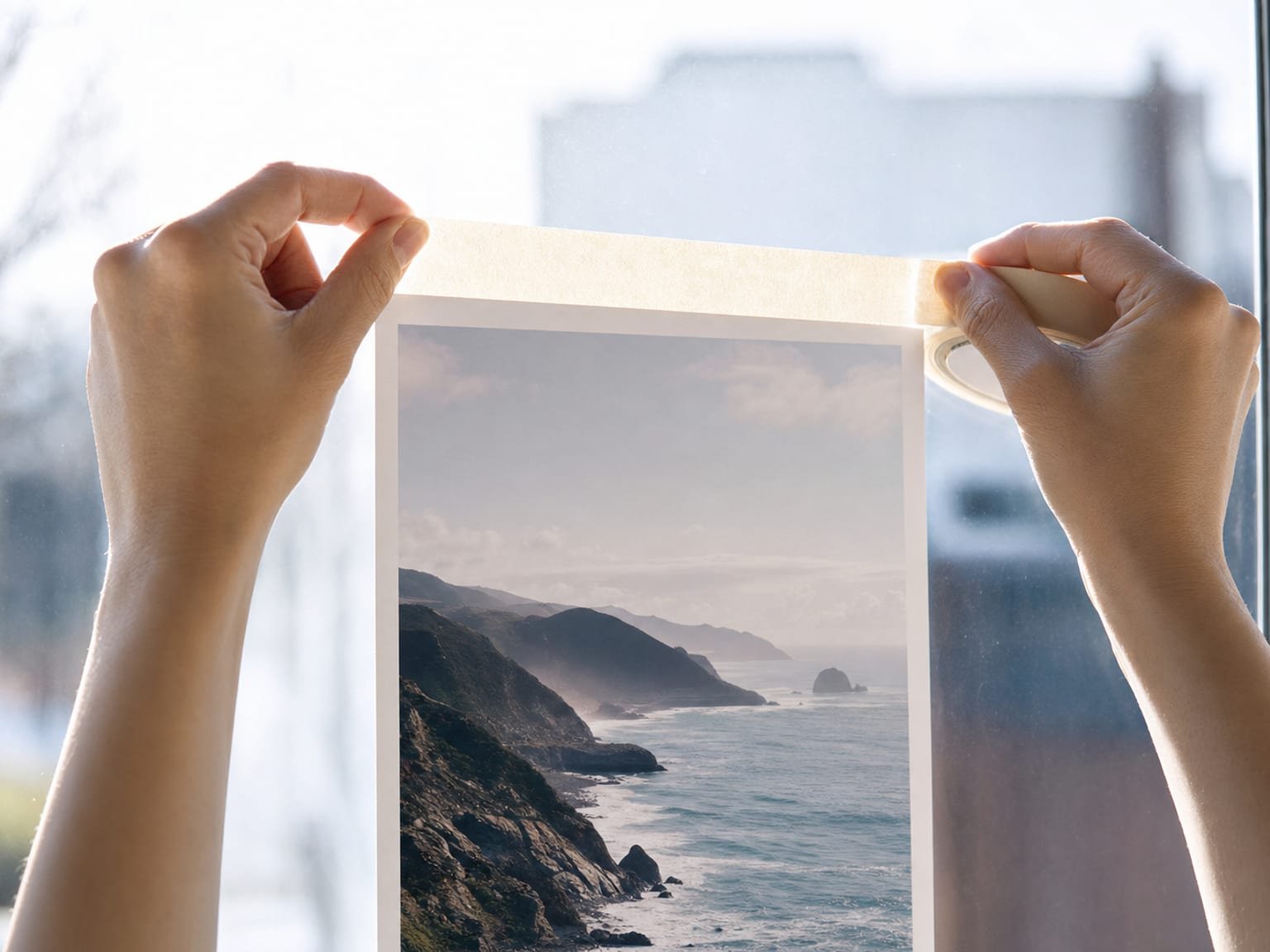
A card or taped print behind the pane gives the camera — or your eye — something to lock onto. -
Mount the phone on a stand
Fix the phone or tablet on a tripod or stand aimed square at the glass. A fixed viewing position keeps the overlay from drifting as you move, and frees both hands for the marker — which matters more on slick glass, where you want to steady your drawing hand.
-
Import your design
Load the pattern, photo, or line drawing into the app. A clean, high-contrast line version reads best through a phone screen against a glossy, reflective surface, so simplify heavy artwork to its key outlines first.
-
Scale and set the opacity
Pinch to size the design to the pane and drag it into position. Drop the overlay opacity to roughly forty to sixty percent so you can see both the reference lines and your own marker tip through the reflection.
-
Trace with a water-based or glass marker
Draw the lines you see through the screen directly onto the glass. Keep your eye position consistent, work from the top down so your hand never crosses wet ink, and let each section dry before you lean on it.
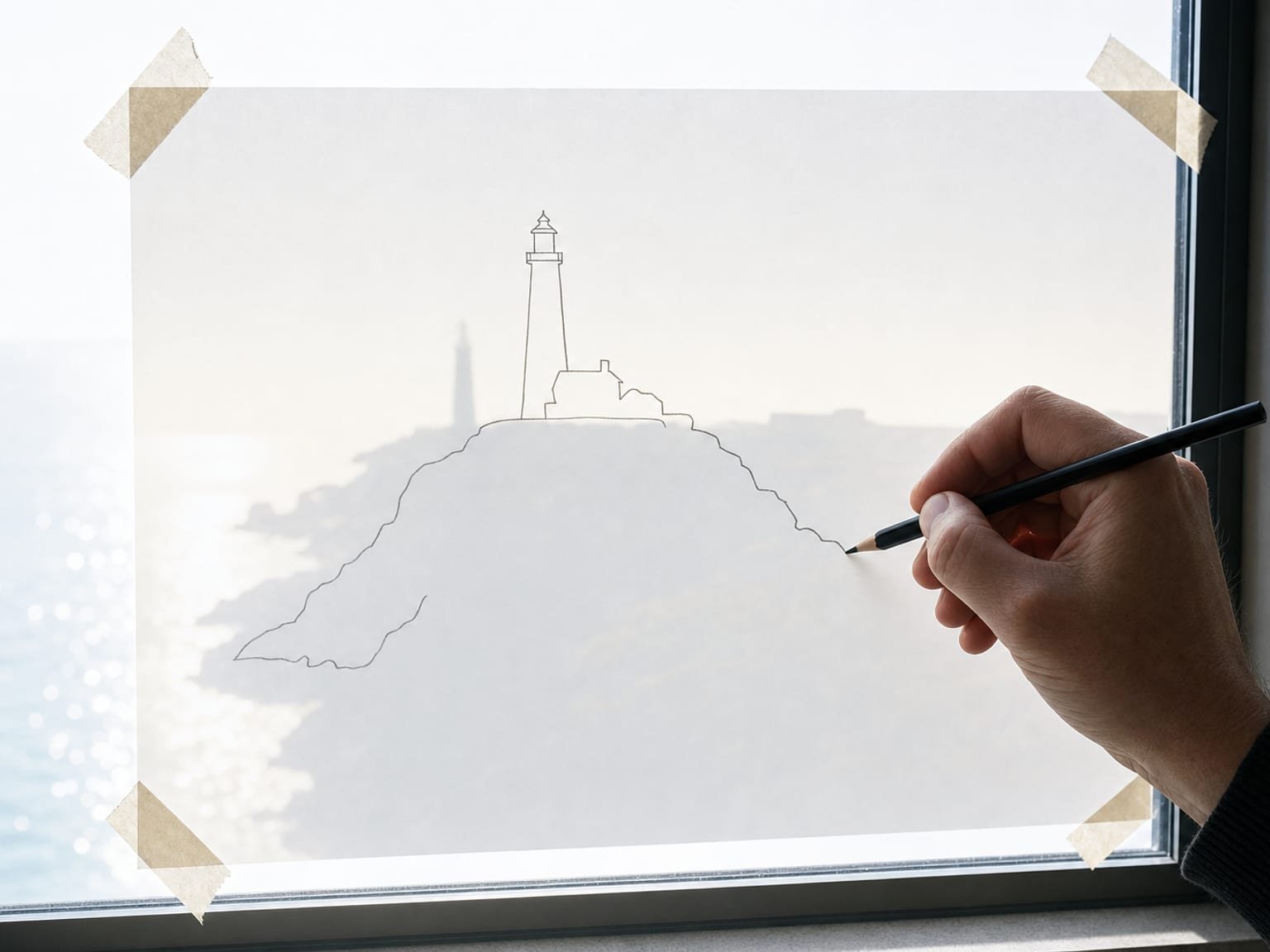
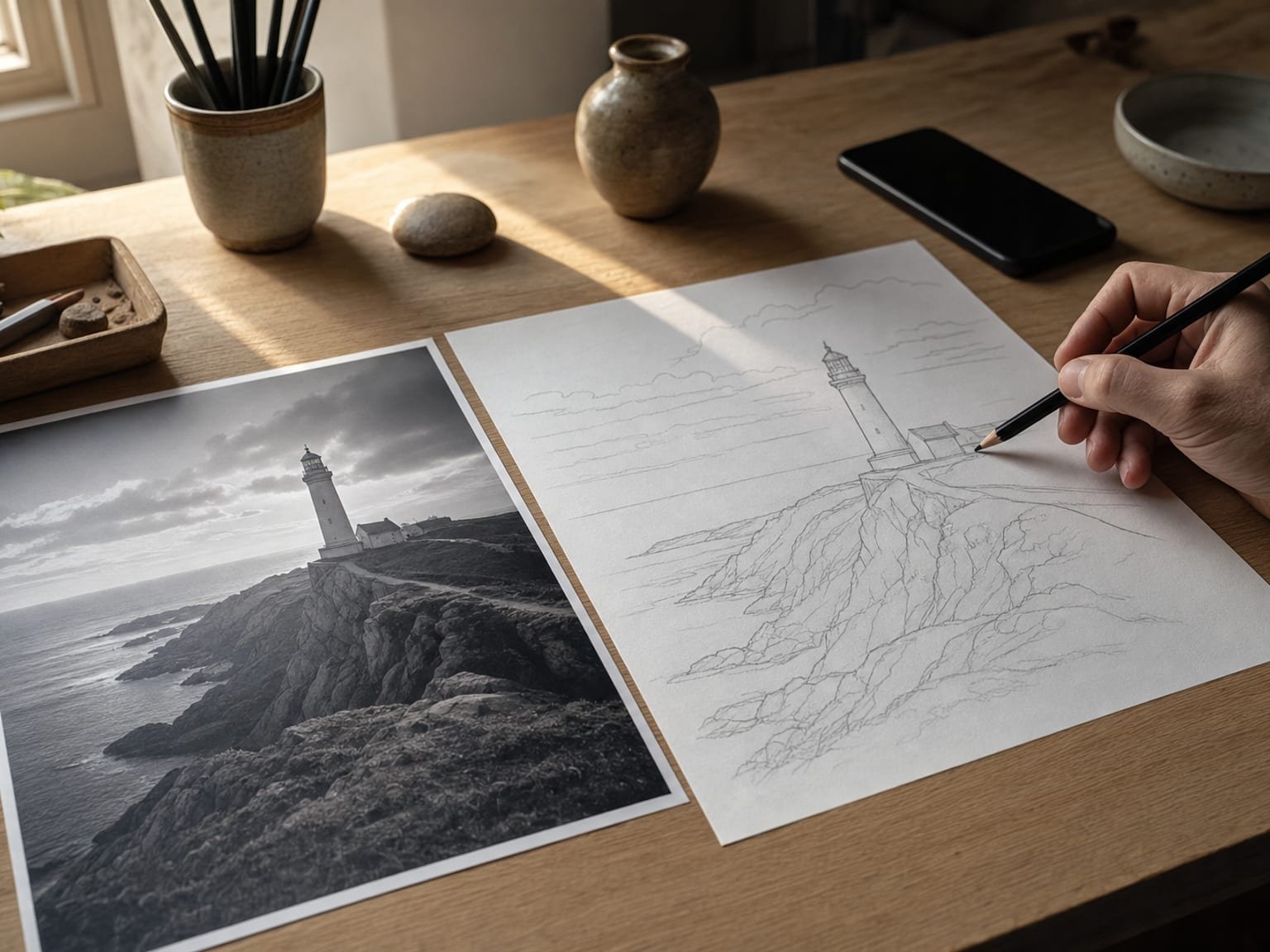
Trace the major contours first; a reflective surface fades fine detail, so work shapes before textures.
The AR app, plainly
- A separate app — not a paywall on the free tool. The browser tool stays free forever, 82 grids, no account.
- Built by Sujith Puthran, a working artist of more than 15 years, to solve the AR-tracing job at his own bench.
- On Android via Google Play (com.gridmakerpro.app); an iOS version is planned.
- Runs on-device — your reference photos stay on your phone.
- Free tier: 3 AR traces of your own photo every month. Paid: $29.99 / year, $6.99 / month, or $79 once for lifetime.
Glass-specific tips
- Degrease before anything else. A quick wipe with isopropyl alcohol removes the oil film that makes water-based ink bead into dots instead of a continuous line. This one habit fixes most "the marker won't draw" complaints.
- Choose the right marker for the job. Use a water-based or dedicated glass marker for guide lines you will paint over and then wipe away. Oil-based paint pens are for marks meant to stay — they resist cleaning and can bleed into transparent glass paint, so keep them off the temporary trace.
- Curved and vertical glass reward AR. A wine glass, a curved bowl, or a fixed window pane cannot take a pattern taped flat behind it. AR tracing and freehand are the only options that follow the curve or reach the vertical surface without a rig.
- Mark the came or foil lines for stained glass. When transferring a stained-glass pattern, trace not just the picture but the lead came or copper-foil lines between pieces, so the whole panel assembles to the pattern. Cutting the paper pattern into pieces and tracing each onto its own glass is the cleanest way.
- Respect firing and baking paint. If you are using kiln-fired or oven-baked glass paint, remember your traced guide lines must survive up to the paint step and then either burn off cleanly or wipe away first. Check the paint's instructions before you rely on a marker line staying put.
- Mirrors give AR a free surface. A mirror is opaque, so its backing gives the camera plenty of contrast to lock onto — no card needed. Treat it like any solid surface, and it becomes one of the easier "glass" cases for AR tracing.
Common mistakes
- Skipping the degrease. Drawing on greasy or dusty glass is the top reason ink beads and lines skip. Clean first, every time.
- Reaching for a permanent marker. A Sharpie or oil paint pen for the guide trace leaves marks you cannot wipe off, which shows through transparent paint. Use a water-based or glass marker for anything temporary.
- Resting your hand on wet lines. Glass is non-porous, so ink stays wet and smudges under your palm. Work top to bottom and let sections dry.
- Forgetting the camera cannot see clear glass. Trying to AR-trace a bare clear pane and wondering why the overlay drifts — back it with a card and the tracking settles.
- Ignoring the composition. An accurately traced but badly cropped design is still badly cropped. Set the crop in the tool before you print or import.
When another method still wins
AR is the flexible answer, but it is not always the right one. For flat, clear glass — a picture-frame pane, a flat suncatcher, a sheet you are cutting for stained glass — taping the pattern behind the glass and tracing straight through the front is faster, needs no phone, and has no tracking to fuss with. When the design already sits directly behind the surface at the exact size, there is simply nothing left to improve. Reach for that first whenever the glass is flat and you can get to its back.
And for repeat production — a batch of identical ornaments, a set of matching glasses, a run of the same window motif — a printed pattern (or a stack of cut stained-glass pattern pieces) beats retracing by hand every time. Do the placement work once, print or cut the guide, and reuse it. AR and freehand earn their keep on the one-off, the large, and the awkwardly shaped; the humble printed pattern still owns the repeatable and the flat.
Frequently asked questions
What is the easiest way to transfer a design onto glass?
For flat, clear glass the easiest method is to tape the paper pattern to the back of the pane and trace the lines showing through the front with a water-based or glass marker. There is nothing to scale or distort because the pattern sits directly behind the surface. For curved, vertical, or opaque glass where you cannot get a pattern behind it, AR tracing is the flexible answer: it locks the design over the glass through a phone camera so you can trace it by hand.
What marker should I use to trace a design onto glass?
Use a water-based marker or a dedicated glass marker for the guide lines, because they wipe off cleanly with a damp cloth once you have painted over them. Avoid permanent markers and oil-based paint pens for the initial trace unless the marks are meant to stay, since they resist cleaning and can bleed into transparent glass paint. Test any marker on a hidden corner first.
How do you transfer a stained glass pattern onto glass?
Cut the paper pattern into its individual pieces, lay each piece on the corresponding glass, and trace its outline with a fine glass marker before cutting. For a full leaded panel you also mark the came or foil lines. Because the pattern pieces sit directly on the glass, this is essentially the pattern-behind-the-glass method broken into parts, and it needs no scaling.
Can you use AR to trace a design onto glass?
Yes, with one adjustment. Glass is transparent, so the camera can have trouble pinning the reference to it. Back the pane with a plain matte card or a strip of tape to give the AR tracker contrast, mount the phone on a stand, then scale and trace as normal. Mirrors and frosted glass, being opaque or diffuse, usually track without any backing.
Does the design smudge on glass while you trace?
It can, because glass is non-porous and ink sits on top of the surface rather than soaking in, so it stays wet longer than on paper. Work from the top of the design downward, keep your hand off the wet lines, and let each area dry before resting on it. A fine-tip water-based marker lays down less ink and dries faster than a broad one.
Sources
- Melissa J. Will, "Image Transfer Methods (Ideas & How-Tos)," Empress of Dirt. empressofdirt.net/image-transfer-methods — practical overview of transferring designs onto surfaces including glass.
- Leon Battista Alberti, On Painting (Della Pittura), 1435 — the earliest written description of the gridded veil for transferring proportion accurately onto a surface, the ancestor of every overlay-and-trace method.

Update log
- — First published. Surface-specific transfer guide for glass: methods table, AR how-to, glass-specific tips, mistakes, and when another method wins.
Trace your design onto real glass
The free web tool overlays 82 grids on your reference in the browser. When you need to lock that reference over an actual pane and trace it by hand, the AR app does the one thing a browser cannot.
Get the app →One brief every other Tuesday.
One overlay, one historical reference, one workflow note. Studio notes from working artists, photographers, and designers. No spam, unsubscribe in two clicks.