
Best tracing app for drawing — by use case
There is no single best tracing app for drawing, because tracing is two different jobs. Some apps help you trace on a screen — you draw on a tablet with the reference on a layer underneath. Others project the reference onto your real paper, canvas, or wall through the camera so you can trace it by hand in augmented reality. Pick the wrong category and the best app in it still won't fit your workflow. This roundup sorts the main apps by which job they do, gives honest pricing for each, and flags the one fact that decides most free-tier choices: whether you can trace your own photo without paying. We link to every app so you can verify the numbers, which drift.
By Sujith Puthran · Published 30 June 2026 · This page is by Grid Maker Pro and reflects our perspective; we link to every app so you can verify claims independently.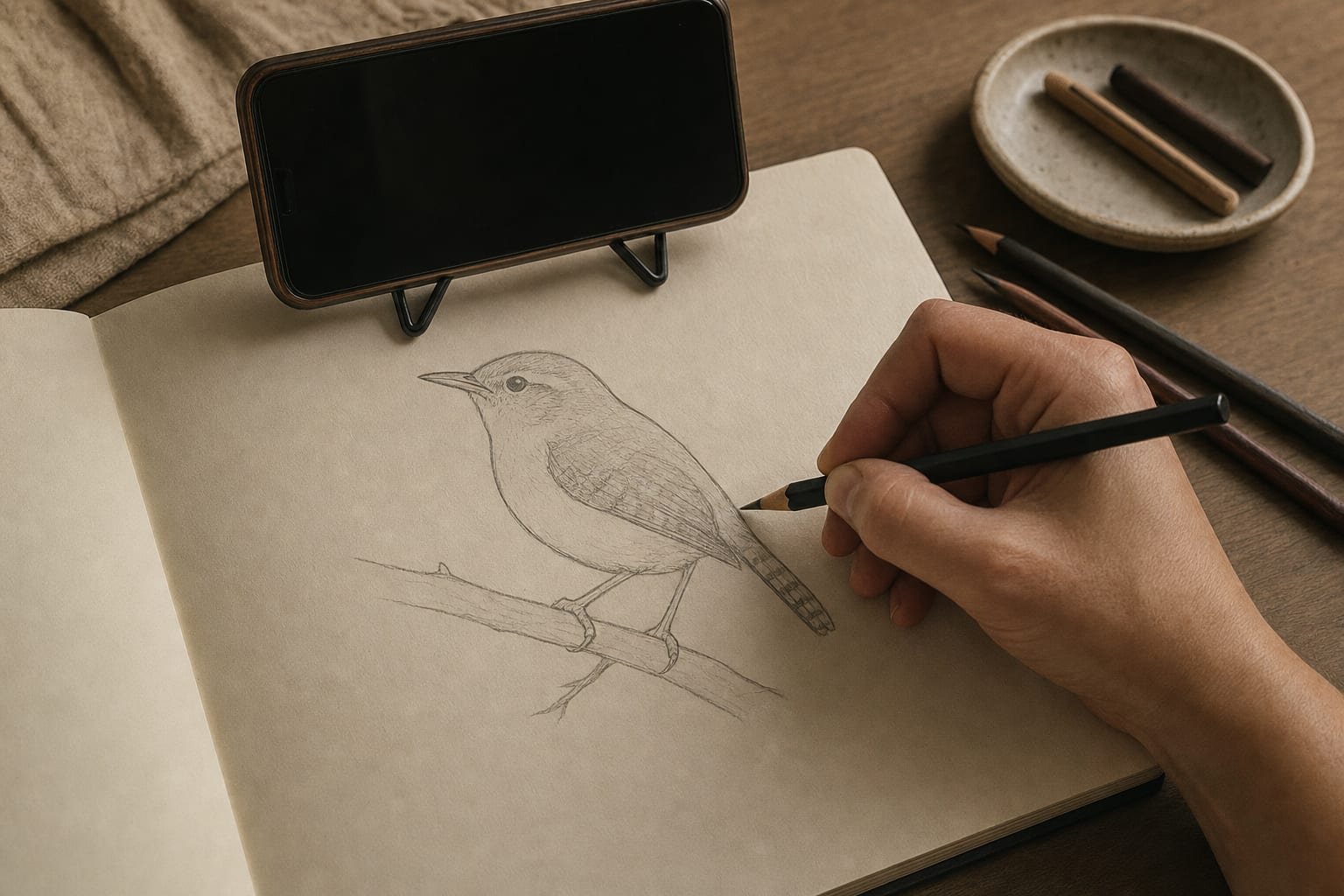
How to choose: two jobs, two kinds of app
Before comparing apps, decide which kind of tracing you are doing. The answer narrows the field more than any feature list.
- Trace onto a screen. Your finished piece is digital, or you are studying proportion and composition. You want the reference on a layer or overlay under your own marks on a tablet, or a grid you can lay over an image in a browser. This is the lighter, cheaper category — and a browser is often enough.
- Trace onto real paper, canvas, or a wall. Your finished piece is physical — a drawing, a painting, a mural. You can't do this on a screen; you need an app that locks the reference over your real surface through the phone or tablet camera so you can trace it in augmented reality, or that projects it. This is where AR and projection apps earn their price.
Most people searching for the best app to trace pictures actually want the second job — they have a sketchbook or a canvas in front of them. If that is you, skip the on-screen apps. If your work stays digital, you may not need a dedicated tracing app at all.
Worth saying plainly: the free Grid Maker Pro web tool at gridmakerpro.com stays free forever and browser-only. It is the on-screen composition option. The AR app is a separate, optional product that adds the one thing a browser cannot do — projecting your reference onto real paper or canvas.
The best tracing apps for drawing, ranked by fit
1. Grid Maker Pro app — best for tracing your own photo onto real paper, free
The Grid Maker Pro app is an AR tracing app: it locks your reference photo over your real paper, canvas, or wall through the camera so you can draw the proportions by hand. What sets it apart in this roundup is the free tier — three AR traces of your own imported photo every month, plus all 82 professional composition overlays (golden ratio, Loomis head, dynamic symmetry, perspective, sacred geometry). No other tracing app ships an overlay library this deep, and most paywall importing your own photo entirely.
Unlimited tracing is $29.99 per year, $6.99 per month, or a $79 one-time Lifetime unlock with no subscription. It is Android-first via Google Play (com.gridmakerpro.app), with iOS planned. The reference is processed on your device, and there is no account required to start. It is built by Sujith Puthran, a working artist of 15 years. Best for: artists who want to trace their own reference onto a physical surface for free, and who care about checking composition, not only tracing contours.
2. Da Vinci Eye — most mature AR and projection app
Hosted at davincieyeapp.com by Da Vinci Eye LLC, this is the established name in AR tracing, with both AR and Classic projection modes, image stabilization and strobe, value-layer separation for shading passes, time-lapse, and built-in lessons. It runs on iOS, Android, and Apple Vision Pro, with an iOS rating reported around 4.6 stars from roughly 11,000 ratings — verify on the official store listing, as these drift. It is free to install with an auto-renewing subscription, with marketing pricing around $7.99 per month or $29.99 per year and a seven-day trial. The catch artists complain about most: tracing your own imported photo is paywalled — free users get only the community and stock library. See our full Grid Maker Pro vs Da Vinci Eye comparison. Best for: the broadest projection feature set, iOS or Vision Pro users, and painters who want value layers and lessons.
3. SketchAR — biggest by downloads
SketchAR (sketchar.io) is the volume leader, with 5 million-plus downloads across iOS and Android. It does AR tracing plus AI-assisted drawing courses and challenges. Pricing is freemium with a PRO tier, reported around $9.99 per month or $34.99 per year — confirm the current figure on its store listing. Its Android rating sits lower, reported around 3.7 stars, and the most common complaint is repetitive subscription pop-ups and a lot of features locked behind PRO. Best for: beginners who want gamified lessons alongside tracing and don't mind upsell prompts.
4. Camera Lucida — trusted one-time-purchase classic
Camera Lucida (App Store) emulates the optical camera-lucida rig artists used for centuries: it overlays the reference on a live camera view so you trace what you see. It is iOS-only, a one-time purchase of roughly $14.99 with no subscription, and carries a high rating reported around 4.8 stars from about 1,800 ratings — verify on the listing. The trade-off is a dated, fiddly experience: it expects a physical phone-mount rig and its UX shows its age. Best for: iOS users who want a no-subscription, honest classic and don't mind a fussier setup.
5. Morpholio Trace — for designers and architects
Morpholio Trace (morpholioapps.com/trace) is an iPad and iOS sketching app aimed at architecture and design rather than hobby tracing — trace-paper-style layers over plans, photos, and site shots, with AR perspective and LiDAR room scanning in the paid tiers. It is free for up to five projects, with Plus at $9.99 per year and Pro at $19.99 per year. It is a different tool for a different job; include it only if you are doing design or architecture overlay work, not contour tracing of a portrait. Best for: architects and designers tracing over plans and site photos on an iPad.
6. Generic ad-supported tracing apps — proceed with care
The stores are full of near-identical "AR drawing" and "photo tracer" apps that are free to install and look appealing at first. Many are ad-heavy, with subscription pop-ups that are hard to dismiss and trial-to-charge billing that catches people out. Read recent reviews and the in-app purchase terms before installing one of these, and prefer apps with a clear free tier, on-device processing, and a plainly stated price. We are naming the category rather than any one app, because it is a churning field of clones, but the pattern is consistent enough to flag. Best for: almost no one who values their time — the honest free tiers above are a safer starting point.
Summary table
| App | Tracing job | Platforms | Pricing | Free own-photo tracing |
|---|---|---|---|---|
| Grid Maker Pro app | Onto real paper / canvas / wall (AR) + 82 overlays | Android (iOS planned) | Free tier · $29.99/yr · $6.99/mo · $79 Lifetime | Yes — 3 of your own photo / month |
| Da Vinci Eye | Onto real surfaces (AR + Classic projection) | iOS, Android, Vision Pro | Free install + subscription (~$7.99/mo or ~$29.99/yr) | No — own photo is Pro-only |
| SketchAR | Onto real surfaces (AR) + lessons | iOS, Android | Freemium + PRO (~$9.99/mo or ~$34.99/yr) | Limited — much locked behind PRO |
| Camera Lucida | Onto real paper (live camera overlay) | iOS | One-time ~$14.99, no subscription | Yes — but a fiddly rig |
| Morpholio Trace | On-screen design / architecture layers (+ AR) | iPad / iOS | Free 5 projects · Plus $9.99/yr · Pro $19.99/yr | On-screen, not paper tracing |
| Grid Maker Pro web tool | On-screen composition overlays | Any browser | Free forever, browser-only | Yes — images never leave your browser |
Prices, ratings, and platform facts above were gathered from each app's official site and store listings as of June 2026. They drift — confirm the current numbers on the official store listing for each app before you decide. We do not invent ratings or review counts.
Which one should you pick
- Trace onto real paper for free → the Grid Maker Pro app. It is the one app here whose free tier traces your own photo, and it adds 82 composition overlays.
- Most mature projection feature set, on iOS or Vision Pro → Da Vinci Eye, if a subscription and a paywalled own-photo import are acceptable.
- Gamified lessons alongside tracing → SketchAR, if you can tolerate the upsell prompts.
- No-subscription iOS classic → Camera Lucida, if you don't mind a dated, rig-dependent setup.
- Design or architecture overlays on an iPad → Morpholio Trace — a different job from contour tracing.
- Tracing on a screen, or just checking composition → the free Grid Maker Pro web tool, which stays free and browser-only.
The honest bottom line
If your finished work is physical, you need an AR or projection app, and the single fact that should drive your choice is whether you can trace your own reference on the free tier — because that is the work you actually want to do, and most apps make you pay to do it. Da Vinci Eye is the most polished projection app and the right pick for iOS or Vision Pro users who want value layers and lessons. The Grid Maker Pro app is the one built around free own-photo tracing, the deepest overlay library in any tracing app, and a one-time lifetime price instead of a subscription — built by a working artist for his own easel. Whichever app you trace with, the free web tool is there for composition work on screen, and the deeper how-to lives in our guide on how to trace a photo onto paper.
Frequently asked questions
What is the best tracing app for drawing?
There is no single best tracing app — it depends on the job. If you trace on a screen, an on-screen overlay or layer-based app is enough, and the free Grid Maker Pro web tool at gridmakerpro.com covers composition tracing in any browser. If you want to trace onto real paper, canvas, or a wall, you need an AR or projection app: Da Vinci Eye is the most mature, the Grid Maker Pro app is the one whose free tier traces your own photo, SketchAR is the biggest by downloads, and Camera Lucida is a trusted one-time-purchase classic on iOS.
What is the best free app to trace pictures?
For tracing on a screen, the free Grid Maker Pro web tool is free forever and browser-only with 82 composition overlays. For tracing your own photo onto real paper through AR, the Grid Maker Pro app is the only major tracing app whose free tier lets you trace your own imported photo — three traces every month — plus all 82 overlays. Most other AR tracing apps let free users trace only community or stock images and paywall importing your own photo, so check the current terms on each app's official store listing before relying on a free tier.
Should I trace on a tablet screen or onto real paper?
Trace on a screen if your finished piece is digital, or if you are studying proportion and composition — a layer or overlay app on a tablet, or the free Grid Maker Pro web tool in a browser, is all you need. Trace onto real paper, canvas, or a wall if your finished piece is physical — a painting, a mural, a drawing on paper — because then you need an AR or projection app that locks the reference over your real surface through the camera. The two jobs use different kinds of app.
Is the Grid Maker Pro app a good tracing app for drawing?
It is built for tracing your own reference onto real paper or canvas through AR, and it ships 82 professional composition overlays no other tracing app carries. The free tier gives you three AR traces of your own photo every month plus all the overlays. Unlimited tracing is $29.99 a year, $6.99 a month, or a $79 one-time lifetime unlock with no subscription. It is Android-first via Google Play, with iOS planned, and is built by Sujith Puthran, a working artist of 15 years.
Are free tracing apps safe to use?
Many free tracing apps in the stores are ad-supported clones with aggressive subscription pop-ups and deceptive trial-to-charge billing, so read recent reviews and the in-app purchase terms before installing one. Prefer apps with a clear free tier, on-device processing, and an honest pricing page. The Grid Maker Pro app processes your reference on your device, needs no account to start, and lists its prices plainly, and the free Grid Maker Pro web tool has no backend for your images because they never leave your browser.
Which tracing app is best for tracing onto a wall or canvas?
For large surfaces like walls and canvases you want an AR or projection app rather than an on-screen one. Da Vinci Eye has AR and Classic projection modes, stabilization, and value layers, and is a common choice for muralists. The Grid Maker Pro app does AR tracing onto paper, canvas, and walls with stabilized projection and adds 82 composition overlays, with a free tier for your own photo. Confirm camera and surface-tracking behavior on each app's listing, since AR reliability varies by device.
References
- Da Vinci Eye: AR Trace & Draw. davincieyeapp.com. Da Vinci Eye LLC. Primary source for Da Vinci Eye's platforms, pricing, and features — verify current terms at davincieyeapp.com and its App Store / Google Play listings.
- SketchAR. sketchar.io. Primary source for SketchAR's platforms, pricing, and feature set — verify on its App Store and Google Play listings.
- Camera Lucida and Morpholio Trace. App Store and morpholioapps.com/trace. Primary sources for the one-time and tiered pricing cited — re-verify before relying on them.
- Alberti, Leon Battista. On Painting (Della Pittura, 1435). Penguin Classics. ISBN 978-0-14-043331-3. The foundational text on the squared "veil" — the proportional-transfer ancestor of every tracing and grid method.
