
Grid Maker Pro vs Morpholio Trace — AR tracing app comparison
These two apps get compared a lot, but they do genuinely different jobs. Morpholio Trace is an iPad sketch-CAD tool: architects and designers draw on the screen over digital trace paper, with strong scale and perspective tools and Apple Pencil support. The Grid Maker Pro app is an Android augmented-reality tool that locks your reference photo over real paper or canvas through the camera, so you trace the proportions by hand. This is an honest side-by-side — where each one is the right tool, and where it isn't.
By Sujith Puthran, founder and working artist · Published 28 June 2026 · This page is by Grid Maker Pro and reflects our perspective; we link to Morpholio Trace throughout so you can verify the facts independently.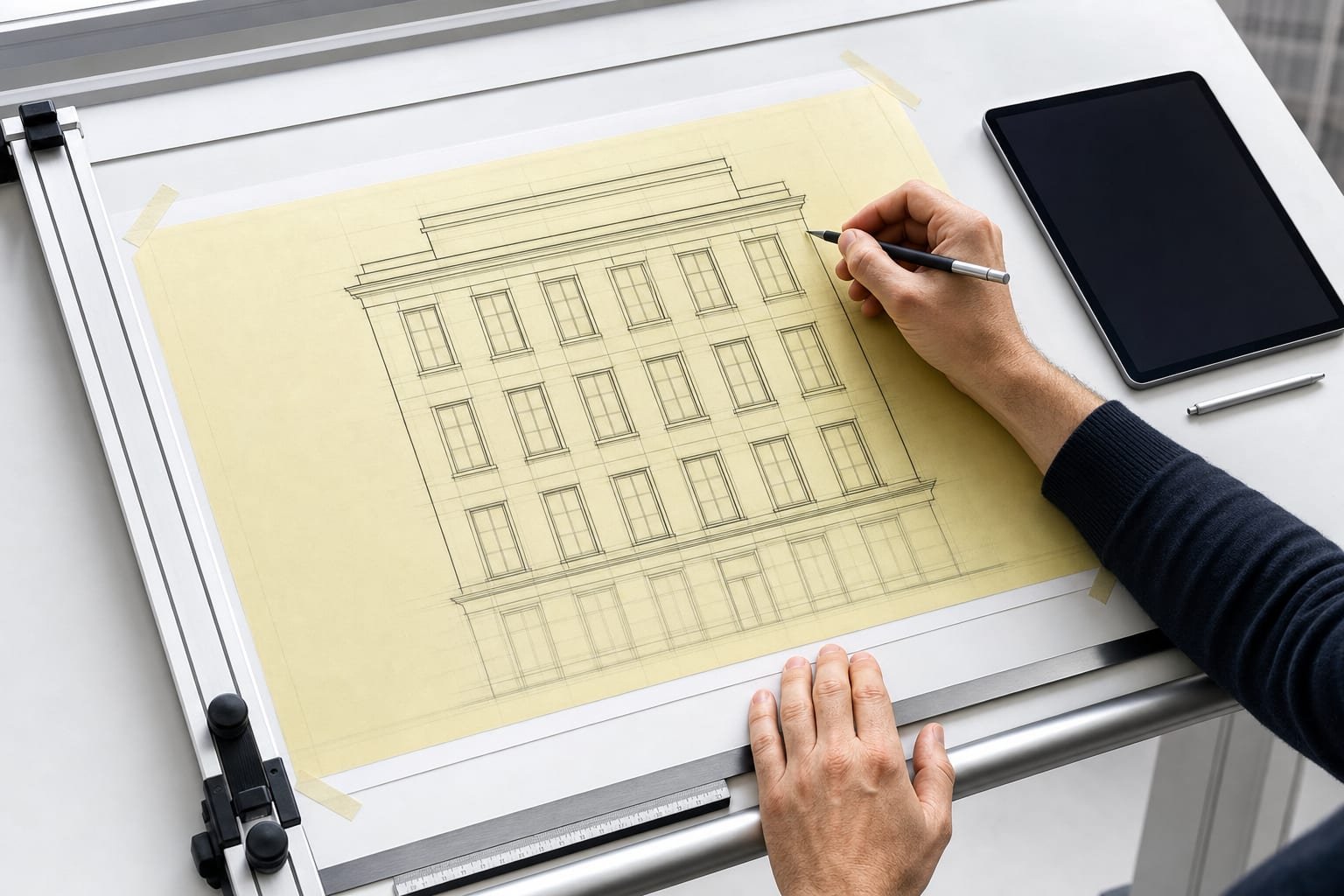
One thing first: the free Grid Maker Pro web tool at gridmakerpro.com stays free forever and runs in any browser. The AR tracing app discussed here is a separate product that adds augmented-reality tracing onto real paper or canvas. Nothing about the app paywalls the free web tool.
The two tools at a glance
Morpholio Trace — full name "Morpholio Trace – Sketch CAD," by Morpholio LLC, at morpholioapps.com/trace — is an iPad / iOS app. There is no Android version. Its audience is professionals: architects, interior, landscape and industrial designers, and urban planners. It is a digital trace-paper and sketch-over tool — you draw on the iPad screen over imported plans, photos, and layered trace sheets, with scale and perspective tooling and Apple Pencil support. Its AR features (AR Perspective Finder, AR SketchWalk) overlay a digital perspective grid or let you walk a floor plan on the screen via ARKit. Crucially, it does not project a reference onto real paper — the drawing happens on the screen.
Grid Maker Pro app — the Android app at gridmakerpro.com/app (Google Play, package com.gridmakerpro.app; iOS planned). It is built by Sujith Puthran, a working artist of 15 years. Its core job is the opposite: hold your phone over your sketchbook, canvas or wall, and the app locks your reference photo onto that real surface through the camera so you can trace the proportions by hand. It also carries all 82 Grid Maker Pro composition overlays. It is on-device — there is no account needed to start.
The honest distinction up front
The most important thing to understand is that these are adjacent tools, not direct competitors. Morpholio Trace is a sketch-over tool — you draw on the glass. The Grid Maker Pro app is a trace-onto-paper tool — you draw on the surface in front of you. If you imagine a painter choosing between the grid method, a projector, and tracing, Morpholio Trace is closer to "draw digitally and refine on screen," while the Grid Maker Pro app is closer to "use the phone as a projector onto real paper." Neither replaces the other.
Feature-by-feature comparison
| Feature | Morpholio Trace | Grid Maker Pro app |
|---|---|---|
| Core job | Digital sketch-over / trace-paper drawing on the iPad screen | Lock a reference photo onto real paper or canvas and hand-trace it |
| Trace a photo onto real paper or canvas | No — drawing happens on the screen | Yes — that is the core feature |
| Digital trace-paper / sketch-over layers | Yes — layered trace sheets, the heart of the app | No — it anchors to a physical surface instead |
| Platform | iPad / iOS only — no Android | Android (Google Play); iOS planned |
| AR features | AR Perspective Finder, AR SketchWalk — digital grid / floor-plan walk on screen via ARKit | AR anchoring of a photo onto a real surface for hand tracing |
| Composition overlays | Drawing and architectural tools; not a composition-overlay catalogue | All 82 Grid Maker Pro overlays — rule of thirds, golden ratio, Loomis, perspective, sacred geometry, more |
| Stylus / Apple Pencil | Yes — refined Apple Pencil drawing | You draw with a real pencil on real paper |
| Architectural scale + perspective tools | Yes — strong, professional-grade | No — it is an artist tracing tool, not CAD-adjacent |
| Image processing location | On the iPad | On-device on your phone — the reference photo stays on the phone |
| Account required to start | Apple ID for the App Store | No account to start |
| Free tier | Yes — around five projects plus basic tools | 3 AR traces of your own photo every month, plus all 82 overlays |
| Paid pricing | App Store tiers around $4.99 / $9.99, Trace Pro monthly around $7.99, Trace Pro around $24.99 (verify on the App Store) | $6.99 / month, $29.99 / year, or $79 once for lifetime |
| Best for | Architects and designers sketching over plans on iPad with a stylus | Artists tracing a photo onto paper, canvas or a wall on Android |
Pricing for both apps drifts over time. Treat the numbers above as a snapshot and confirm current pricing on the Morpholio Trace site / App Store and on our app page.
Where Morpholio Trace wins
- Professional architectural drawing depth. Trace was built for architects and designers, and it shows. The trace-paper workflow — stacking semi-transparent layers and refining over them — is exactly how design studios iterate, and Morpholio has spent years polishing it.
- Scale and perspective tooling. Its scale tools, perspective guides, and AR Perspective Finder are aimed at people who need measured, geometrically correct drawings. That is a different and harder problem than artist proportion-tracing, and Trace handles it.
- Apple Pencil quality. On iPad with an Apple Pencil, the drawing feel is excellent — pressure, precision, and a mature brush engine. If your work lives on the iPad screen, that matters every minute you use it.
- Layered trace-paper workflow. The core metaphor — endless digital trace paper you can overlay, dim, and draw through — is genuinely good design thinking and is the reason many designers keep it in their toolkit.
- ARKit scale aids. AR SketchWalk, which lets you walk a floor plan on the iPad at scale, is a thoughtful use of AR for spatial review that has no equivalent in an artist tracing app.
Where the Grid Maker Pro app wins
- It traces a photo onto real paper. This is the headline difference. Morpholio Trace keeps the drawing on the screen; the Grid Maker Pro app puts your reference onto the physical surface so you draw on paper, canvas, or a wall with a real pencil or brush. For artists who want to keep working traditionally, that is the whole point.
- Android. Morpholio Trace is iPad-only. If you are on an Android phone, Trace is not available to you at all — the Grid Maker Pro app is.
- 82 composition overlays included. Rule of thirds, golden ratio, Loomis Head, perspective grids, sacred geometry, dynamic symmetry and more come with the app. Trace is a drawing tool, not an overlay catalogue.
- Scales to large surfaces. Because the reference is anchored to your real surface, you can take a small reference up to a canvas or a wall and keep proportions accurate — useful for muralists, sign painters, and tattoo artists.
- On-device privacy and no account. Your reference photo stays on the phone, and you can start without creating an account.
- Lifetime price. A one-time $79 lifetime option exists alongside the monthly and yearly plans, for people who would rather not subscribe.
Which tool to pick
- Pick Morpholio Trace if you are an architect or designer working on an iPad, sketching over plans and reference with an Apple Pencil, and you want measured scale and perspective tools. That is the job it was built for, and it does it well.
- Pick the Grid Maker Pro app if you are an artist who wants a reference photo physically traced onto paper, canvas or a wall, you are on Android, and you also want the 82 composition overlays at hand while you draw.
- They are not really substitutes. If you do both kinds of work — digital design on iPad and traditional drawing on paper — there is a fair case for using each for the job it fits, rather than forcing one to do the other's work.
What Morpholio Trace gets right
Honest credit: Morpholio Trace is a strong professional tool. The layered trace-paper metaphor is a clean idea executed well, the scale and perspective tooling is serious, and the Apple Pencil drawing experience is among the best on iPad. Reviews do flag real friction too — occasional stability and data-loss complaints, precision, parallax and lag when perspective is switched on, and frustration with subscription reliability — and it is iPad-only with no photo-onto-paper tracing. But none of that takes away from what it does for its audience. For an architect sketching over a digital plan, Trace is the right tool; the Grid Maker Pro app simply is not aimed at that job, and we would not claim it is.
The Grid Maker Pro app is built for a different person at a different surface — the artist at the easel, on Android, who wants the reference on the paper, not on the glass. Both can be true at once.
Frequently asked questions
Is the Grid Maker Pro app an alternative to Morpholio Trace?
Only partly — they do different jobs. Morpholio Trace is an iPad sketch-over tool for architects and designers who draw on the screen over digital trace paper. The Grid Maker Pro app is an Android augmented-reality tool that locks your reference photo over real paper or canvas through the camera so you can hand-trace the proportions. If you want to draw over a digital plan on iPad, Morpholio Trace is the better fit. If you want a photo physically traced onto paper on Android, the Grid Maker Pro app is the one built for that.
Does Morpholio Trace run on Android?
No. As of June 2026 Morpholio Trace is an iPad / iOS app only; there is no Android version. The Grid Maker Pro AR app is on Android via Google Play, with iOS planned. If you are on Android, Morpholio Trace is not an option for you today.
Does Morpholio Trace project a photo onto real paper like AR tracing apps?
No. Morpholio Trace is a digital trace-paper tool — you draw on the iPad screen over imported images and layers. Its AR features (AR Perspective Finder, AR SketchWalk) overlay a digital perspective grid or let you walk a floor plan on the iPad screen via ARKit; they do not lock a reference photo onto real paper or canvas. The Grid Maker Pro app is built for that specific job: anchoring a photo over your physical surface so you can trace it by hand.
How much does Morpholio Trace cost?
Morpholio Trace has a free tier (around five projects plus basic tools) and paid tiers on the App Store, with options around Trace Essentials at $4.99, Trace Plus at $9.99, a Trace Pro monthly plan around $7.99, and Trace Pro around $24.99. Pricing changes over time, so check the App Store listing. The Grid Maker Pro app is free for 3 AR traces of your own photo every month plus all 82 overlays, with paid plans at $6.99 per month, $29.99 per year, or $79 once for life.
Is the Grid Maker Pro AR app the same as the free web tool?
No. The free Grid Maker Pro web tool at gridmakerpro.com is free forever and runs in any browser — it is not paywalled. The AR tracing app is a separate product for Android phones that adds augmented-reality tracing onto real paper or canvas. The free 82 overlays you get on the web are also included in the app.
Which should an architect choose?
An architect or designer working on an iPad, sketching over digital plans with an Apple Pencil and using scale and perspective tools, will get more from Morpholio Trace — that is the job it was built for, and it does it well. The Grid Maker Pro app is aimed at an artist who wants a photo traced onto a physical surface on Android, not at CAD-adjacent sketch-over work.
References
- Morpholio Trace — Sketch CAD. morpholioapps.com. Morpholio LLC. Product, platform, AR-feature, and pricing reference — verify current details at morpholioapps.com/trace.
- Ching, Francis D. K. Architecture: Form, Space, and Order. Wiley (4th ed.). ISBN 978-1-118-74508-3. On architectural drawing, scale, and the trace-over design process.
- Alberti, Leon Battista. On Painting (1435). Penguin Classics. ISBN 978-0-14-043331-3. The early account of tracing and proportional transfer from a reference to a working surface.
