
Free Metatron's Cube Grid Generator
Draw Metatron's Cube complete instantly with our 100% free grid generator. Set 13 circles and all 78 connecting lines, every one exact and every one restyleable over any image, then export SVG or 600 DPI for stencils, tattoo reference and print in seconds. No signup, no downloads needed. Trusted by 60,000+ artists worldwide.
Thirteen circles, every centre joined
The thirteen circle centres of the Fruit of Life connected by straight lines — all 78 of them. The figure contains the two-dimensional shadows of all five Platonic solids, which is the reason it is drawn at all.
4 controls, not a fixed picture
Set construction step and circle radius, toggle 13 circles and full 78 connections. Every one is live on the canvas.
Stacks with sacred geometry & pattern
Overlays combine, each carrying its own transform, so this one can sit under or over flower of life, sri yantra and seed of life, and 15 more in the same set.
Dense line work, kept clean
Seventy-eight lines crossing at small angles is where raster export shows its limits; SVG keeps every one a true path. Up to 600 DPI otherwise.
| Ctrl + Z | Undo |
| Ctrl + Y | Redo |
| Esc | Deselect overlay |
| Alt + drag | Free positioning (no snap) |
| Ctrl + scroll | Zoom canvas |
| Ctrl + P | |
| ? | Show this help |
Thirteen circles from the Fruit of Life, joined by all seventy-eight lines their centres allow. Computed rather than traced, so no line is missing and none is invented. Metatron's Cube is one of the 82 composition overlays in the app, and it stacks with the figures it derives from.
- 13 circles
- 78 lines
- SVG + 600 DPI export
- Nothing uploaded
What is Metatron's Cube?
The Metatron's Cube generator is a free browser tool that draws the figure on a blank canvas or over any reference image you load. It is the thirteen circles of the Fruit of Life with every one of the seventy-eight lines that join their centres. Because the lines are computed from the thirteen centres rather than copied from a picture, the count is complete and correct every time, which is the single thing most reproductions of this figure get wrong. It is part of Grid Maker Pro, so it can be stacked with the Fruit and Flower of Life and exported as SVG or at up to 600 DPI.

How to make Metatron's Cube
Thirteen circles and the lines that join every centre to every other, drawn from the definition rather than traced, so the interior polygons resolve cleanly at print size.
Open the Metatron's Cube overlay
Open the tool with Metatron's Cube already selected. The thirteen circle centres and all seventy-eight connecting lines are generated together, so the figure is complete before you touch it.
JPG · PNG · GIF · WEBP
Size it to your surface
Work on the blank canvas, or drop in a reference photograph and scale, rotate and drag the figure over it. The overlay carries its own transform, so the artwork underneath does not move with it.
Construction step · Circle radius · 13 circles
Style it, then export
Set line colour, width and opacity — this figure is line-dense, so weight matters more than usual — then export SVG for a cutter, or a raster at up to 600 DPI sized to your paper.
PNG · JPG · PDF · SVG · up to 600 DPI
Three steps, about a minute. No signup, no upload.
What the Metatron's Cube Generator does
All seventy-eight lines
Metatron's Cube joins every one of its thirteen centres to every other. Reproductions routinely drop lines; a computed figure cannot, because the line set is derived rather than drawn.
Over your own reference
Load a photograph, a panel scan or a design in progress and lay the figure over it with an independent transform.
Weight you can actually control
Colour, width and opacity are set per overlay. On a figure this dense that is the difference between a lattice and a solid patch.
Show it with its parent figure
Stack the Fruit of Life underneath and the thirteen centres the lines run between become visible — the clearest way to see where the figure comes from.
Vector out, not just pixels
SVG export gives real paths for a laser cutter, plotter or vinyl workflow. Raster export runs to 600 DPI, sized to paper from A5 to A2.
Nothing is uploaded
The geometry is drawn in your browser and any reference you load is read locally. No signup, and no server that could receive the image.
Metatron's Cube examples: four ways the figure gets used
Metatron's Cube vs standalone sacred-geometry generators vs downloaded template images
| Option | Complete line set | Over your own image | Vector export | Cost |
|---|---|---|---|---|
| Grid Maker Prothis tool | Yesderived from the 13 centres | Yeswith independent transform | SVG + raster to 600 DPI | Free |
| Standalone sacred-geometry generators | Usually | Norenders on its own ground | Varies by tool | Free or paid |
| Downloaded template images | Often incomplete | Only in a separate editor | Rarely | Free or paid |
| Drawing it by hand | Only if you keep count | On the surface itself | No | Time |
Who Metatron's Cube is for: the people who need every line present
How Metatron's Cube works — Seventy-eight lines, and why so many published versions are missing some
Metatron's Cube is not a shape you draw. It is a shape that falls out of joining thirteen points to each other, and the commonest error in reproductions is arithmetic rather than artistry.
The figure starts with the Fruit of Life: thirteen circles of equal radius, taken from the same hexagonal lattice the Flower of Life generator draws, but keeping only the thirteen whose arrangement matters. Metatron's Cube is then defined by a single instruction — join every centre to every other centre. With thirteen points, the number of connecting lines is fixed: seventy-eight.
That number is not a stylistic target, it is a combinatorial fact, and it is where reproductions fail. Drawing seventy-eight lines by hand through a field of thirteen points is tedious and easy to lose count in, and once a few are missing the result still looks convincing — the eye reads the overall star-and-hexagon impression long before it audits the line set. So an incomplete figure propagates: somebody traces a version that is missing four lines, and their version is missing those four plus whatever they drop themselves.
You cannot tell a complete Metatron's Cube from an incomplete one by looking at it. You can only tell by constructing it.
A computed figure removes the counting problem entirely. The lines are derived from the thirteen centres, so the set is complete by construction rather than by diligence, and it stays complete at any size. If you want to verify that for yourself, stack the Fruit of Life underneath: the thirteen circles appear beneath the line field and you can see each line running centre to centre rather than taking the pattern on trust.
The Platonic solids claim, stated accurately
The figure is widely described as containing all five Platonic solids. That claim needs care. What the line set genuinely contains is a hexagon and the two-dimensional projections of a cube and an octahedron, which is why the figure carries the name it does. Getting the remaining solids out of it requires selecting lines carefully and accepting a looser standard of what counts as a projection — it is an interpretive exercise, not something the geometry hands you. The Metatron's Cube reference page works through what is really in the figure and what has been read into it.
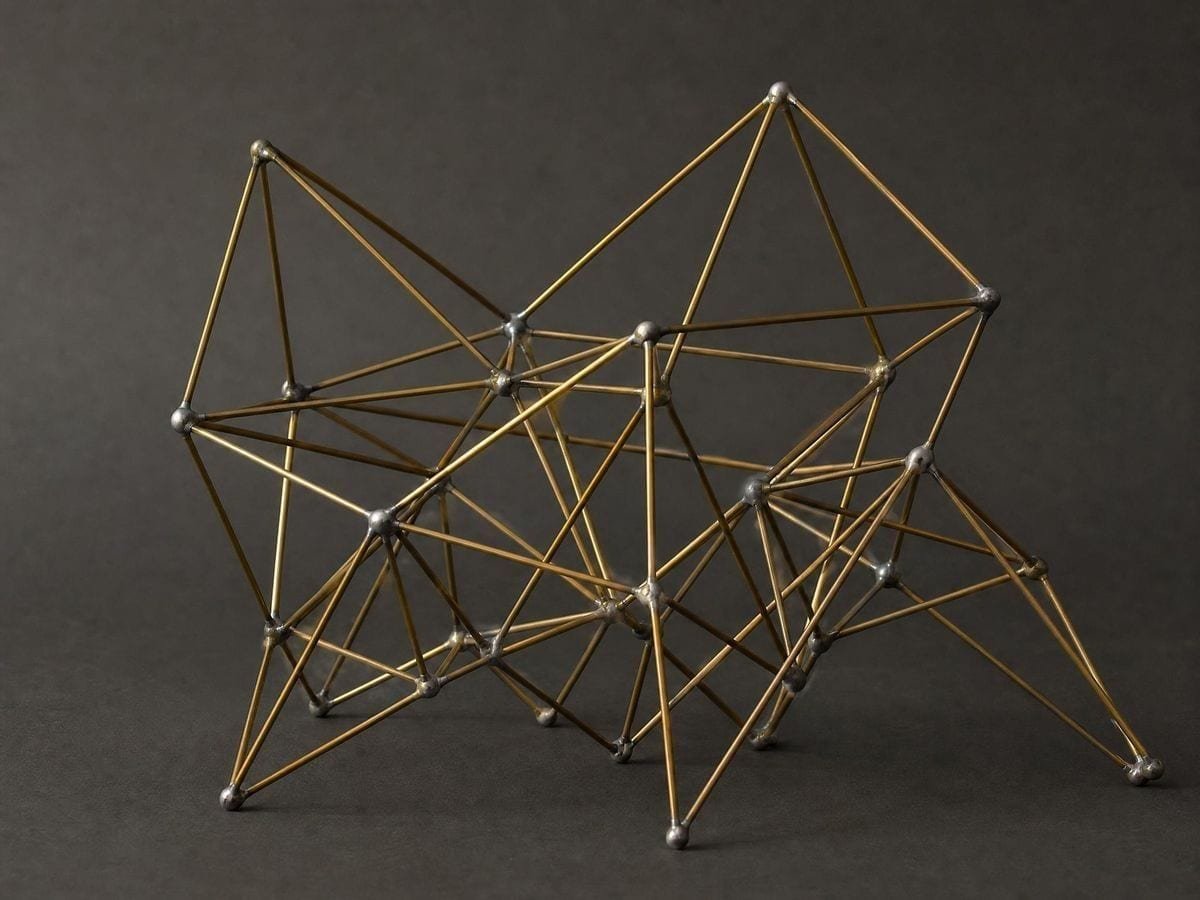
This matters practically as well as intellectually. If you are designing around the cube projection — a logo, a pendant, an inlay — you want to know which lines actually form it, because those are the ones that must survive when you simplify the figure for the medium. Selecting on the basis of a claim that does not hold produces a mark whose structure falls apart under its own simplification.
Simplifying it without breaking it
Almost nobody uses all seventy-eight lines in a finished piece. A pendant, a tattoo, a logo or an inlay usually wants a reduced version, and the question is which lines to keep. The honest answer is that it depends on which structure you want to survive: keep the outer hexagon and the six spokes and you get the figure's silhouette; keep the cube projection and you get its most recognisable interior; keep the long diagonals and you get the star. Trying to keep a bit of each is what produces the muddled versions you see on print-on-demand sites, where nothing is complete and nothing reads.
Working from a complete generated figure makes this a subtractive decision rather than a guess. You can see every line that exists, decide what the piece needs, and remove the rest deliberately — instead of starting from somebody else's already-reduced copy and trying to work out whether a line is missing on purpose or by accident. That distinction is invisible in a JPEG and obvious when you have the full set in front of you.
The name, and where it comes from
The figure's association with the archangel Metatron is a comparatively modern framing rather than an ancient one, and the geometric object itself — thirteen points, all connections — long predates the name attached to it. It is worth knowing which parts of the story are documented and which are twentieth-century additions, particularly if you are making work for a client who cares about provenance. The reference page separates the two with sources rather than repeating the popular account.
Line weight on a dense figure
Seventy-eight lines through a small field means the figure has genuinely crowded regions, particularly toward the centre where many lines converge on the same neighbourhood. That makes weight the setting that decides whether an export works. Too heavy and the middle fills in solid; too light and the figure disappears against anything but a clean white ground.
In practice: for print at 600 DPI on A4 the default weight resolves well, and if the centre still looks congested the fix is to size the figure larger rather than to thin the line, since thinning costs you the outer lines' legibility to solve a problem that only exists in the middle. For cutting, remember that a laser or vinyl cutter follows paths and does not care about stroke weight — but a dense figure means many small closed regions, so check that the material can survive the cut before committing a sheet. For an overlay on artwork, drop opacity rather than weight, and use the eyedropper to pull a colour out of the piece so the line field reads as structure rather than as a cage sitting on top.
One last practical note on stacking. Because the Fruit of Life generator and Metatron's Cube share their thirteen centres exactly, running both overlays at once is not a visual trick — the circles land on the line endpoints because they are the same points. That makes the pair genuinely useful as a check: if you have simplified the line set for a piece and want to confirm you have not moved anything, bring the circles back and every remaining line should still start and finish on a centre. It is the fastest audit available for a figure whose errors are otherwise invisible. On a hand-drawn figure that audit is the only way to catch a line that has quietly slipped half a millimetre off its endpoint and taken the symmetry with it.
Where Metatron's Cube gets used
I had been working from a version I found online for two years before I stacked the Fruit of Life under it and realised lines were missing. Generating it fixed a problem I did not know I had.
Inlay work is planned from a vector file. Getting the complete line set as SVG at the size of the piece removed a whole step of redrawing.
For a class on combinations, thirteen points and seventy-eight lines is a better example than anything in the textbook, because the figure is beautiful and the count is checkable.
Metatron's Cube: frequently asked questions
The geometry
Does Metatron's Cube really contain all five Platonic solids?
Not straightforwardly. The line set genuinely contains a hexagon and the projections of a cube and an octahedron; recovering the others requires selecting lines carefully and a looser reading of what counts. The reference page works through it.
Where do the thirteen circles come from?
They are the Fruit of Life, taken from the same hexagonal lattice of equal circles that produces the Flower of Life. You can stack the Fruit underneath in this tool to see the centres the lines run between.
Can I put it over my own artwork?
Yes. Load any image and the figure draws on top with an independent transform, so you can align its centre to a feature without disturbing the artwork.
Is it suitable for a tattoo stencil?
Yes, with the density caveat: check the centre holds at the size you are printing. Export SVG or a 600 DPI raster at final size. The tattoo artists page covers the workflow.
Where can I learn to construct it by hand?
The Metatron's Cube reference page covers the construction from the Fruit of Life, what the figure contains, and the history — with sources. This page is for producing it.
Using it
How many lines are in Metatron's Cube?
Seventy-eight — every one of the thirteen circle centres joined to every other. The number is fixed by the count of points, which is why an incomplete reproduction is a counting error rather than a stylistic variant.
How do I stop the middle turning into a solid mass?
Drop the line opacity, or turn the 78 connections off and build up with the construction step. Seventy-eight chords between thirteen centres converge hardest in the middle, so the density there is inherent — the only real levers are weight and how many lines you draw.
Should the thirteen circles be visible?
While you are explaining where the figure comes from, yes — the lines are chords between those centres, and without the circles the construction is invisible. For the finished motif, off: most drawn versions show the lines alone.
Export and print
Can I export it as an SVG?
Yes. SVG export gives the whole line set as vector paths, which is what a laser cutter, plotter or vinyl workflow needs. Raster export runs to 600 DPI — see all features for the full list.
Why does the middle of my print look solid?
Many of the seventy-eight lines converge near the centre, so a heavy line closes that region up. Size the figure larger rather than thinning the line, which would cost the outer lines their legibility to fix a problem that only exists in the middle.
What do I export to cut or engrave it?
SVG, and thin the figure first. Seventy-eight chords produce hundreds of tiny enclosed regions, and a cutter treats every one as a piece — engraving the lines is usually what people actually want, and that is a different file from cutting them.
Choosing a grid
What is the difference between this and the Flower of Life?
The Flower is nineteen overlapping circles; Metatron's Cube is thirteen circle centres joined by lines. They come from the same lattice, which is why they stack so cleanly — try running both at once.
Should I start from the Fruit of Life instead?
If you want the circles rather than the web, yes — the Fruit of Life generator draws the same thirteen circles without the seventy-eight lines. Draw that first and add the connections here; going the other way means unpicking the densest part of the figure.
Does it really contain all five Platonic solids?
It contains two-dimensional projections that read as all five, which is not quite the same claim. The lines are there and the readings are real, but so are a great many other readings — seventy-eight chords through thirteen points will support most patterns you go looking for.
Practical matters
Do I need an account, and does my image get uploaded?
Neither. There is no signup and no upload step: the geometry is drawn in your browser and any reference is read locally. There is no server to send it to.
Can I use it in a commercial design?
Yes — the construction is unowned, exports are unwatermarked, and the terms leave your work with you. The modern name attached to the figure carries no rights with it either.
Open the tool Metatron's Cube generator
Thirteen centres, seventy-eight lines
Metatron's Cube is complete by construction at any size, and goes out as vector or 600 DPI. No signup, nothing uploaded.
Back to the generator →