
Free Sri Yantra Grid Generator
Draw the Sri Yantra with true geometry instantly with our 100% free grid generator. Set nine interlocking triangles resolved exactly, a construction most drawings get wrong, restyle every line over any image, then export SVG or 600 DPI for print and stencils in seconds. No signup, no downloads needed. Trusted by 60,000+ artists worldwide.
Nine triangles, forty-three regions
Four upward and five downward triangles interpenetrating around a central bindu, enclosed by eight- and sixteen-petal lotus rings and a square bhupura. The nine triangles cut the interior into 43 smaller ones, and the vertices must meet the crossings exactly.
5 controls, not a fixed picture
Set construction step and scale, toggle bindu point, outer circles and outer square. Every one is live on the canvas.
Stacks with sacred geometry & pattern
Overlays combine, each carrying its own transform, so this one can sit under or over flower of life, metatron’s cube and seed of life, and 15 more in the same set.
Exact at wall size
The figure is regenerated from its definition at whatever size you export, so there is no fixed-resolution original to degrade from. SVG for cutters and plotters; raster to 600 DPI.
| Ctrl + Z | Undo |
| Ctrl + Y | Redo |
| Esc | Deselect overlay |
| Alt + drag | Free positioning (no snap) |
| Ctrl + scroll | Zoom canvas |
| Ctrl + P | |
| ? | Show this help |
Nine interpenetrating triangles, the the two lotus rings and the enclosing bhupura, computed rather than traced — so the intersections hold at every size. Work on a blank canvas or over your own reference, then export vector or print resolution. The Sri Yantra is one of the 82 composition overlays in the app, and it stacks with the rest.
- 9 drawn triangles
- 43 formed
- SVG + 600 DPI export
- Nothing uploaded
What is the Sri Yantra?
The Sri Yantra generator is a free browser tool that draws the yantra — nine interpenetrating triangles, the the two lotus rings, and the square bhupura — on a blank canvas or over any reference image you load. Because the figure is computed from its geometric definition rather than traced from a picture, the triangle intersections resolve consistently at any size, which is what makes the output usable as a stencil, a mural cartoon or a print. It is part of Grid Maker Pro, so the yantra can be stacked with any of the other 81 overlays and exported as SVG or at up to 600 DPI.

How to draw a Sri Yantra, from opening the tool to a print-ready file
Nine interpenetrating triangles, two lotus rings and the bhupura, built up one construction step at a time until the figure closes and every intersection lands where it should.
Open the Sri Yantra overlay
1
JPG · PNG · GIF · WEBP
Fit it to your surface
2
Construction step · Scale · Bindu point
Style it, then export
3
PNG · JPG · PDF · SVG · up to 600 DPI
Three steps, about a minute. No signup, no upload.
What this does that a downloaded Sri Yantra image cannot
Computed, not traced
The Sri Yantra is generated from its own definition here, so the triangle intersections stay consistent instead of drifting the way a scanned or hand-copied yantra does.
Over your own reference
Load a photograph, a scan of a sketch, or a wall shot, and place the yantra on top of it with its own independent transform.
Every line under your control
Colour, width and opacity are set per overlay, and the eyedropper samples any pixel in the image beneath so the yantra can sit into the artwork rather than on top of it.
Stacks with the other overlays
Run the yantra with a radial divider or a square grid at the same time; each keeps its own position, scale, rotation and styling.
Vector out, not just pixels
SVG export gives real paths for a cutter, a plotter or a vinyl stencil. Raster export runs to 600 DPI, sized to paper from A5 to A2.
Nothing is uploaded
The geometry is drawn in your browser and any reference you load is read locally. There is no signup, and no server that could receive the image.
Four ways the figure gets used
Ways to get a Sri Yantra, compared
| Approach | Computed geometry | Over your own image | Vector export | Cost |
|---|---|---|---|---|
| Grid Maker Prothis tool | Yesregenerated at canvas size | Yeswith independent transform | SVG + raster to 600 DPI | Free |
| Standalone sacred-geometry generators | Yes | Norenders on its own ground | Varies by tool | Free or paid |
| Downloaded template images | Nofixed resolution | Only in a separate editor | Rarely | Free or paid |
| Drawing it by hand | Only as well as the construction is executed | On the surface itself | No | Time |
Who the Sri Yantra is for: the people who need the figure to be right
Why the Sri Yantra is hard to draw, and what a computed one changes
The Sri Yantra is hard to draw for a more interesting reason than most geometric figures, which are merely fiddly: the constraint it has to satisfy is global, not local. Get every triangle individually plausible and the figure can still be wrong.
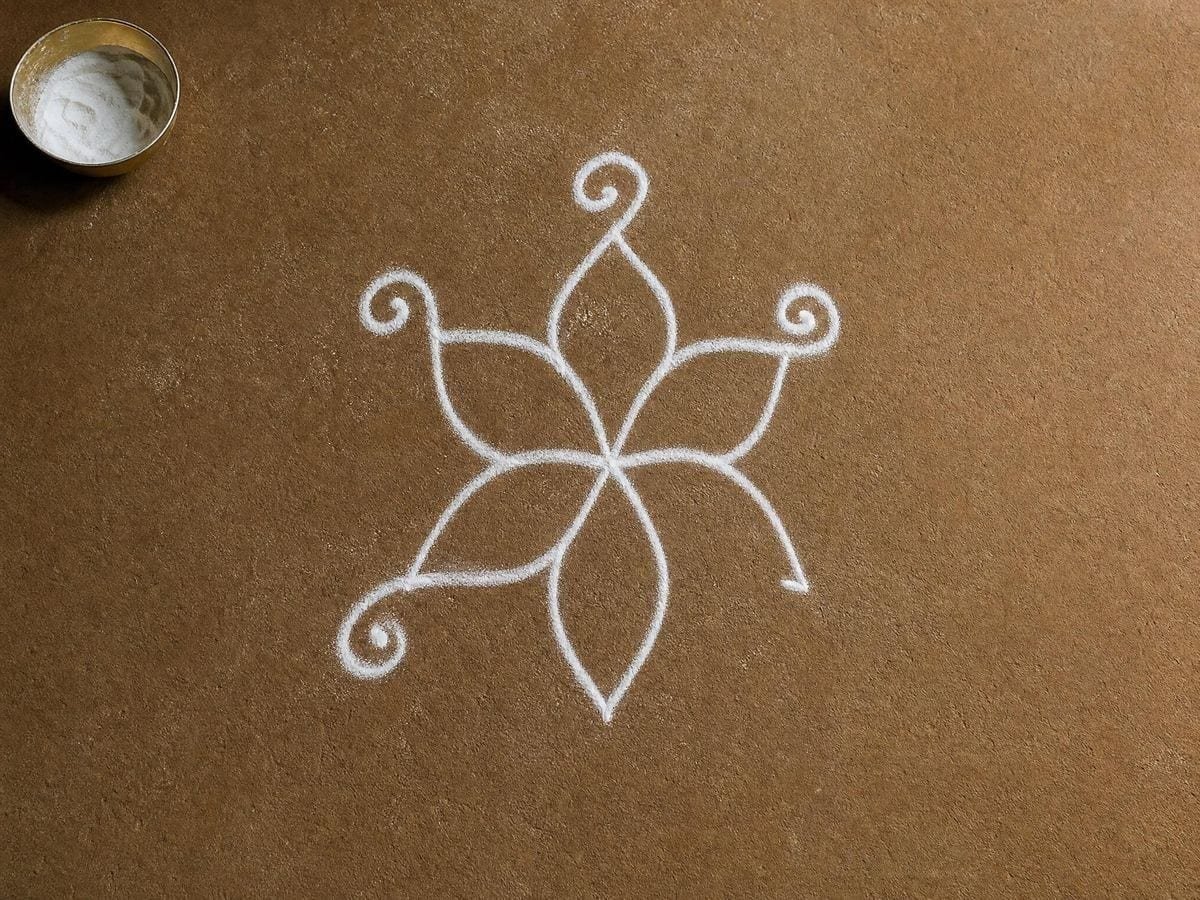
The construction is nine triangles — four pointing upward, five pointing downward — overlaid so that they interpenetrate around a central point, the bindu, with eight- and sixteen-petal lotus rings around them and a square bhupura enclosing the whole. The nine drawn triangles carve the interior into 43 smaller ones. That second number is where most disagreements about "the correct yantra" begin, because two versions can both show nine triangles and still differ in what those triangles produce.
The concurrency problem
The difficulty is concurrency. In a correct figure, the triangle edges are required to meet at shared points: a vertex is not merely near a crossing, it is exactly at it, and this has to hold simultaneously across the whole figure. Move one triangle a hair to fix one meeting and you break others somewhere else. The constraints are coupled, so the drawing cannot be corrected locally — which is precisely the situation freehand and compass work handle worst, and the reason the figure has attracted mathematical attention rather than being treated as decoration. The Sri Yantra reference page sets out the construction and the scholarship on both, with sources.
A yantra that looks right at thumbnail size and falls apart at wall size was never right; it was small enough to hide the error.
Why the failure mode is scale
This is why the practical failure mode is scale. A yantra copied by eye, or traced from a low-resolution image found online, holds together at the size it was copied at. Enlarge it for a canvas, a wall or a tattoo and the near-misses open into visible gaps: triangle vertices land beside crossings instead of on them, and the lotus rings stop being concentric with the triangle field. The error was always present; enlargement only made it legible.
A computed overlay removes that failure mode rather than mitigating it. The figure is regenerated from its definition every time it is drawn, at whatever size the canvas is, so there is no fixed-resolution original to degrade from. Exporting SVG makes the property permanent: the output is a set of paths a cutter or plotter can scale without loss, which is what a stencil workflow actually needs. Exporting raster at 600 DPI covers the print case, sized to the paper rather than to the screen.
What it does not do is replace learning the construction. Drawing the yantra by hand is a discipline with its own long history, and a generated figure is a template, not a substitute for that practice. The honest division is: use this page when you need the figure produced accurately for a piece of work, and use the reference page when you want to understand how the figure is built and why the concurrency condition is hard to satisfy. Both are free, and neither asks for an account.
Setting line weight for the surface
The setting that decides whether an exported yantra is usable is line weight, and it is surface-dependent rather than universal. The figure is unusually sensitive to it because so much of its structure sits near the centre: the innermost triangles converge on the bindu, so lines that are comfortable at the outer bhupura can merge into a solid patch in the middle. The centre is the part of the figure people look at.
Three cases cover most work. For a tattoo stencil, the line has to survive transfer and then survive skin, so it wants to be heavier than looks right on screen — and because the innermost triangles are where heaviness closes up first, it is usually better to size the whole yantra larger than to thin the line. For a mural cartoon, the line only has to be visible while you transfer it and will be painted over, so weight matters less than tiling accuracy; export SVG and scale, or print tiled at A2 and register the sheets on the bhupura's outer square, which is the only straight edge in the figure and therefore the easiest thing to align. For print — a meditation card, a poster, a study sheet — the constraint is the printer rather than the geometry: 600 DPI on A4 resolves the central triangles cleanly, and the useful adjustment is opacity rather than width when the yantra sits over a photograph.
Choosing the line colour
Colour follows the same logic. On a white ground the default dark line is right. Over a photograph, sampling a colour out of the image with the eyedropper and dropping opacity a little makes the yantra read as part of the picture instead of a sticker on top of it — the difference between an overlay that documents a composition and one that belongs to it. Because the styling is per overlay, a yantra stacked with a transfer grid can be inked dark while the grid stays faint, which is what you want when both are on screen at once.
Where it gets used
Stencils were the problem. A yantra scaled up from a downloaded image looked fine on screen and wrong on skin. Exporting vector at the actual size fixed it.
For a two-metre wall I need the cartoon to be right before anything is transferred. Being able to print it tiled at full size, from geometry rather than from a scan, saved the redraw.
We use it to show students what the concurrency condition means: nudge one triangle, watch several intersections fail at once. That lands better than a diagram.
Sri Yantra generator — questions and answers
The geometry
Is the geometry actually correct, or just an illustration?
The overlay is computed from the figure's geometric definition rather than traced from a picture, so the triangle intersections resolve consistently every time it is drawn, at any size. That is the property hand construction struggles with, and the reason a computed yantra is useful as a template.
Is a Sri Yantra the same thing as a mandala?
No. A mandala is a broad category of concentric ritual diagram; the Sri Yantra is one specific figure with a fixed triangle count and arrangement. If you want a general radial framework instead, the radial and circular grid divides a circle into any number of segments, and the mandala grid generator draws the concentric-ring kind. For a figure built from circles rather than triangles, the Flower of Life tool is the nearest neighbour.
Can I put the yantra over my own photograph?
Yes. Load any image and the yantra draws on top of it with its own independent transform, so you can align the bindu to a feature in the photograph without disturbing the image itself.
Can I use this for a tattoo stencil?
It is a common use. Set the line weight for the stencil, export SVG or a 600 DPI raster at the size you will print, and the intersections stay true at scale rather than drifting the way a hand-copied yantra does. More context for that workflow is on the tattoo artists page.
Where can I learn to construct it by hand?
The Sri Yantra reference page covers the construction, the concurrency problem and the scholarship on both, with sources. This page is for producing the figure; that one is for understanding it.
Using it
How many triangles are in the Sri Yantra?
Nine are drawn — four pointing upward and five pointing downward — and their interpenetration forms 43 smaller triangles around the central bindu. Counting the 43 rather than the 9 is the usual source of confusion when people compare two versions of the figure.
What do the outer circles and square add?
The bhupura — the enclosing precinct the yantra traditionally sits in. The nine triangles and the bindu are the figure proper; the circles and the square are its frame, and turning them off leaves the construction that people usually mean when they say Sri Yantra.
What does the construction step control show?
The triangles arriving in order rather than all at once. That matters more here than on most figures, because the difficulty of the Sri Yantra is entirely in getting nine triangles to intersect consistently — watching them go down in sequence is the only way to see where the constraint bites.
Export and print
Can I export the Sri Yantra as an SVG?
Yes. SVG export gives you the yantra as vector paths, which is what a cutting machine, a plotter or a vinyl stencil workflow needs. Raster export runs to 600 DPI if you would rather print it — see the full feature list for the full export list.
What size can I print it at?
Export is sized to the paper format you choose, from A5 to A2, at up to 600 DPI. For anything larger than A2 — a mural cartoon, for example — export SVG and scale it without loss, or tile the print.
Can I cut or engrave it?
SVG is the format, and the intersections are the thing to check first. Forty-three enclosed regions meeting at shared vertices is a demanding cut — engraving the lines is usually what is wanted, and that is a different file from cutting the regions apart.
Choosing a grid
What is the difference between the Sri Yantra and the Sri Chakra?
They name the same figure. Yantra emphasises the diagram as an instrument, chakra emphasises its concentric wheel structure, and both terms appear in the literature for the same nine-triangle construction. The Sri Yantra reference page covers the naming and its sources.
Should I use a downloaded yantra instead?
Only if you have checked its geometry, and most fail. The Sri Yantra's triangles have to meet at consistent points, and a version traced by hand or redrawn from a photograph nearly always has intersections that miss — visible as soon as you enlarge it.
Practical matters
Do I need an account, and does my image get uploaded?
Neither. There is no signup and no upload step: the geometry is drawn in your browser and any reference you load is read locally. There is no server to send it to.
Can I use it in a printed book or course?
Yes, with no watermark, no account and no attribution asked for. The figure is traditional and unowned; the terms leave what you export with you.
Open the tool Sri Yantra
Nine triangles, drawn exactly
The Sri Yantra draws on a blank canvas or over your own reference, styled to the surface, and goes out as vector or 600 DPI. No signup, nothing uploaded.
Back to the generator →