
Free Center Cross Composition Grid Generator
Find the true centre of any frame instantly with our 100% free center cross composition grid generator. Upload any image, draw the vertical and horizontal medians with an optional corner-to-corner cross and the centre point marked, then export SVG in seconds. No signup, no downloads needed. Trusted by 60,000+ artists worldwide.
The centre, marked plainly
A cross through the exact middle of the frame, with optional diagonals. Deliberate central placement is a compositional choice rather than a failure to use thirds, and this is the grid for making it precisely.
2 controls, not a fixed picture
Set also show corner-to-corner diagonals, toggle center point. Every one is live on the canvas.
Stacks with composition & photography
Overlays combine, each carrying its own transform, so this one can sit under or over rule of thirds, golden spiral and armature (14-line), and 15 more in the same set.
A registration mark you can print
The centre survives export at any size, which makes it useful as a registration mark for alignment as well as a composition check. Up to 600 DPI, or SVG.
| Ctrl + Z | Undo |
| Ctrl + Y | Redo |
| Esc | Deselect overlay |
| Alt + drag | Free positioning (no snap) |
| Ctrl + scroll | Zoom canvas |
| Ctrl + P | |
| ? | Show this help |
Every off-centre system in this catalogue deliberately avoids the middle. This is the one that goes straight to it — for reflections, elevations, flat-lays and everything else that is symmetrical on purpose.
The center cross generator draws one of the 82 composition overlays in Grid Maker Pro, and the rest stack on the same image.
- 2 lines
- 1 exact centre
- SVG + 600 DPI export
- Nothing uploaded
What is a center cross composition?
The center cross generator is a free browser tool that draws one vertical and one horizontal line through the exact centre of any photograph or blank canvas, with an optional corner-to-corner diagonal pair and an optional centre point. It is the simplest overlay in the catalogue and the only one whose subject is the middle of the frame — every other composition system here is built specifically to keep things off it. The diagonals turn it into the Union Jack variant, which adds the frame's own directions without adding another division.

How to use the center cross
One vertical and one horizontal through the exact centre, which is all a symmetrical subject needs and all it should be given.
Load the frame
The centre cross needs something to bisect: drop in the photograph or work in progress. The two lines are placed at the exact middle of the canvas, which is the one thing an eye cannot do reliably.
JPG · PNG · GIF · WEBP
Check one axis at a time
Horizontal symmetry and vertical symmetry fail independently. Look at each separately — a subject can be perfectly centred one way and two percent out the other, and the second is what makes a picture feel subtly wrong.
Center point
Add the diagonals if useful, then export
The corner pair gives the frame's own directions without adding a division. Export SVG for vector or a raster up to 600 DPI sized to your paper.
PNG · JPG · PDF · SVG · up to 600 DPI
Three steps, about a minute. No signup, no upload.
What the Center Cross Generator does
The exact middle
The centre cross marks the exact middle of the frame, which is the one position an eye does not find reliably. Eyeballed, the centre lands a percent or two out — enough that a mirrored subject reads as subtly wrong and nobody can say why. Two constructed lines remove the question entirely.
The Union Jack, optional
Adding the corner-to-corner pair gives the frame's two diagonal directions alongside its two axes — four directions, one construction, and still no extra division of the frame.
A point, not just a crossing
The centre dot is separate from the lines because at low opacity a line crossing is hard to locate precisely. For alignment work the point is what you actually register against.
Less ink than anything else here
Two lines. The armature is fourteen, a fifths grid is eight, thirds is four. When the job is to check one thing, an overlay that adds almost nothing to the picture is the one that lets you see it.
Over your own photograph
Its own transform, so you can rotate it onto a tilted subject or scale it to test a crop without moving the image beneath it.
Vector or print size
SVG export gives two or six true lines. Raster export is sized from the paper format and DPI you choose, up to 600.
Center cross composition examples: four ways the cross reads
Center cross composition vs a camera's centre-cross grid vs guides in a photo editor
| Option | Centre exact | Diagonals available | Vector export | Cost |
|---|---|---|---|---|
| Grid Maker Prothis tool | Yesby construction | Yesoptional | SVG + raster to 600 DPI | Free |
| A camera's centre-cross grid | Yes | Rarely | No | Included |
| Guides in a photo editor | Yes | Only if you draw them | Yes | Subscription |
| Judging it by eye | Usually one to two percent out | No | No | Free |
Who a center cross composition is for: subjects that are symmetrical on purpose
How a center cross composition works — The middle, why every other system avoids it, and when avoiding it is wrong
The centre cross is the least interesting of the 82 composition overlays to describe and one of the most used. Its whole content is a position that the rest of composition theory spends its time steering away from — and the interesting question is when that steering is a mistake.
Two lines. One vertical and one horizontal, both through the exact middle of the frame, dividing it into four equal quadrants. Optionally a pair of corner-to-corner diagonals, which together with the axes give the arrangement usually called the Union Jack. Optionally a dot at the centre. That is all of it.
What makes it worth its own page is the position it marks. The off-centre systems exist to prevent centring, which is why none of them marks the middle.
Every other overlay here is a system for not putting the subject in the middle. This is the one for when the middle is the answer.
When centring is correct
Centring is correct in more cases than the teaching admits. Reflections in still water want the horizon on the centre line, because the picture is about the mirror and any other placement makes one half subordinate. Frontal architecture wants the vertical axis on the building's own axis. Flat-lay and product work is centred by convention and by function.
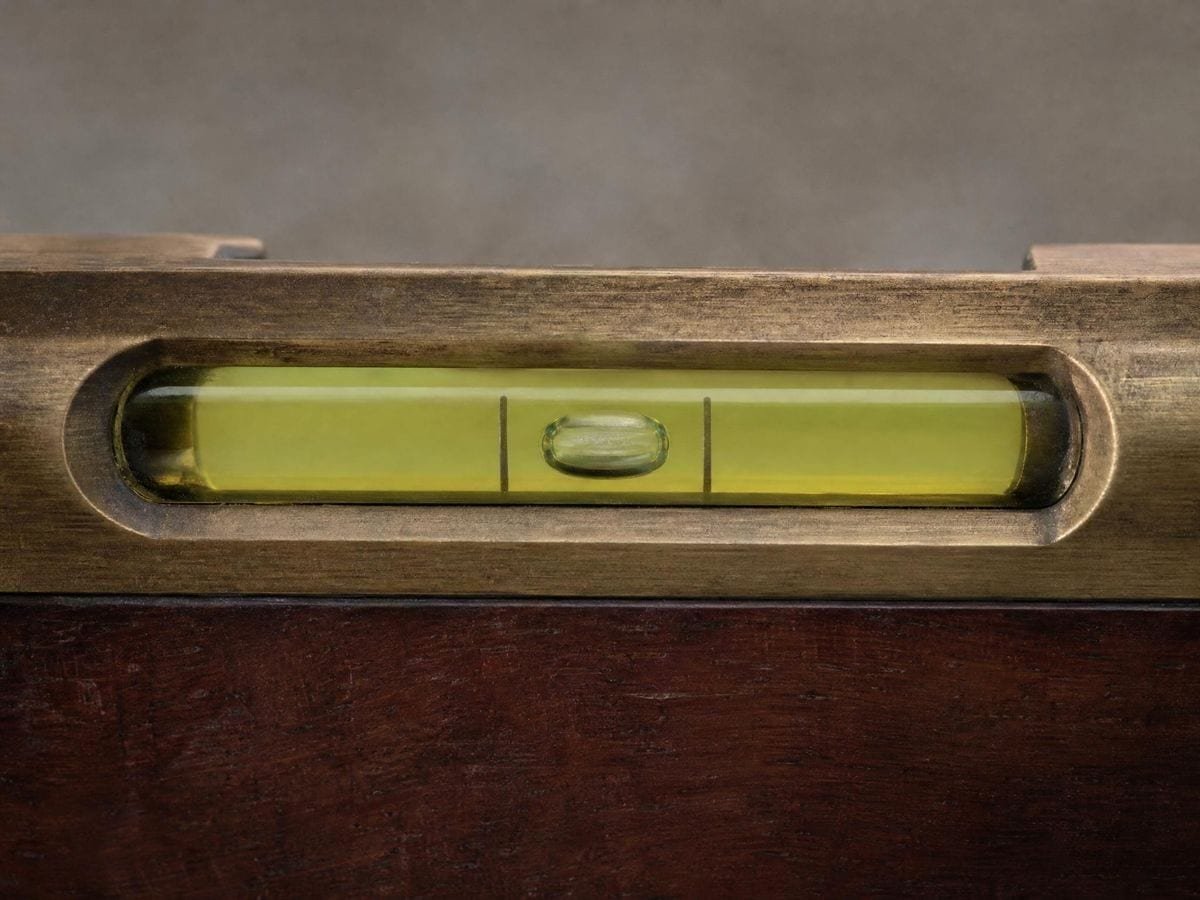
Formal portraiture that means to confront the viewer centres the face; a great deal of religious and ceremonial composition centres its subject precisely because the symmetry carries the meaning. And a very large proportion of graphic and title design centres because centring reads as formal, stable and deliberate.
The rule that centring is a beginner's error comes from a specific context — casual snapshot photography, where centring is usually the result of pointing rather than of deciding. That is a real observation about a real failure mode, and generalising it into a prohibition is what makes it wrong.
Why the exact centre is hard by eye
Because the eye judges the middle of a frame against the frame's edges, and it does that well horizontally and less well vertically — a known asymmetry in visual estimation, which is why type set optically centred sits slightly above the geometric middle to look right.
In practice a hand-placed centre is commonly a percent or two off, which on a 6000-pixel file is sixty to a hundred and twenty pixels. On an asymmetric subject nobody notices. On a mirrored one, the mismatch between the two halves is exactly what the eye is looking at, and it reads as wrong without being locatable.
That is the reason the centre point is a separate toggle from the lines. At the low opacity this overlay is best used at, the crossing of two faint lines is hard to fix precisely; a dot is not.
Checking one axis at a time
The two axes fail independently, so check them independently. A subject can be centred horizontally to within a pixel and two percent low vertically, and the composite impression — a picture very slightly falling — gives no clue which axis is responsible.
The method is to look along one line at a time, comparing what is immediately left and right of the vertical, then above and below the horizontal, rather than assessing the middle as a whole. It takes ten seconds and it converts a vague sense that something is off into a specific correction.
The Union Jack variant
Adding the corner diagonals gives four directions from one construction. The value is that it does so without dividing the frame further: thirds or quarters would add regions, while the diagonals add only directions, and directions are what a symmetrical composition usually lacks.
It is genuinely useful on symmetrical subjects with diagonal structure — a staircase seen head on, a vaulted ceiling, a radially symmetric object. The axes confirm the symmetry and the diagonals tell you whether the radiating elements are evenly distributed, which is a question the axes alone cannot answer.
Note that the diagonals here are the frame's, not the subject's. On a wide frame they run at a shallow angle that may have nothing to do with anything in the picture. If you want a diagonal matched to a subject rather than to the frame, the golden triangle or the diagonal method are the constructions for it.
Practical notes
Opacity matters here: keep it low. This overlay's advantage is that it adds almost nothing to the image, and running it at full strength throws that away — two heavy black lines through the middle of a photograph are more visually dominant than eight faint ones round the edges.
Use it in combination rather than alone when you are undecided. Activate the centre cross and a thirds grid together and the question resolves itself quickly: if the subject wants to sit on the cross it will look settled there and restless on the thirds, and the reverse. Two overlays for five seconds is cheaper than an argument with yourself.
And for copy work — photographing artwork, documents, flat objects — this is the whole toolkit. Centre point on, axes on, opacity up, and the job is aligning the subject's own centre and edges to the frame's. That is not composition at all; it is registration, and it is what this overlay is best at.
The optical centre, and when to ignore the geometric one
There is a case where the exact geometric centre is the wrong target, and it is worth knowing before you trust the overlay blindly. The eye reads the middle of a vertical space as slightly above its geometric middle, which is why type centred by measurement in a box looks low and why margins on a book page are traditionally larger at the foot than at the head.
The convention is that the optical centre sits at roughly 45 percent of the height rather than 50. For a title, a mark on a card or anything a viewer reads as sitting in a field, placing at the geometric centre will look fractionally low and placing slightly above it will look correct.
The centre cross overlay page works through the symmetrical cases, beside the rest of the composition grid overlays. So use the horizontal line as an exact target and the vertical one as a reference to work from rather than to land on. For registration — copy work, reflections, anything being matched to itself — the geometric centre is right on both axes. For anything a person reads as composed, the vertical wants that small lift. The rule of thirds generator, the rule of fifths generator, the golden triangle, the reciprocal armatures of every root rectangle — all of them are constructions with no line through the centre, and in most cases that absence is deliberate.
Where a center cross composition gets used
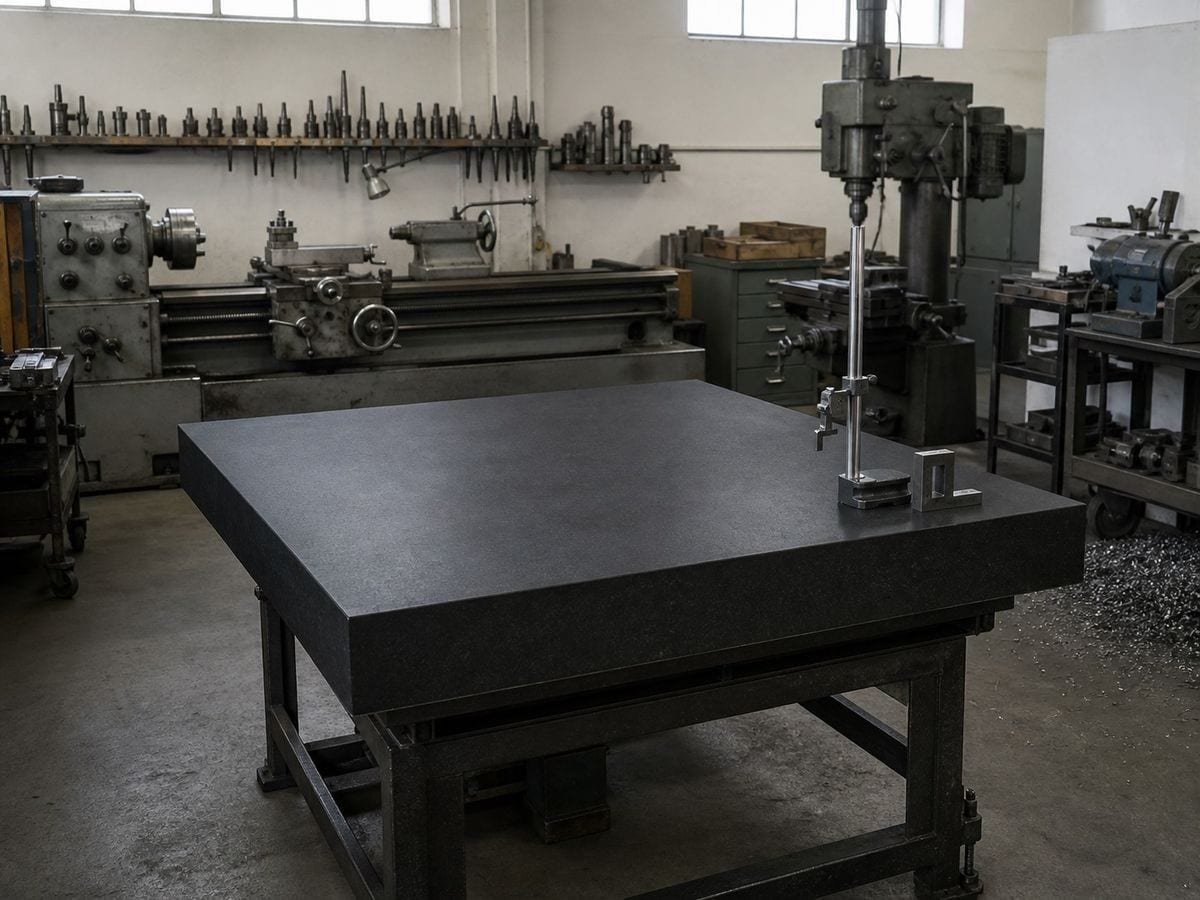
Copy work. It is registration rather than composition, and two lines plus a point is the entire requirement.
Reflections want the horizon on the centre line, and half a percent out is visible because the picture is about the two halves matching.
I put it on with the thirds grid when I cannot decide. Whichever the subject looks settled on is the answer, and it takes five seconds.
Center cross composition: frequently asked questions
The geometry
Is centring a subject a mistake?
For a symmetrical subject it is exactly right. Reflections, frontal architecture, flat-lays, confronting portraits and most formal or ceremonial composition centre deliberately. The rule against it comes from casual snapshot photography, where centring is the result of pointing rather than deciding — a real failure mode that was wrongly generalised into a prohibition.
Why can I not just judge the centre by eye?
Because the eye estimates the middle of a frame better horizontally than vertically — the same asymmetry that makes optically centred type sit slightly above the geometric middle. A hand-placed centre is commonly one to two percent out, which is invisible on an asymmetric subject and obvious on a mirrored one.
Why is the centre point separate from the lines?
Because at the low opacity this overlay works best at, the crossing of two faint lines is hard to locate precisely. A dot is not, and for alignment work the dot is what you actually register against.
What is the Union Jack variant?
The two centre lines plus the corner-to-corner diagonals — four directions from one construction, without dividing the frame further. Useful on symmetrical subjects that also have radiating structure, like a staircase seen head on or a vaulted ceiling.
How should I check symmetry?
One axis at a time. The two fail independently, and a composite impression that something is falling gives no clue which axis is responsible. Compare what is immediately left and right of the vertical, then above and below the horizontal.
Why do the other overlays have no centre line?
Because they are built to prevent centring. Thirds, fifths, the golden triangle and every reciprocal armature deliberately place their points off the middle. This overlay is the counterpart to all of them.
What is it best at?
Registration rather than composition. Photographing artwork, documents or flat objects is entirely a matter of aligning the subject's centre and edges to the frame's, and two lines plus a point is the whole toolkit for that.
Using it
Can I use it with another grid at the same time?
Yes, and it is a good way to settle an undecided composition. Activate this and a thirds grid together — whichever the subject looks settled on is usually the answer, and it takes about five seconds.
The two lines sit right on my subject's face. What do I do?
Drop the opacity rather than the overlay. This is a checking grid, not a composing one — at 25% the cross is still readable as a centre reference and stops competing with the face. Auto-contrast will pick a colour that separates from the image if black is not working.
Export and print
Can I export the cross to check symmetry in another program?
The transparent grid-only PNG is the one to take: two lines, optional diagonals, nothing else. Laid over a portrait in any editor it reads as a plumb line, which is what a symmetry check needs and what a full grid obscures.
Can I print it as a centring guide?
Yes, at any paper format from A5 to A2. Printed and taped behind a sheet on a lightbox it gives you the centre and, with the diagonals on, the two axes as well — the marks you would otherwise make by folding, which is less accurate than it feels.
Choosing a grid
Is this not just the middle of a rule of thirds grid?
The rule of thirds has no middle. Its lines fall at a third and two thirds, so the centre of the frame is the one place it never marks — which is exactly why this overlay exists as its own thing rather than as a setting on that one.
Practical matters
Does my photo get uploaded?
No. Everything happens in your browser — the image is drawn to a canvas on your own device and never sent anywhere.
Why would I use this rather than my camera's centre grid?
Because a camera's grid is gone the moment you press the shutter. This goes over the photograph you already have, at any time, and can be turned on and off while you judge a crop — which is when the question about centring actually comes up.
Is it free to use commercially?
Yes, with no account and no watermark on anything you export. Two lines through the middle of a rectangle are not a licensable asset, and the terms are explicit that your image stays entirely yours.
Open the tool Center cross generator
Two lines, and the exact middle
The centre cross is for everything that is symmetrical on purpose. Export vector or 600 DPI. No signup, nothing uploaded.
Back to the generator →