
Free Rabatment of the Rectangle Grid Generator
Apply rabatment of the rectangle instantly with our 100% free grid generator. Upload any image and the squares inscribed from each short side mark the lines painters have composed against for centuries, diagonals optional, then export SVG or 600 DPI in seconds. No signup, no downloads needed. Trusted by 60,000+ artists worldwide.
The square, folded in from each end
Rabatment takes the short side of a rectangle and swings it in from each end, marking two squares that overlap in the middle. Their inner edges are structural lines of the frame, which is why compositions so often place a subject on one.
2 controls, not a fixed picture
Toggle rabatment lines and inscribed-square diagonals. Every one is live on the canvas.
Stacks with composition & photography
Overlays combine, each carrying its own transform, so this one can sit under or over rule of thirds, golden spiral and armature (14-line), and 15 more in the same set.
Derived from your frame's own shape
The lines depend on the aspect ratio, so they are computed for the image you loaded rather than assumed. Export up to 600 DPI or as SVG.
| Ctrl + Z | Undo |
| Ctrl + Y | Redo |
| Esc | Deselect overlay |
| Alt + drag | Free positioning (no snap) |
| Ctrl + scroll | Zoom canvas |
| Ctrl + P | |
| ? | Show this help |
Fold the short side of a rectangle onto itself and you get a square. The edge where it lands is a rabatment line, and where that falls depends entirely on the shape of your picture.
The rabatment generator draws one of the 82 composition overlays in Grid Maker Pro, and the rest stack on the same image.
- 1/3 on a 3:2 frame
- 1/4 on 4:3
- SVG + 600 DPI export
- Nothing uploaded
What is the rabatment of the rectangle?
The rabatment generator is a free browser tool that draws the rabatment of a rectangle: the inner edges of the two squares inscribed from each short side, with optional diagonals across those squares. Where the lines land is determined by the frame's proportions — exactly the thirds on a 3:2 frame, exactly the quarters on 4:3, and the golden section on a φ rectangle. It draws over your own photograph, exports SVG and raster to 600 DPI, and never uploads anything.

How to use the rabatment
The two squares a rectangle contains, one from each end, and the lines where they stop. The oldest way of dividing a frame, and the one most subjects respond to.
Load the frame
The rabatment of the rectangle reads the frame's own proportions, so there is nothing to set. On a landscape image it inscribes two squares from the left and right edges; on a portrait one, from the top and bottom.
JPG · PNG · GIF · WEBP
Read where the lines fell
This is the interesting part. A 3:2 frame puts them on the exact thirds. A 4:3 frame puts them on the exact quarters. A golden rectangle puts them at 0.382 and 0.618. Your frame has its own answer.
Rabatment lines · Inscribed-square diagonals
Add the diagonals if useful, then export
The diagonals across each inscribed square turn two lines into a fuller armature without introducing anything that is not already implied by the squares. Export SVG or a raster up to 600 DPI.
PNG · JPG · PDF · SVG · up to 600 DPI
Three steps, about a minute. No signup, no upload.
What the Rabatment Generator does
The square, folded in
Take the short side of a rectangle and rotate it into the frame. It sweeps out a square, and the far edge of that square is a rabatment line. Do it from both ends and you have two.
Thirds on a 3:2 frame
On a 35 mm or full-frame photograph the two rabatment lines fall on 1/3 and 2/3 of the width — exactly. Not near the thirds: on them. That is a property of the 3:2 proportion, not a coincidence.
Quarters on 4:3
Change the frame to 4:3 — a Micro Four Thirds sensor, an iPad, an older television — and the same construction lands on the quarters instead. The frame's proportion is doing the deciding.
The golden section on a φ frame
On a rectangle whose sides are in the golden ratio, the rabatment lines land at 0.382 and 0.618 — the golden section points. That relationship is why the construction turns up so often in writing about proportion.
Diagonals, optional
Two diagonals across each inscribed square. They add nothing the squares do not already imply, and they turn a two-line construction into a working armature when you want more to place against.
Over your own photograph
Because the lines are derived from your frame rather than imposed on it, the useful thing is always to see where they land on a specific picture. That is a question only your image can answer.
Rabatment of the rectangle examples: four ways the rabatment reads
Rabatment of the rectangle vs rule of thirds vs constructing it with a compass
| Option | Derived from the frame | Changes with aspect | Vector export | Cost |
|---|---|---|---|---|
| Grid Maker Pro — rabatmentthis tool | Yesentirely | Yes | SVG + raster to 600 DPI | Free |
| Rule of thirds | Noalways thirds | No | Yes | Free |
| Constructing it with a compass | Yes | Yes | n/a | Time |
| A fixed printed template | Only for one ratio | No | No | Per sheet |
Who the rabatment of the rectangle is for: pictures whose frame has an opinion
How the rabatment of the rectangle works — Rabatment: the one composition device your frame computes for you
Almost every one of the 82 composition overlays imposes a division on a picture. Rabatment is the exception: it reads the proportions of the frame and returns two lines that belong only to that frame.
The construction takes one sentence. Take the shorter side of a rectangle, rotate it into the frame about one corner, and it sweeps out a square. The inner edge of that square is a rabatment line. Do the same from the other end and you have a second.
The word comes from the French rabattre, to fold down, and the operation is exactly a fold: the short side is folded into the picture and the crease is the line.
What makes it interesting is that the position of the crease is not chosen. It falls out of the ratio of the sides, so a 3:2 photograph and a 4:3 photograph get genuinely different lines from the identical construction.
Where the lines fall on each aspect ratio
The numbers are worth having, because they are the whole content of the device. On a landscape frame, the lines land at h/w and (w−h)/w of the width, where w and h are the frame's dimensions.
On a 3:2 frame that is 2/3 and 1/3 — the exact thirds. Every 35 mm negative, every full-frame sensor and every APS-C sensor produces rabatment lines that land precisely on the rule-of-thirds verticals.
On a 4:3 frame it is 3/4 and 1/4 — the exact quarters. Micro Four Thirds, most compact sensors, an iPad, an older television screen: all quarters, not thirds.
On a rectangle whose sides are in the golden ratio, the lines land at 0.618 and 0.382, which are the golden section points. That coincidence is why rabatment appears so often in books about proportion, and it is genuinely a property of φ rather than a fudge: 1/φ = 0.618 exactly.
On a √2 rectangle — every A-series paper size — the lines fall at 0.707 and 0.293. On 16:9 they are at 0.5625 and 0.4375, which is much closer to the centre, and on 21:9 they are at 0.5714 and 0.4286.
Why it fails on panoramas and squares
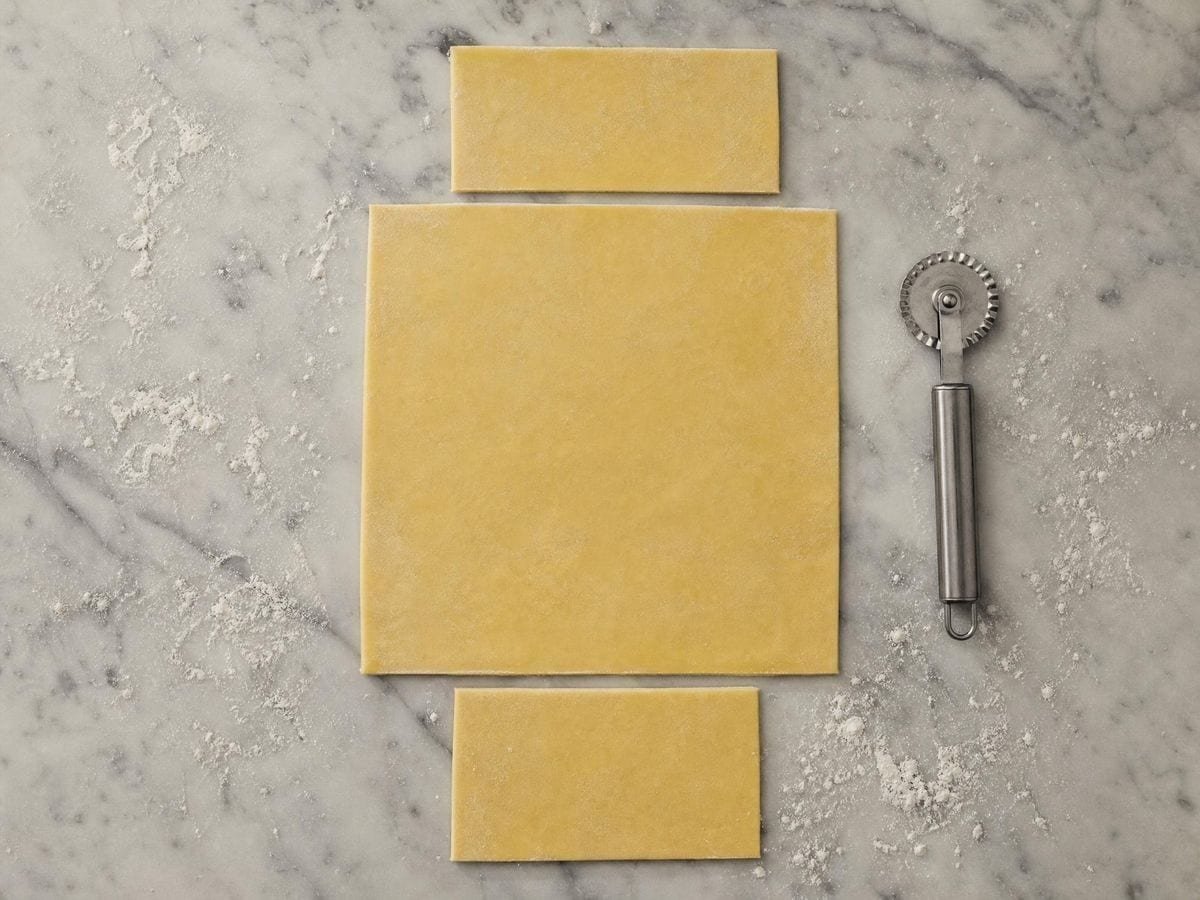
There is a threshold at 2:1 worth knowing. On a rectangle exactly twice as long as it is tall, the two inscribed squares meet in the middle and the two rabatment lines coincide into one central line. Wider than 2:1 and the squares no longer overlap, so the lines separate again with a gap between them.
That is why the construction stops being useful on very wide panoramas. Two lines close to the centre of a 16:9 frame, or two lines with a dead zone between them on a 21:9 one, do not organise a picture the way they do on a 3:2.
On a square it degenerates entirely: the inscribed squares are the frame, and the rabatment lines fall on the edges. That is the correct answer and it is not a useful one, which is a fair summary of why square-format composition is a different discipline.
Why rabatment works as composition
The reason any of this works as composition rather than as arithmetic is the square's status. A square is the one rectangle with no direction — it does not lean, it does not lead the eye anywhere, and it reads as complete. Placing a subject inside the region a square occupies gives it that stability, and placing it outside gives it the opposite.
So a rabatment line is not a placement target in the way a thirds intersection is. It is a boundary: one side of it is the stable, square region and the other side is the leftover strip. What you do with that is a decision, and the line is what makes the decision available.
In practice the most useful reading is as a horizon or an edge. A figure standing on a rabatment line divides the picture into a square containing them and a strip that does not. A horizon on one is the same operation turned ninety degrees.
Rabatment in landscape painting
The historical use is easiest to see in landscape painting of the seventeenth and eighteenth centuries, where the standard format was close to 3:2 and where a repoussoir tree or a framing edge very often sits on a rabatment line — which on that format is also the third.
That overlap makes attribution difficult and it is worth being honest about. On a 3:2 canvas, rabatment and the rule of thirds give the same verticals, so a painting that appears to use one may have been composed with the other, or with neither. The construction cannot be inferred from the result.
Where you can distinguish them is on any other format. A 4:3 painting with a strong vertical at the quarter is using rabatment, because the thirds are somewhere else. That is the test, and it is the reason the device is worth knowing separately from thirds rather than as a variant of it.
The optional square diagonals
The diagonals across each inscribed square are an optional addition, and they are not part of the canonical definition. What they give you is a fuller armature — four lines crossing at the centres of the two squares — without introducing any measurement that the squares did not already contain.
Their crossings mark the centres of the inscribed squares, which are useful points in their own right: on a 3:2 frame those centres sit at 1/6 and 5/6 of the width, at half the height.
Portrait frames, and comparative use
The construction switches automatically between landscape and portrait, inscribing from the left and right edges on a wide frame and from the top and bottom on a tall one. That is not a convenience: on a portrait frame the squares genuinely do come from the short sides, which are now horizontal.
For a portrait photograph at 2:3, the rabatment lines are therefore horizontal, at 1/3 and 2/3 of the height. The thirds grid generator puts its lines in the same place on that one frame and nowhere else. Which is the same numbers as the landscape case, rotated — and it means the classic head-in-the-upper-third portrait is sitting inside the upper inscribed square.
The most productive use of the overlay is comparative. Load a photograph, look at where the lines fall, then crop the photograph to a different ratio and look again. Watching the lines move as the frame changes is the fastest way to internalise that the construction belongs to the frame and not to the subject.
The reciprocal lines generator is the other construction here that reads the frame rather than imposing on it. A second use is checking a crop. If you are deciding between two aspect ratios for the same image, the rabatment lines tell you what each ratio's own structure would be, which is a more informative comparison than looking at what fits.
The rabatment overlay page traces the device through painting, beside the rest of the advanced composition overlays. The grid draws over your own image rather than exporting a fixed template because a fixed template would be wrong. The lines depend on the frame, so a template is only correct for one aspect ratio, and the whole point of the device is that it changes.
The export sizes itself from the paper format and the DPI you choose rather than from your screen. SVG keeps the lines editable, which is what you want when the rabatment is a construction layer under a drawing.
Everything runs in your browser. Images you load are never uploaded, because there is no server for them to reach. The drawing, the transform and the export all happen on your own machine.
Where the rabatment of the rectangle gets used
On 3:2 it is the thirds, so you cannot tell which a painter used. On 4:3 it is the quarters, and that is where the test lives.
It is a boundary, not a target. One side is the square region and one side is the strip, and deciding which your subject belongs to is the whole move.
Deciding between two crops, I look at what each ratio's own lines would be rather than at what fits.
Rabatment of the rectangle: frequently asked questions
The geometry
What is rabatment?
Folding the shorter side of a rectangle into the frame. It sweeps out a square, and the inner edge of that square is a rabatment line. Done from both ends it gives two lines. The word is from the French rabattre, to fold down.
Where do the lines actually land?
At h/w and (w−h)/w of the width on a landscape frame. That is 1/3 and 2/3 on a 3:2 frame — the exact thirds — 1/4 and 3/4 on 4:3, 0.382 and 0.618 on a golden rectangle, and 0.293 and 0.707 on a √2 sheet.
So on a photograph it is just the rule of thirds?
On a 3:2 photograph, yes — the verticals coincide exactly. On any other format they do not, which is both why the two devices get confused and why rabatment is worth knowing separately. A 4:3 picture with a strong vertical at the quarter is using rabatment, because the thirds are elsewhere.
Why does it stop working on wide frames?
Because the lines migrate toward the centre. At exactly 2:1 the two inscribed squares meet and the lines coincide into one central line; wider than that, the squares no longer overlap and the lines separate with a dead zone between them. Neither case organises a picture usefully.
What happens on a square?
It degenerates. The inscribed squares are the frame itself, so the rabatment lines fall on the edges. That is the correct answer and not a useful one, which is a fair summary of why square-format composition works differently.
Why is the square the thing being inscribed?
Because a square has no direction. It does not lean and it does not lead the eye, so in a frame where everything else is static it reads as complete. Placing a subject inside the region a square occupies gives it that stability; placing it outside does the opposite. The line is the boundary between those two conditions.
Is a rabatment line a placement target like a thirds intersection?
Not really. It is a boundary rather than a point. The useful readings are a subject standing on it, dividing the picture into a square containing them and a strip that does not, or a horizon lying along it.
What are the optional diagonals?
Diagonals across each inscribed square. They are not part of the canonical definition — they add a fuller armature without introducing any measurement the squares did not already contain. Their crossings mark the square centres, which on a 3:2 frame sit at 1/6 and 5/6 of the width.
Does it work on portrait images?
Yes, and the construction switches automatically: on a tall frame the squares are inscribed from the top and bottom, so the lines run horizontally. On a 2:3 portrait they land at 1/3 and 2/3 of the height, which means the classic head-in-the-upper-third portrait sits inside the upper inscribed square.
Using it
Should I leave the inscribed-square diagonals on?
Turn them on while you are deciding, off while you are judging. The diagonals explain where the rabatment lines came from and give you the squares' centres as a bonus; once you have accepted the two vertical lines, four more lines across the picture are four more things competing with it.
How do I use it on a picture I have not cropped yet?
Backwards, which is the good way. Drag and scale the overlay until a rabatment line falls on the edge you want emphasised, then read off where the frame would have to be — the crop that puts your subject on a rabatment is often a crop you would not have guessed at.
Export and print
Can I print it as a mount-cutting guide?
Yes. Export the lines alone to a transparent PNG or print at your paper size, and you have the two square edges marked for a frame of that proportion — which is what a mount cutter wants to know before making the first cut.
Does the SVG hold the exact proportion?
Yes, and here it matters more than usual: the lines land at a position derived from the frame's own ratio, so a vector file keeps them at that fraction whatever size it is opened at. A raster fixes them to a pixel, which drifts once you scale it.
Choosing a grid
If the lines nearly land on thirds, is thirds not simpler?
On a 3:2 frame, yes — the two are close enough that the difference is academic. Rabatment earns its keep on frames that are NOT 3:2, because it moves with the proportion while thirds does not. On a panorama the rabatment lines sit far out toward the ends and thirds tells you nothing.
Practical matters
Does anything I load get uploaded?
No. There is no server to upload to. The image is read by your browser, the grid is drawn on your machine, and the export is generated locally.
Is this taught anywhere, or is it a modern invention?
It is old and it is genuinely used — rabatment is a standard term in picture analysis and turns up in painting long before anyone wrote the rule down. What is modern is being able to see it on your own frame in a second rather than constructing it with a compass.
Open the tool Rabatment generator
The frame's own two lines
The rabatment of the rectangle lands on thirds at 3:2, quarters at 4:3 and the golden section at φ. Export vector or 600 DPI. No signup, nothing uploaded.
Back to the generator →