
Free Three Point Perspective Grid Generator
Draw three point perspective instantly with our 100% free grid generator. Upload any image, set the horizon, spread the two vanishing points, and place the third above for a worm's-eye or below for a bird's-eye view, then export SVG or 600 DPI in seconds. No signup, no downloads needed. Trusted by 60,000+ artists worldwide.
Two on the horizon, one above or below
Two-point construction with a third vanishing point off the horizon, so verticals converge as well. The difference between looking at a building and looking up at one.
5 controls, not a fixed picture
Set horizon Y, VP spread, 3rd VP offset and lines, toggle horizon line. Every one is live on the canvas.
Stacks with perspective & structure
Overlays combine, each carrying its own transform, so this one can sit under or over two-point perspective, isometric and 1-point perspective, and 4 more in the same set.
Holds a steep view
The third point often falls far outside the frame; SVG export keeps its convergence exact rather than approximating it. PNG, JPG and PDF up to 600 DPI as well.
| Ctrl + Z | Undo |
| Ctrl + Y | Redo |
| Esc | Deselect overlay |
| Alt + drag | Free positioning (no snap) |
| Ctrl + scroll | Zoom canvas |
| Ctrl + P | |
| ? | Show this help |
Two points on the horizon and one above or below the frame — the construction that makes a tower lean away from you, built to your viewpoint rather than to a template's.
The three point perspective generator draws one of the 82 composition overlays in Grid Maker Pro, and the rest stack on the same image.
- 3 vanishing points
- Spread 1.0–3.0×
- SVG + 600 DPI export
- Nothing uploaded
What is three-point perspective?
The three point perspective grid generator is a free browser tool that draws two vanishing points on a horizon and a third above or below the frame, with lines radiating from all three. The spread control moves the two horizon points from sitting exactly on the frame's edges out to a full frame width beyond each of them, and the third point can sit up to a full frame height above the picture — for looking up at a tower — or below it, for looking down. Export is SVG or raster to 600 DPI, and nothing is uploaded.

How to build a three point perspective grid
Two vanishing points on the horizon and a third above or below it, which is what a building gets when the camera is not level with it.
Decide up or down first
A third point above the frame means you are looking up and the verticals converge toward the sky; below it means you are looking down and they converge toward the ground. That single choice is the difference between a worm's eye and a bird's eye view.
JPG · PNG · GIF · WEBP
Spread the horizon points
Widen the spread until the two horizon vanishing points sit well outside the frame. Close together is an extreme wide angle that looks distorted; further apart is a longer lens and a calmer, more architectural view.
Horizon Y · VP spread · 3rd VP offset
Set the line count, then export
Keep the count low while you are constructing — three lines per point describes the space without burying it. Export SVG for vector, or a raster up to 600 DPI to print at drawing size.
PNG · JPG · PDF · SVG · up to 600 DPI
Three steps, about a minute. No signup, no upload.
What the Three Point Perspective Grid Generator does
Up or down, one control
The third vanishing point moves a full frame height above the picture or a full frame below it. Above gives the tower leaning away as you look up; below gives the drop as you look down. Templates pick one and leave you redrawing for the other.
Spread is the focal length
Sliding the two horizon points from the frame edges out to a full frame beyond is the difference between an extreme wide angle and a long lens. It is the control that decides whether a building looks dramatic or looks broken.
All three sets, drawn together
Lines radiate from both horizon points to the top and bottom edges, and from the third point through the frame. You get the two receding sets and the converging verticals in one construction rather than building them separately.
Over your own reference
Drag, scale and rotate the whole construction over a photograph of a building until its three points agree with the photograph's. That is the fastest way to check whether a drawing's convergence matches its reference.
Readable, because it can be turned down
Three fans of lines is a great deal of ink. Per-overlay colour and opacity, and an eyedropper that samples the image, keep the construction visible over both a bright sky and a dark façade.
Printable at drawing size
Raster export is sized from the paper format and DPI you choose, up to 600. SVG export keeps the construction as vector, which matters when the lines converge to points outside the sheet.
Three-point perspective examples: four ways the construction reads
Three-point perspective vs a printed perspective template vs drawing software's perspective guides
| Option | Third point above and below | Spread adjustable | Over your own image | Cost |
|---|---|---|---|---|
| Grid Maker Prothis tool | Yesa full frame either way | Yes1.0 to 3.0× | Yeswith independent transform | Free |
| A printed perspective template | One or the other | Fixed | Only by tracing over it | Free or paid |
| Drawing software's perspective guides | Yes | Yes | Only inside that program | Subscription |
| Constructing it by hand | Yes | Yeswith a long straightedge | On the surface itself | A great deal of time |
Who three-point perspective is for: subjects tall enough to lean
How three-point perspective works — The third point, the spread, and the two settings that decide whether a building looks dramatic or broken
Three point perspective is the construction among the 82 composition overlays that makes architecture dramatic, and the one that tips into looking wrong on the smallest provocation. Both outcomes come from the same two numbers. Here is what the grid draws, what each control does, and where the construction is a working simplification.
Two point perspective assumes the viewer is looking horizontally, so vertical lines in the subject stay vertical in the picture. Tilt your head up at a tower and that stops being true: the verticals visibly converge toward a point in the sky. Three point perspective adds that point, and the grid draws all three fans at once.
Two vanishing points sit on the horizon, left and right, handling the two receding sets of horizontal edges. The third sits above or below the frame, handling the verticals. Every straight edge of a rectangular building belongs to one of those three families, which is why three points is enough to describe it completely.
The third point is not an extra flourish. It is what you are already seeing whenever you look up at something taller than you.
Above or below is the whole mood
A third point above the frame means the viewer is looking up. The verticals splay outward at the bottom and converge toward the sky, so the building leans away and, for a subject taller than the viewer, reads as monumental — the worm's eye view. A third point below means looking down: verticals converge toward the ground, the ground plane opens up, and for a viewer placed above the subject the view reads as vertiginous. The bird's eye.
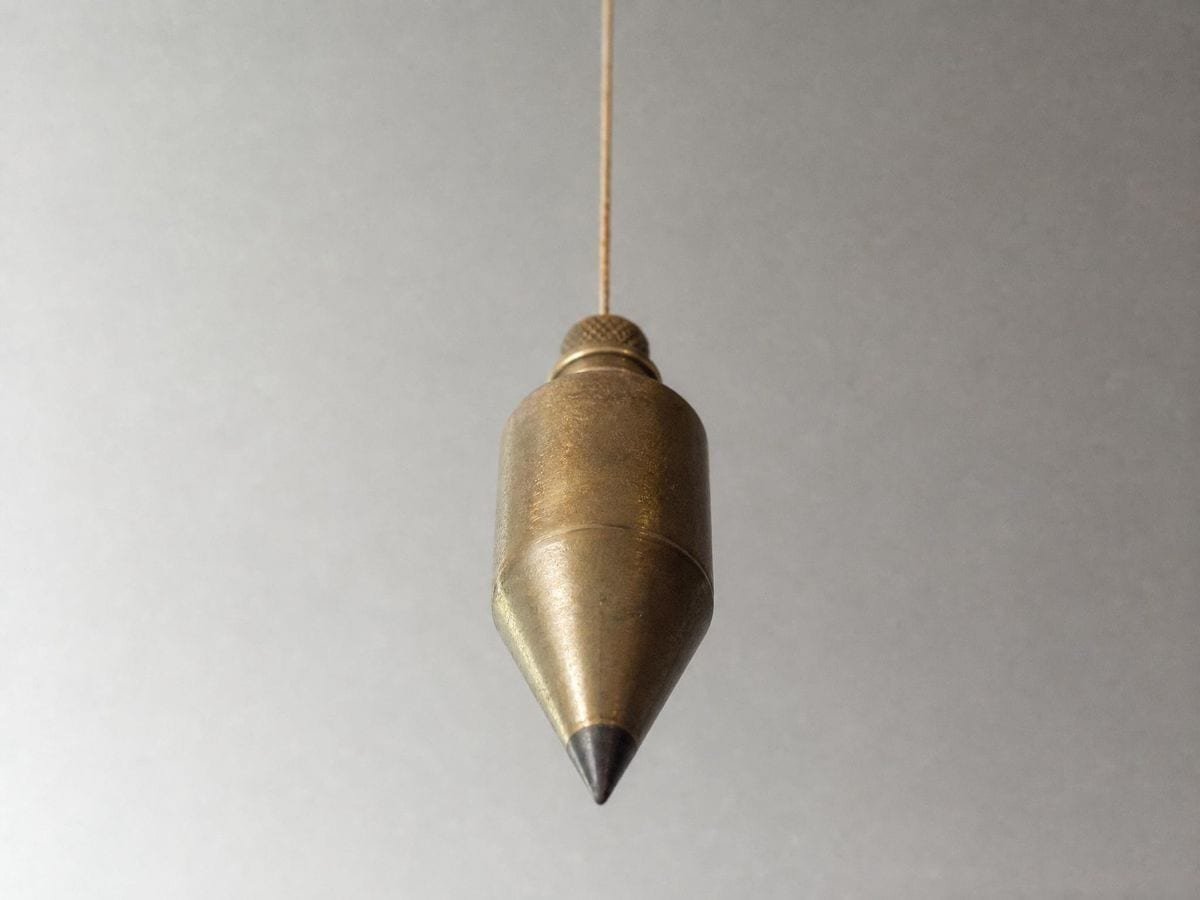
The control runs a full frame height in each direction. Close in — an offset of well under one frame height — gives extreme convergence, and on a building with long unbroken verticals that reads as falling over rather than as tall; far out gives a gentle lean that reads as a slight upward tilt of the head. Most convincing architectural views use much less convergence than beginners expect, because the eye tolerates very little before it reads the drawing as distorted rather than as tall. Hugh Ferriss's renderings in The Metropolis of Tomorrow (Ives Washburn, 1929) are the standing demonstration: towers that read as enormous, on a third point far enough out that the convergence is easy to miss.
Spread is where the lens lives
Spread is the distance between the two horizon points, which move together and symmetrically from 1.0 to 3.0. At 1.0 they sit exactly on the left and right edges of the frame. That is not a subtle setting: it corresponds to an extremely wide angle of view, and everything in the picture will look violently distorted.
At 3.0 each point sits a full frame width beyond its edge, which is a much longer lens and a far calmer image. The rule of thumb worth carrying is that vanishing points too close together is the single most common reason a perspective drawing looks wrong — and it is the one thing that is trivial to fix here, because the construction rebuilds as the slider moves rather than needing to be redrawn.
Where this construction simplifies, and it should be said
In a strict three point construction the third vanishing point lies on a line drawn perpendicular to the horizon through the point where the viewer's central axis meets the picture — which is not necessarily the horizontal middle of the frame. This grid places the third point at the frame's horizontal centre. Brook Taylor had the general case in Linear Perspective: Or, A New Method of Representing Justly all Manner of Objects as they appear to the Eye in all Situations (R. Knaplock, London, 1715), which handles a tilted picture plane inside one theory rather than as a special construction.
For most drawing that is exactly right, because the viewer usually is looking at the middle of what they are drawing. Where it matters is a deliberately off-axis composition — a tower at the left edge of a frame you are looking up at from the right — and there the true third point would be offset. If you need that, drag the whole overlay sideways so the third point lands where it should; the horizon points travel with it, so the construction stays internally consistent.
Reading a photograph with it
Load a photograph of a building shot from below and the three points are already there in the image, waiting to be found. Drag and scale the grid until its verticals lie along the building's verticals, and the third point of the construction has landed on the photograph's own. Then check whether the horizon fans agree with the receding edges.
It is a quick way to learn how little convergence real photographs have. A shot that feels dramatically upward-tilted usually turns out to need a third point far outside the frame — much further than the same view drawn from imagination, which is the specific correction most people's perspective drawing needs.
One practical consequence of that: keep the horizon slider and the third-point slider in agreement. A horizon high in the frame says the viewer is above the subject, and a third point above the frame says they are looking up at it. Those two together describe someone leaning back while standing on a roof, which is possible but is almost never what is intended. If the construction feels unreadable, check that the two are telling the same story before you touch anything else.
When three points is the wrong tool
If the verticals in your subject are not visibly converging, you are drawing two point perspective and the third point is adding a distortion that is not in the view. Look at the actual reference: unless the camera was tilted, or the subject is very tall and very close, the verticals are parallel and should be drawn parallel.
And if only one set of edges recedes at all — a wall seen square-on, a corridor down its length — you want one point, which the one point perspective generator draws, or the two-point construction in the perspective grid generator. The construction should follow the subject rather than the ambition; a building drawn in three points that only warranted two looks unstable in a way that no amount of rendering fixes.
Where three-point perspective gets used
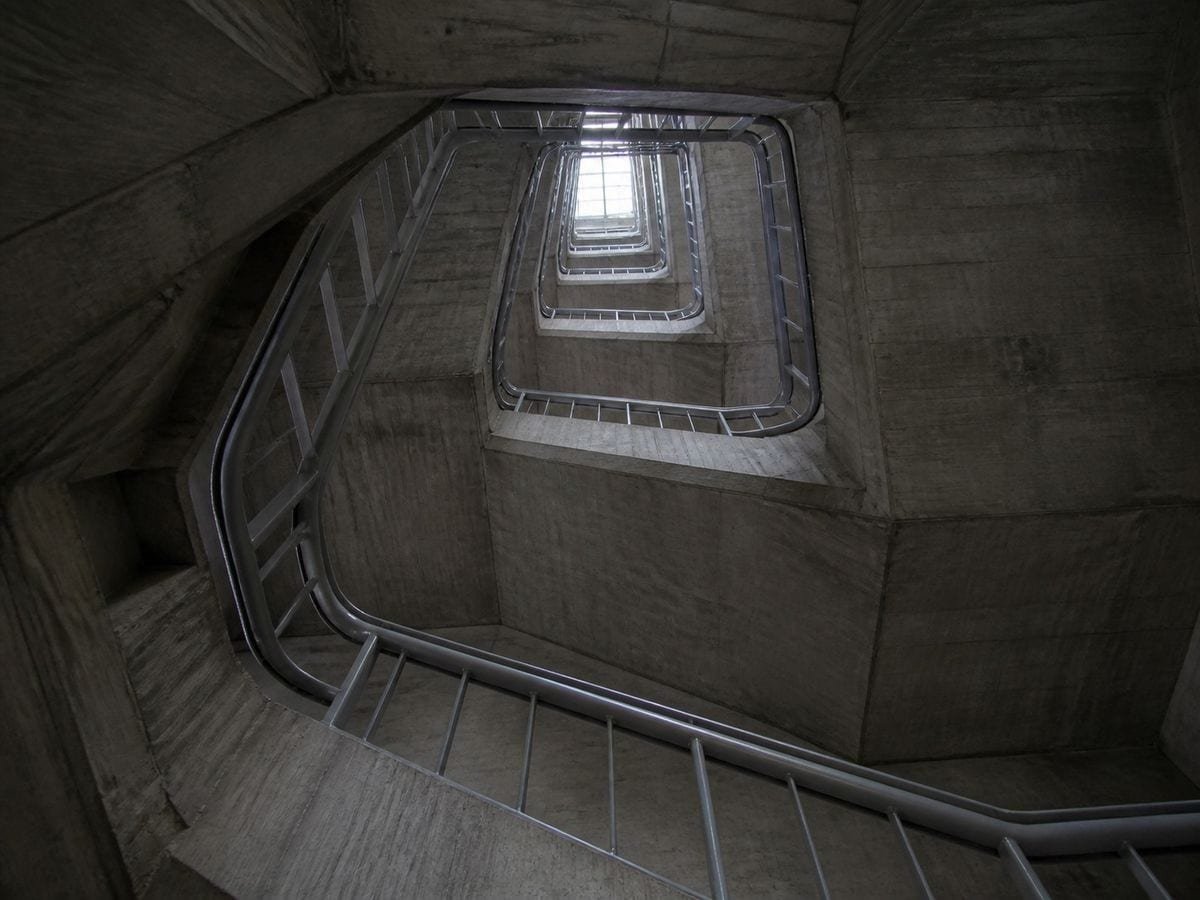
Establishing shots. Looking up at a city block only works if the third point is far enough out — I used to make it far too close and everything read as a fisheye.
For a hero panel I set the spread wide and the third point low, then draw the block-in over the exported grid. Doing it by eye was costing me a redraw every time.
I check my elevations against photographs with it. Aligning the grid to the photo tells me immediately whether my drawn convergence is honest or exaggerated.
Three-point perspective: frequently asked questions
The geometry
Should the third vanishing point be above or below the frame?
Above if the viewer is looking up — the verticals converge toward the sky and the subject leans away, which is the worm's eye view. Below if looking down, so the verticals converge toward the ground and the ground plane opens up. It is one control, and it is the whole mood of the picture.
How far out should the third point be?
Further than feels right. The control runs a full frame height in each direction, and most convincing architectural views use much less convergence than people expect — the eye tolerates very little before it reads the drawing as distorted rather than as tall.
What does the vanishing point spread do?
It moves the two horizon points symmetrically, from sitting exactly on the frame's left and right edges at 1.0 out to a full frame width beyond each edge at 3.0. It behaves like focal length: close together is an extreme wide angle, far apart is a long lens and a calmer image.
Why does my perspective drawing look distorted?
Almost always because the vanishing points are too close together. It is the most common error in perspective drawing and the easiest to fix here, since widening the spread rebuilds the whole construction rather than requiring a redraw. The same failure and its fix are set out for every construction in the perspective category.
Is the third point in the correct place mathematically?
It is placed at the frame's horizontal centre, which is a working simplification. In a strict construction the third point lies on a perpendicular to the horizon through where the viewer's central axis meets the picture — the same thing whenever the viewer is looking at the middle of the subject, and slightly different for a deliberately off-axis composition. Dragging the whole overlay sideways handles that case.
Using it
How many lines should I show?
Between 3 and 16 per vanishing point. Three is usually enough while you are constructing, because three fans at sixteen lines each is a great deal of ink over a drawing you still have to see.
How do I check a photograph against it?
Drag and scale the grid until its verticals lie along the building's verticals, which lands the construction's third point on the photograph's own. Then see whether the horizon fans agree with the receding edges. It is a fast way to learn how little convergence real photographs contain, and the three point perspective overlay page works through painted examples the same way.
How do I set the third point from a photograph?
Follow two verticals in the picture — the corners of a tall building — and find where they meet. Move the third-point offset until the overlay's vertical family agrees with them. If they barely converge, the shot is nearly rectilinear and two-point would describe it better.
The three fans together are unreadable. What helps?
Drop the line count hard. Three families converging on three points puts lines everywhere, and the useful minimum is far lower than it feels — enough from each point to establish the direction, and no more. Opacity helps second.
Export and print
Can I print the grid to draw on?
Yes. Set the paper format and export a raster at up to 600 DPI, sized for that sheet. SVG export keeps it vector, which matters here because the construction converges to points outside the sheet.
What should I export for a large drawing?
SVG, and expect the third vanishing point to fall well outside the page. The vector file keeps the convergence exact even where the point itself is off the sheet, which is the case that hand construction finds hardest.
Choosing a grid
When should I use two point instead?
Whenever the verticals in your reference are not visibly converging, which is most of the time unless the camera was tilted or the subject is very tall and very close. A building drawn in three points that only warranted two looks unstable in a way rendering cannot fix.
When is two-point enough?
Whenever the verticals in your subject stay vertical — which is most eye-level views of most buildings. Three-point is for looking sharply up or down, and using it on a level view puts a convergence in the verticals that the subject does not have.
Practical matters
Does my reference get uploaded?
No. The image is drawn to a canvas in your own browser and never sent anywhere. There is no account and no upload step.
Is the third point mathematically in the right place?
Its position is a control rather than a derivation — you set the offset, and the tool draws lines converging there. A true station-point construction would fix all three points from one viewing distance, so treat this as a drawing aid that lets you choose the drama, not as a projection solver.
Does it suit architectural or comic work better?
Comic and concept work, mostly. Three-point's exaggerated convergence is a dramatic device — the worm's eye of a tower, the drop from a rooftop — and architectural presentation usually wants the verticals kept plumb, which means two-point.
Open the tool Three point perspective generator
Two points on the horizon, one in the sky
Three point perspective takes two numbers: the third point above or below, and the spread. Widen it until the lean stops looking broken, then export vector or 600 DPI. No signup, nothing uploaded.
Back to the generator →