
Material Design (2014–present)
The specification that formalised the convention. Material Design's adoption by Android, by Google's web products, and by hundreds of third-party apps propagated the 8pt grid to billions of users.
The UI rhythm scale of modern product design. Margins, padding, gaps between elements, line-heights — all constrained to multiples of 8 pixels. The convention adopted by Google Material Design (2014), Apple iOS, Bootstrap, Ant Design, IBM Carbon, Microsoft Fluent, and every major design system shipped in the last decade. Replaces the unpredictable spacing of pre-system design with a clean integer scale of 8, 16, 24, 32, 40, 48, 56, 64 pixels — plus a 4pt sub-grid for finer spacing within components. The single most-distributed typography-grid principle of the modern era.
One of the 82 composition overlays every visual artist should know and use.
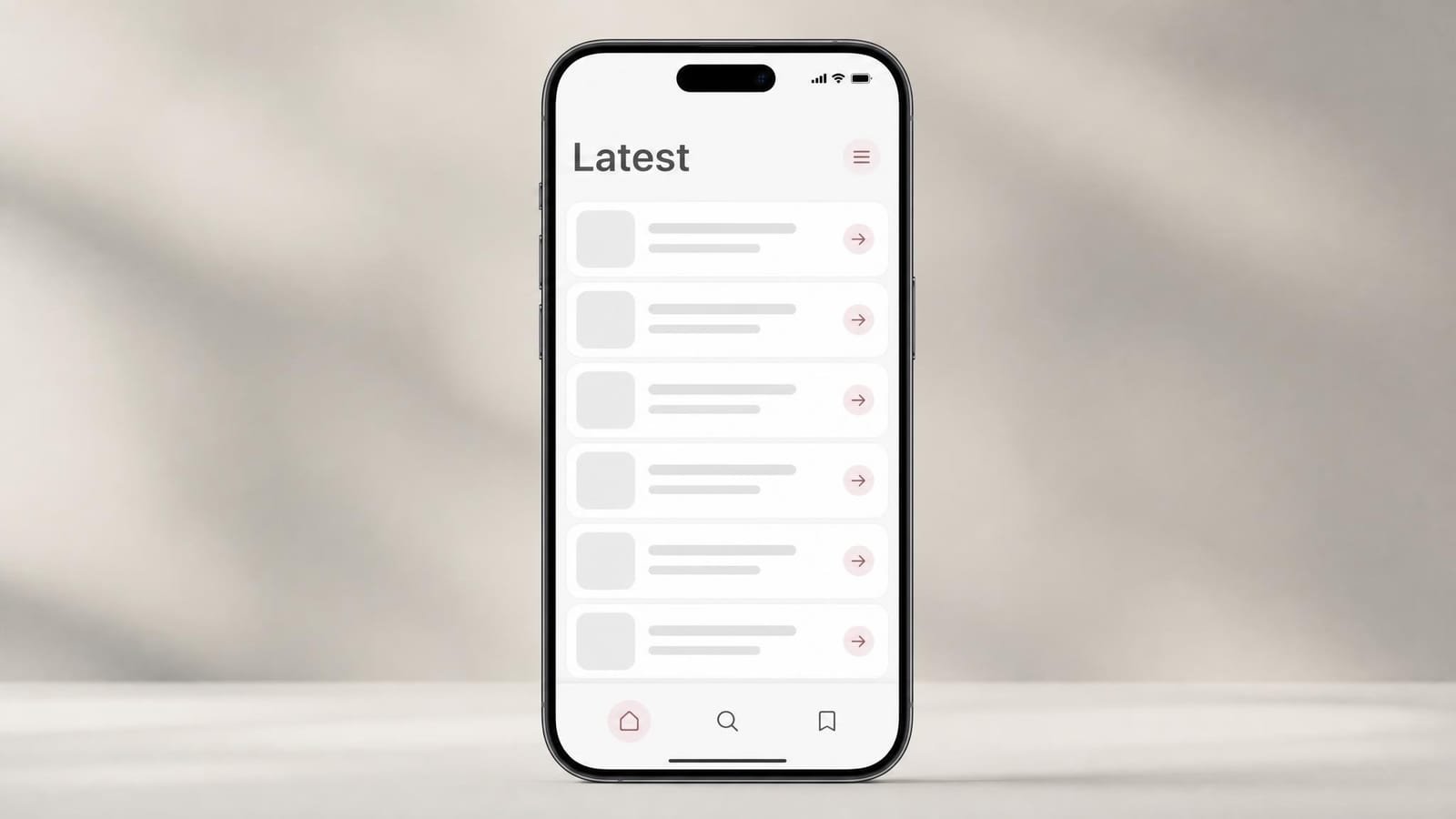
On a mobile app screen, every spacing decision lands on the 8pt grid. Padding around the screen edge: 16. Spacing between cards: 16. Inset padding within cards: 16. Icon-to-text gap: 8. Status bar height: 24.
The 8pt spacing grid overlay draws a network of horizontal and vertical lines at 8-pixel intervals across the entire interface. Every component edge, every text baseline, every icon position must coincide with a grid line — that is the entire content of the design system convention. An optional 4pt sub-grid shows the half-step subdivisions for finer intra-component spacing.
The overlay is parameterised by base interval (8px is canonical, 4px for fine work, 16px for compressed display), grid colour, and optional sub-grid visibility. The grid extends in both directions to the canvas edges; UI elements snap to grid intersections for clean rendering at every device pixel-density.
The 8pt grid produces a small discrete set of valid spacing values:
8pt scale: 8, 16, 24, 32, 40, 48, 56, 64, 72, 80, 88, 96
4pt sub-grid: 4, 8, 12, 16, 20, 24, 28, 32
typical scale used per component:
· 4px — icon-text gap inside button
· 8px — padding inside small badge
· 16px — card body padding
· 24px — between sibling cards in list
· 32px — section margin in page
The discrete-scale constraint forces deliberate spacing decisions rather than the eyeballed values that produce unpredictable interfaces. 8pt subdivides evenly into the 1x, 1.5x, 2x, and 3x screen pixel densities used by Android and high-DPI displays, producing whole-pixel rendering on all common devices — the engineering rationale that gives the convention its real basis beyond mere aesthetic preference.1
2007 — iOS Human Interface Guidelines. Apple's iPhone HIG documentation already specified 4pt and 8pt spacing values for iOS interface elements, but did not name the underlying system or explicitly require all spacing to be multiples of these values.2 The convention was implicit in Apple's own UIKit components but not codified as a design-system principle.
2011 onward — Twitter Bootstrap. Twitter Bootstrap uses consistent 5px and 10px spacing in its early versions; later versions move toward 4px and 8px multiples that align with the emerging convention.3 Bootstrap is the most-distributed CSS framework of the 2010s and propagates its spacing conventions to millions of websites.
June 2014 — Material Design. Google releases the Material Design specification at I/O 2014, explicitly defining an 8dp baseline grid for spacing in addition to the 4dp grid for finer subdivisions.1 The specification is the first widely-distributed design system to name the 8pt convention and require it as a principle. Material Design is published under permissive licensing and adopted by hundreds of major Android and web applications within a year.
December 2014 — Jackson on Spec.fm. Bryn Jackson publishes "The 8-Point Grid" on Spec.fm, the most-circulated single design-community article on the convention.4 Jackson articulates the engineering rationale (whole-pixel rendering at multiple screen densities) and the design rationale (consistency across components) in terms that designers without deep technical background can apply.
2015–2017 — design-system propagation. Major design systems adopt the 8pt convention in succession: IBM Carbon (8pt grid from launch in 2014), Microsoft Fluent (4pt and 8pt 2017), Atlassian Design System (8pt 2017), Ant Design (8pt from launch 2015), Shopify Polaris (8pt 2017), GitHub Primer (8pt 2017).5 Within three years of Material Design's release, the convention is the de-facto industry standard for product design.
2018 — Schoger and Wathan. Steve Schoger and Adam Wathan publish Refactoring UI, the most-distributed contemporary UI design teaching resource. The book explicitly teaches the 8pt convention as foundational practice.6 Tailwind CSS, also by Wathan, ships with the 8pt scale built into its default spacing utilities.
2020s — universal adoption. Figma, Sketch, and Adobe XD ship with 8pt grids as defaults in new file templates. Tailwind CSS spacing utilities use the 8pt scale (with 4pt subdivisions). All major mobile platforms, all major design systems, all major UI frameworks default to 8pt spacing as canonical.
"Bryn Jackson invented the 8pt grid." Jackson popularised and articulated the convention but did not invent it. Material Design's specification predates Jackson's article by approximately six months; Apple's iOS used 4pt and 8pt spacing implicitly before either. Jackson's contribution was clear articulation rather than invention.
"The 8pt grid is universal across cultures and traditions." Print typography uses different spacing conventions (typically based on the body-text leading rather than a fixed pixel scale). The 8pt grid is specifically a screen-rendering convention motivated by pixel-density alignment; print typography uses related but distinct logic via the baseline grid.
| If you want to... | Use 8pt grid | Don't use it for... | Difficulty |
|---|---|---|---|
| Design a mobile app (iOS, Android) | Native platform convention; all standard components use 4pt/8pt spacing | Highly stylised one-off apps where the convention reads as generic | Beginner |
| Build a dashboard or admin interface | Every major dashboard design system uses 8pt; consistency across components | Display dashboards or kiosk screens where viewing distance changes the rules | Beginner |
| Design with a major design system (Material, Carbon, Fluent) | Required for component compatibility; mixing 8pt and non-8pt spacing breaks the system | Custom design systems with their own conventions | Beginner |
| Implement layout with Tailwind CSS or Bootstrap | Default spacing utilities use the 8pt scale; on-grid spacing requires no custom CSS | Frameworks with non-8pt defaults (rare; some specialised systems) | Beginner |
| Maintain spacing consistency across a multi-person product team | The discrete scale eliminates spacing debates; designers cannot choose 14 vs 16 when only 16 is valid | Single-designer projects with strong taste and short timelines | Beginner |
Six design systems where the 8pt grid is the foundational spacing convention.
The specification that formalised the convention. Material Design's adoption by Android, by Google's web products, and by hundreds of third-party apps propagated the 8pt grid to billions of users.
Apple's HIG used 4pt and 8pt spacing implicitly before Material Design formalised the convention. Contemporary iOS uses the convention universally across system apps and SDK component libraries.
Enterprise design system with strict 8px grid throughout. Used across IBM Cloud, Watson, and most enterprise IBM software. The most-cited enterprise example of the convention.
One of the most-used enterprise UI frameworks globally. 8px base grid used consistently across hundreds of components. Documentation site itself uses the same grid as the components it documents.
Default spacing utilities use the 8pt scale (with 4pt subdivisions). Tailwind ships with the convention built into its core spacing classes; developers using Tailwind defaults are already using the 8pt grid without explicit decision.
The most-distributed contemporary UI design teaching book. Explicitly teaches the 8pt convention as foundational practice; influences the working habits of millions of designers and developers worldwide.
The single most common error. Designers reach for values like 14, 18, 22, 30, 50 because they "look right." These break the system, propagate to engineering, and produce inconsistent spacing across components. The fix is the discipline of the discrete scale.
CSS rem units multiply by the user's root font size, so 1rem = 16px (default). Mixing 8px and 1rem in the same design produces unpredictable spacing when users adjust their text size. The 8pt grid works in absolute pixels (or dp on Android, pt on iOS), not in user-scalable units.
Some designers maintain the 8pt grid for "normal" UI but break it for hero sections, marketing pages, or feature announcements. The result is jarring transitions between on-grid and off-grid regions of the same product.
Body text with line-height 22px breaks the grid even if every padding value is 8-multiple. The text baseline drifts off-grid every line, breaking vertical rhythm. Typography must align to the spacing grid for the system to actually function.
The 8pt grid is foundational practice. Every major design tool (Figma, Sketch, Adobe XD) ships with 8pt grids in default templates. The discipline of the discrete scale eliminates spacing debates within multi-person product teams and produces interfaces that scan as professional rather than approximate.
Native iOS and Android use 4pt and 8pt spacing universally. Working in 8pt aligns design with platform-native rendering at every device pixel density (1x to 4x). Material Design and Apple HIG both explicitly recommend the 8pt convention.
Tailwind CSS, Bootstrap, Ant Design, IBM Carbon, and most major CSS frameworks ship 8pt-aligned spacing utilities by default. Using framework defaults produces 8pt-grid-aligned interfaces automatically; the convention requires no custom CSS to implement.
The 8pt grid is the single most important convention to enforce in a multi-team design system. Spacing tokens at 4, 8, 12, 16, 24, 32, 48, 64 in the design system give designers and engineers a fixed vocabulary; arbitrary spacing requests should be rejected back to the system. IBM Carbon, Microsoft Fluent, and Shopify Polaris all enforce strict 8pt-token-only policies.
"Spacing is often considered the last thing to think about, but it's the first thing the eye notices. Get the spacing right with a strict 8pt grid, and the rest of the design has somewhere to live. Get it wrong, and no amount of beautiful colour or typography will save the interface from feeling amateur."
Adam Wathan & Steve Schoger, Refactoring UI (2018)6

Illustrative composites of how the tool gets used in practice — not quotes from named individuals.
Every product I've shipped in the last decade has used 8pt grids. The discipline of the discrete scale eliminates 80% of the spacing debates in design review.
For mobile design the 8pt grid is non-negotiable. Pixel-density rendering across iOS and Android scales depends on the multiples lining up cleanly.
When we audit a new design system at the studio the first check is 8pt-token compliance. Systems without it cost twice as much to maintain.
Drop a UI reference. The 8pt grid overlay applies in one click. Free, in your browser.
Launch Grid Maker Pro →You can use the 8pt Spacing Grid overlay here for nothing, today and always. What a browser still can't do is get the picture itself onto paper — that needs a camera. The Grid Maker Pro AR app floats your reference over the real page through your phone so you trace the outlines straight onto the surface, then build on them with the same overlays you use here.
How AR tracing works → Free web tool, free forever · AR tracing is the separate paid app